By Sona Dubey | Founder of ArtbySona
Introduction: Why Most Beginners Struggle With Digital Painting
A lot of beginners start digital painting with excitement.
They buy a drawing tablet, download a painting app, open a blank canvas… and then suddenly feel stuck.
The brushes look confusing.
The colors look dull.
And the artwork never looks like the tutorials.
Many beginner artists in India experience this. Whether you’re a student learning art, a freelancer designing illustrations, or someone starting a small art business like ArtbySona, the biggest problem is not talent.
The real problem is not knowing the right digital painting techniques.
Traditional artists often rely on instinct developed over years. But digital painting works differently. Tools like layers, brushes, blending modes, and textures can dramatically improve your artwork — if you know how to use them.
The good news?
You don’t need expensive software or years of training.
You just need to learn the right digital painting techniques that professionals use every day.
In this guide, you will learn 10 powerful digital painting techniques every beginner should master.
1. Start With Large Shapes (The Block-In Technique)


One of the most important digital painting techniques is called blocking in.
Instead of starting with tiny details, you begin by painting large shapes first.
Think about how children color drawings. They fill big areas first before adding details.
Professional artists do the same.
Why This Works
When you focus on large shapes first:
- Composition becomes clearer
- Colors stay balanced
- The painting looks natural
For example, if you’re painting a portrait, don’t start with eyelashes or hair strands.
Instead paint:
- Skin tone block
- Hair mass
- Background color
- Shadow shapes
Once the foundation is correct, details become easy.
Beginner Tip
Use a large soft brush and reduce opacity to roughly 70–80%.
This keeps the painting flexible.
2. Master Layering
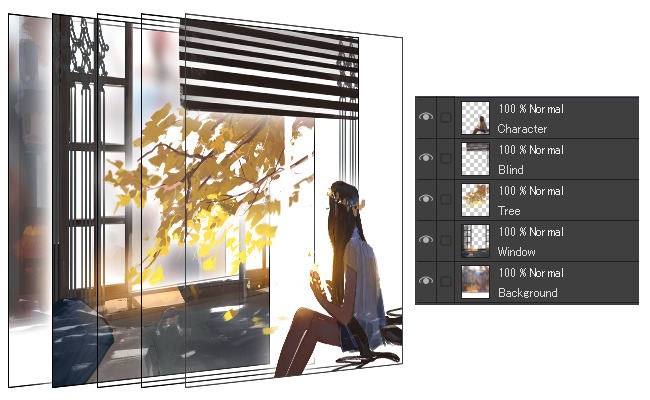
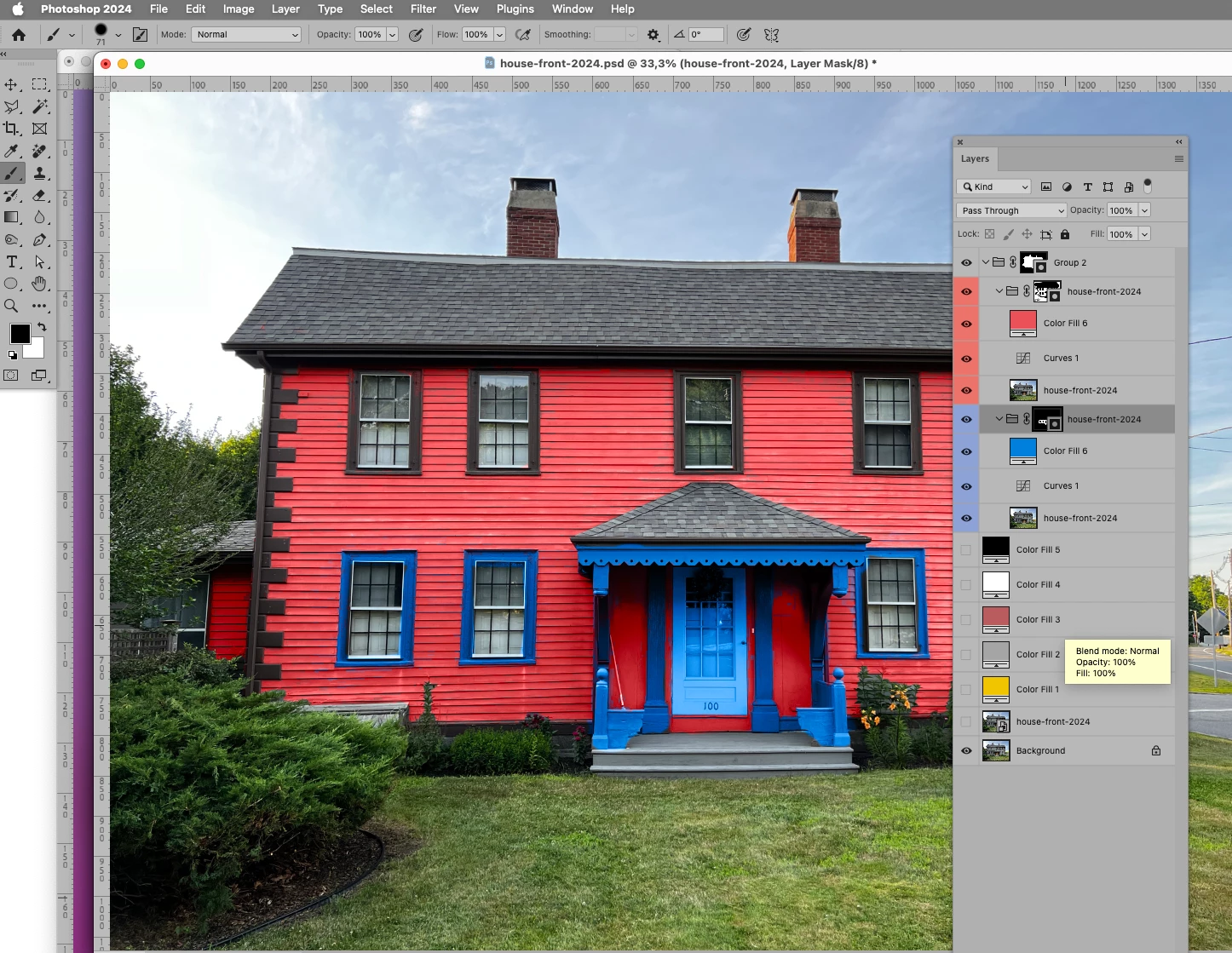
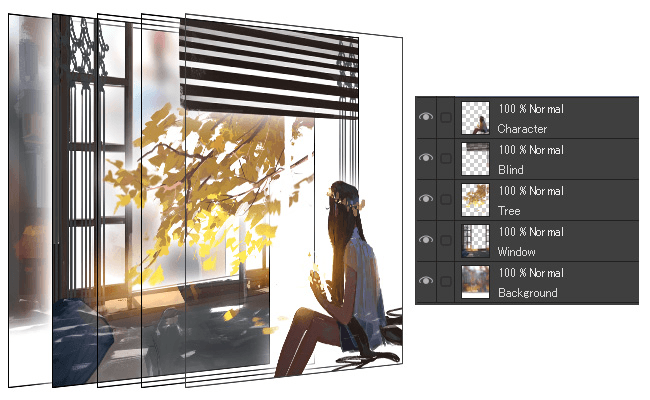

Layers are the superpower of digital painting.
Traditional painters cannot separate elements easily. But digital artists can.
Think of layers like transparent sheets stacked on each other.
A simple beginner layer structure might look like this:
- Background layer
- Sketch layer
- Base color layer
- Shadow layer
- Highlight layer
- Texture layer
This method allows you to edit parts without ruining the entire artwork.
For example:
If you’re painting a Krishna illustration or Indian portrait, you can adjust skin color without affecting the clothes.
Pro Tip
Name your layers clearly:
- Skin
- Hair
- Clothes
- Background
This keeps your workflow organized.
3. Use Soft and Hard Edges Correctly
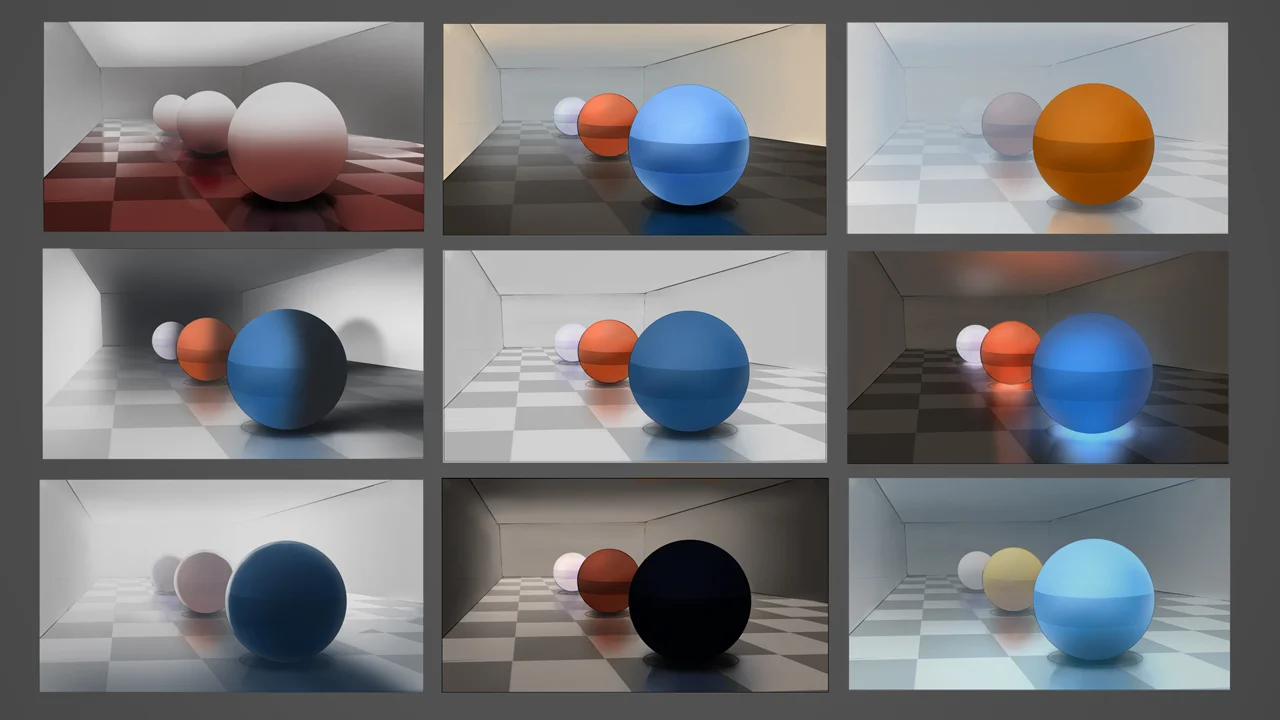
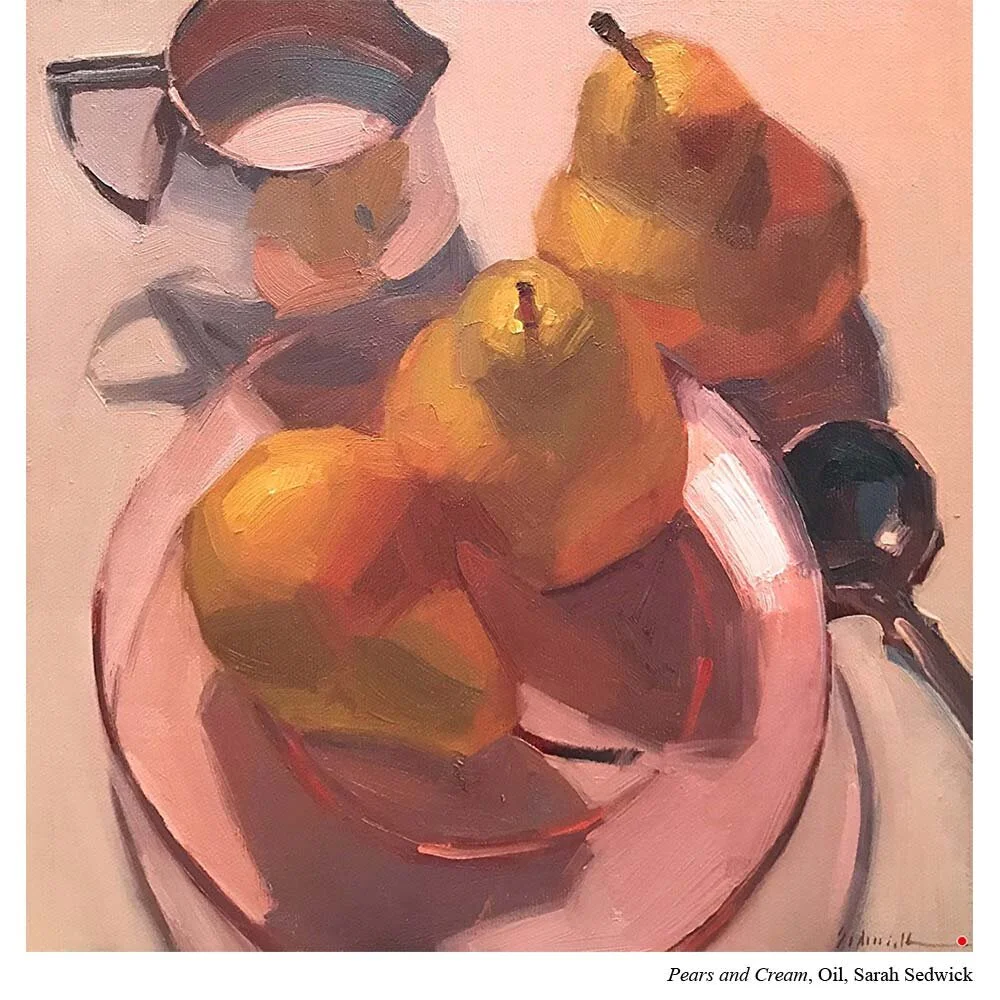
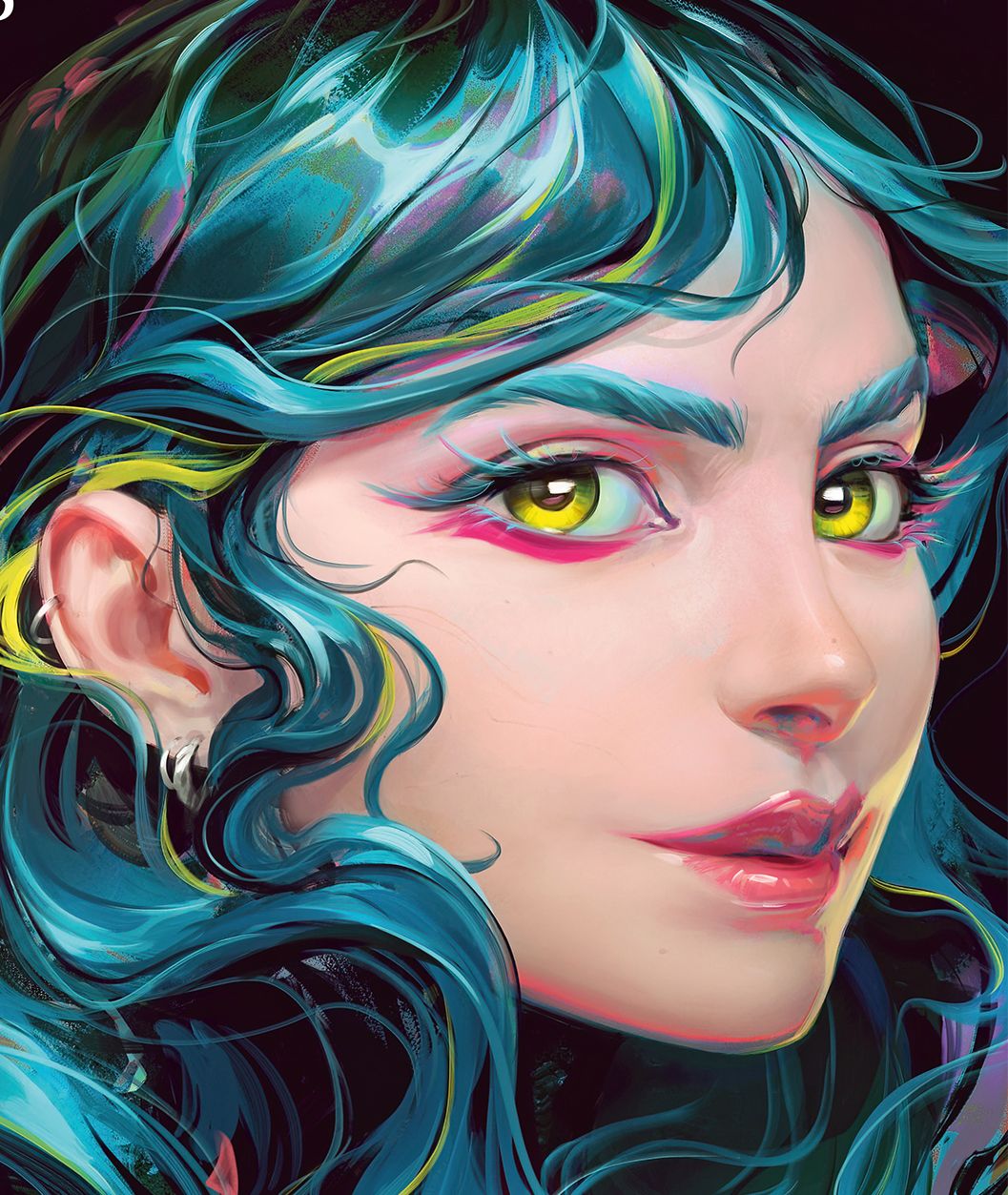
Edge control is one of the most overlooked digital painting techniques.
Edges determine how sharp or soft parts of your artwork look.
Hard Edges
Used for:
- Eyes
- Important details
- Foreground objects
Soft Edges
Used for:
- Background
- Shadows
- Skin blending
If everything in your painting has sharp edges, it looks artificial.
Professional artists combine both.
Simple Exercise
Paint a sphere.
Then soften the shadow edges using a low-opacity brush.
You will instantly see the difference.
4. Learn Color Harmony
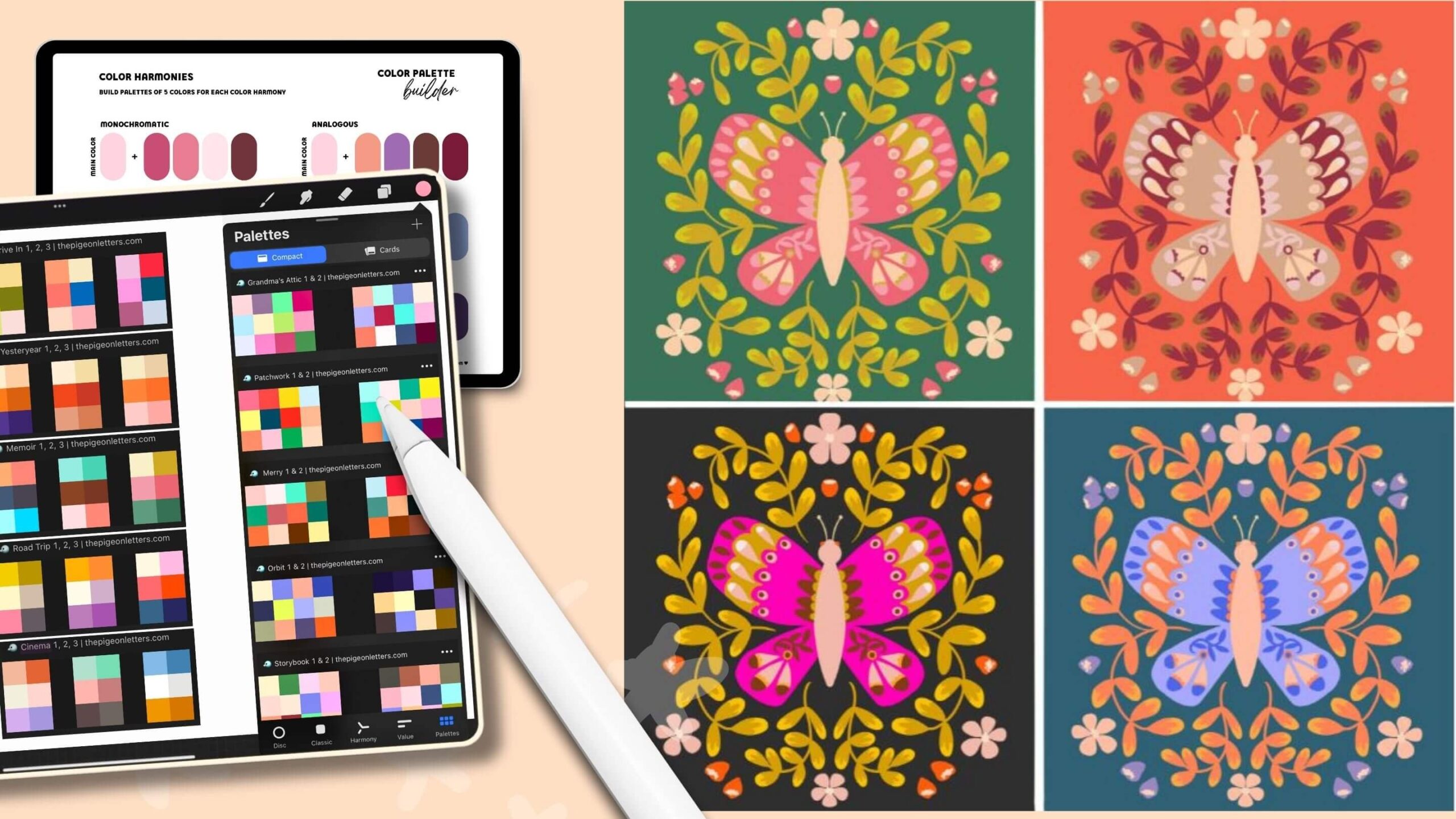

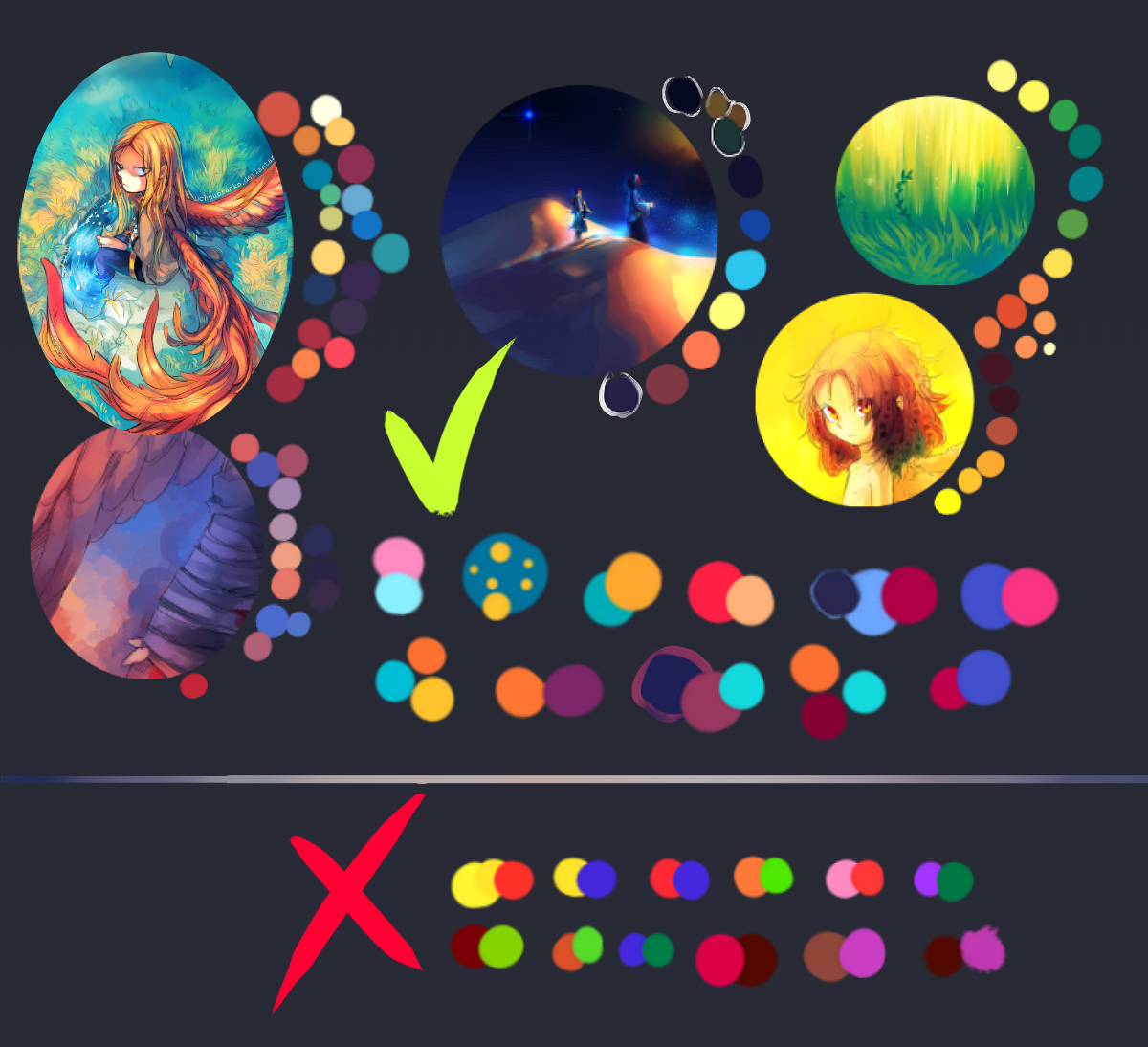
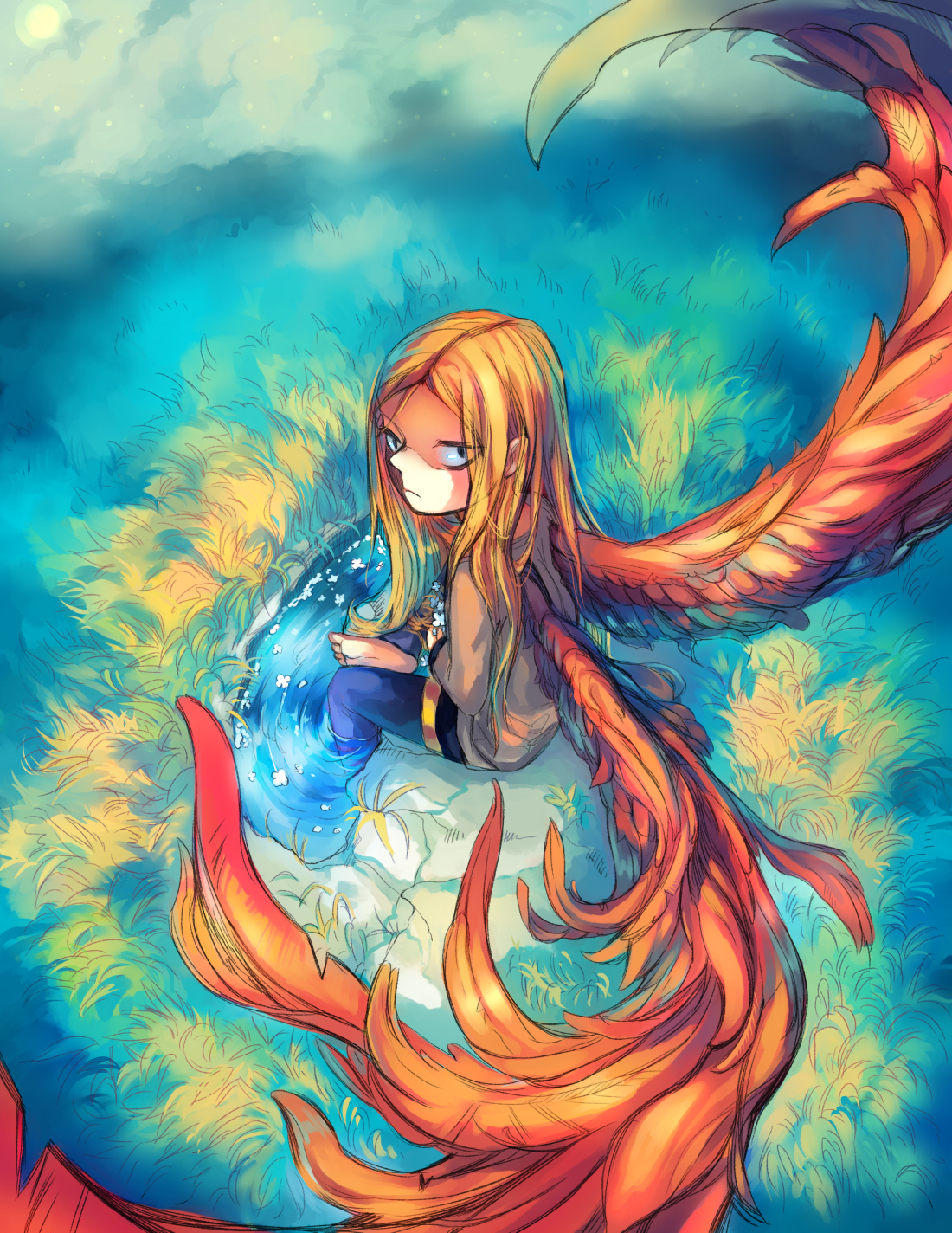
Many beginners struggle because they choose random colors.
The result?
The artwork feels flat or unnatural.
Good digital paintings follow color harmony principles.
Common color schemes include:
- Complementary colors
- Analogous colors
- Triadic color palettes
Example:
If you’re painting a sunset landscape in Rajasthan, a good palette might include:
- Warm orange
- Deep purple
- Golden yellow
These colors naturally work well together.
Beginner Trick
Use the color picker from real photos.
Nature already has perfect palettes.
5. Use Lighting to Create Depth

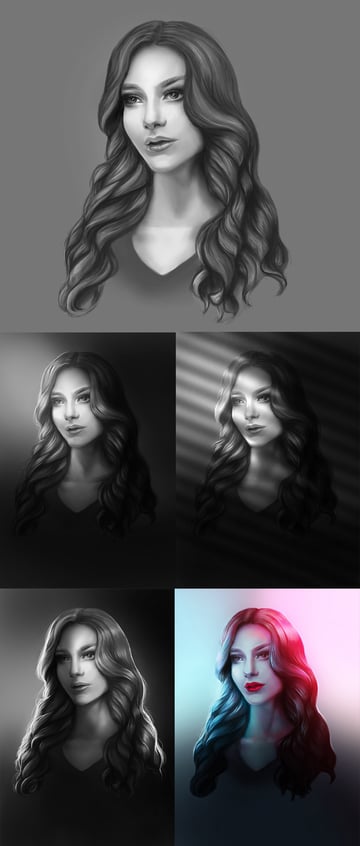


Lighting is what separates amateur paintings from professional artwork.
Even a simple drawing can look amazing with good lighting.
Imagine a portrait with light coming from the left side.
You would paint:
- Bright highlights on the left
- Soft shadows on the right
- Cast shadows under the nose and chin
This instantly adds three-dimensional depth.
Practice Exercise
Paint the same object using:
- Top lighting
- Side lighting
- Back lighting
You’ll learn how dramatically lighting changes a painting.
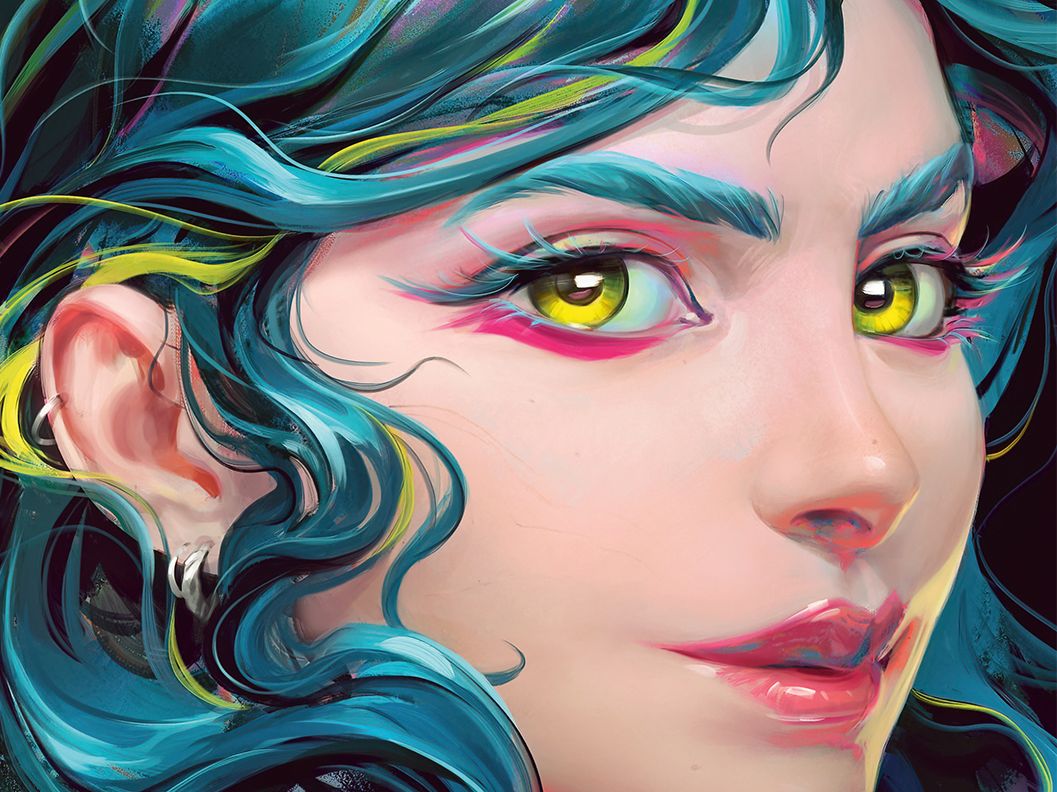
6. Use Textured Brushes

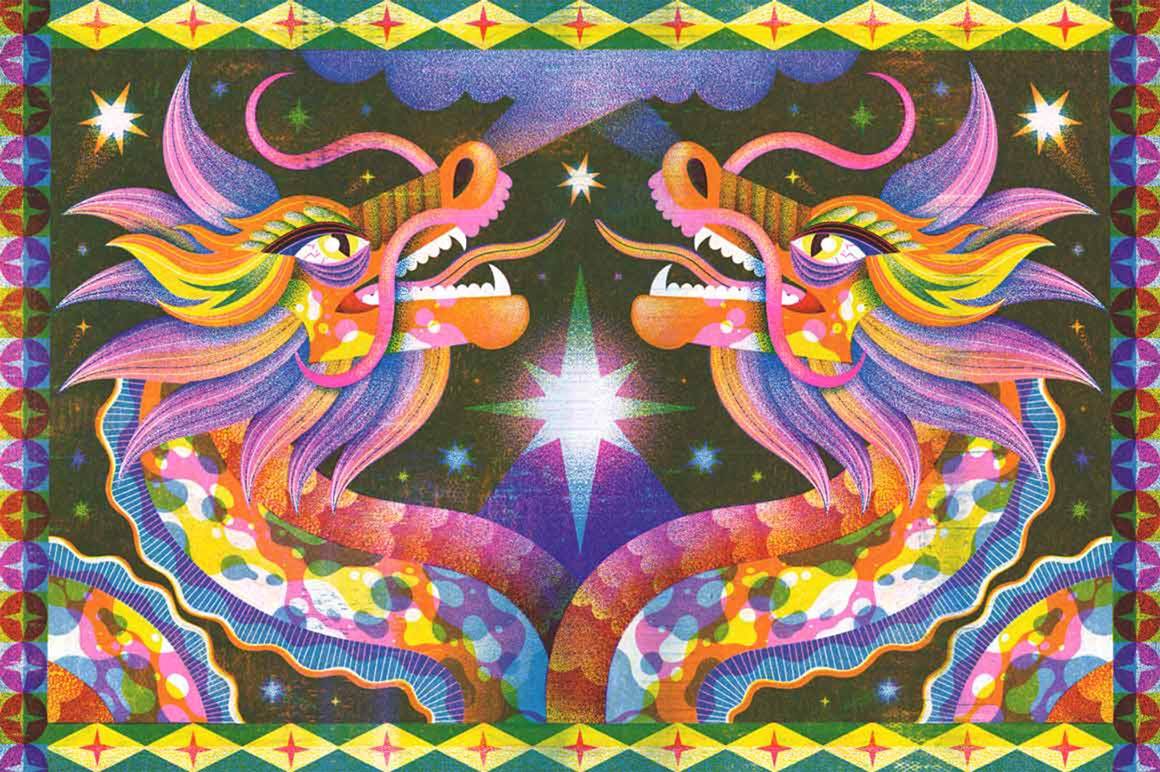
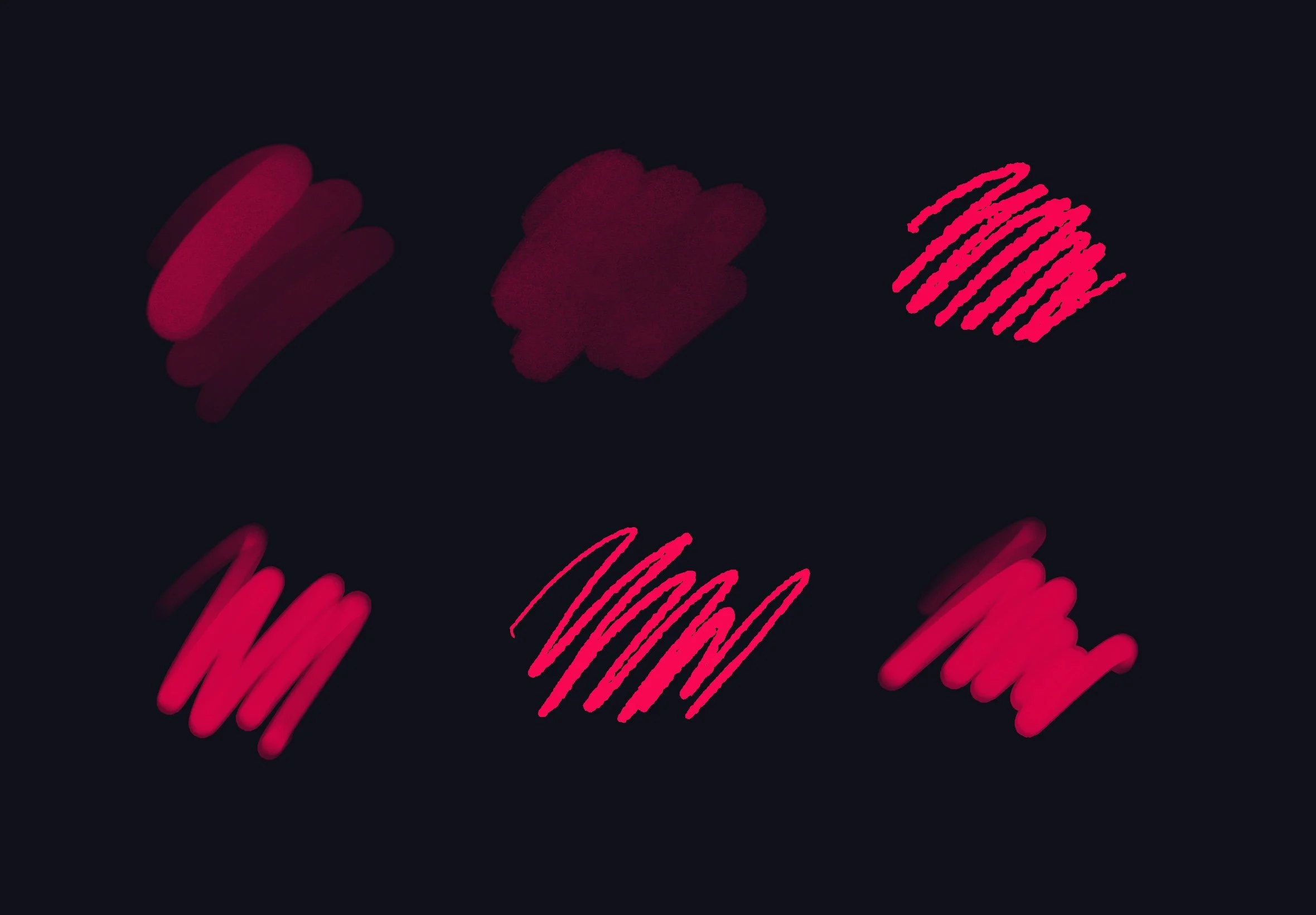
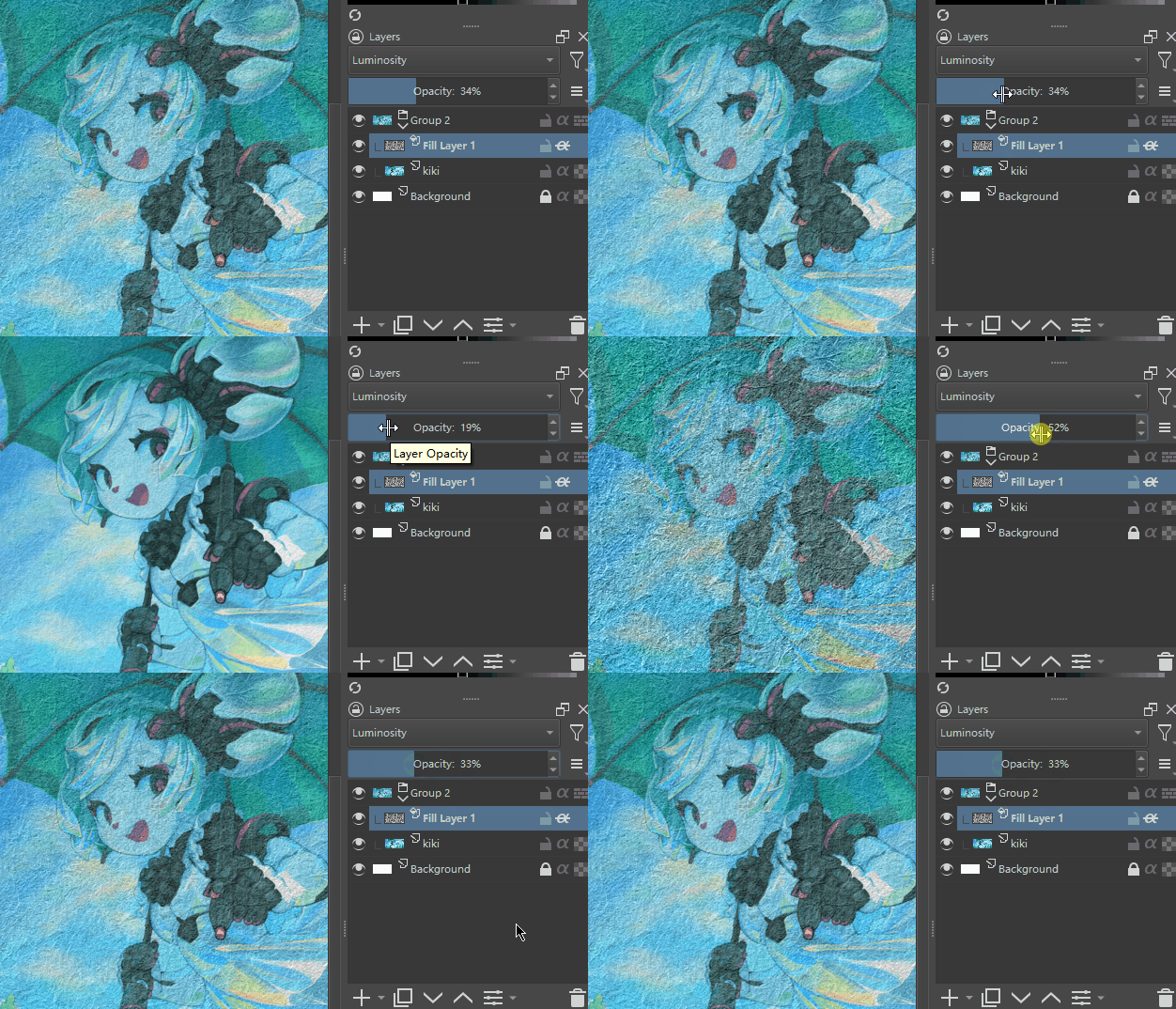
Flat brushes make paintings look artificial.
Texture brushes add realism.
For example:
- Canvas texture
- Chalk brush
- Watercolor brush
- Oil paint brush
If you’re painting traditional Indian art styles, textured brushes help mimic traditional materials.
Good Beginner Brushes
- Chalk brush
- Rough round brush
- Dry brush
Avoid downloading hundreds of brushes.
Two or three good brushes are enough.
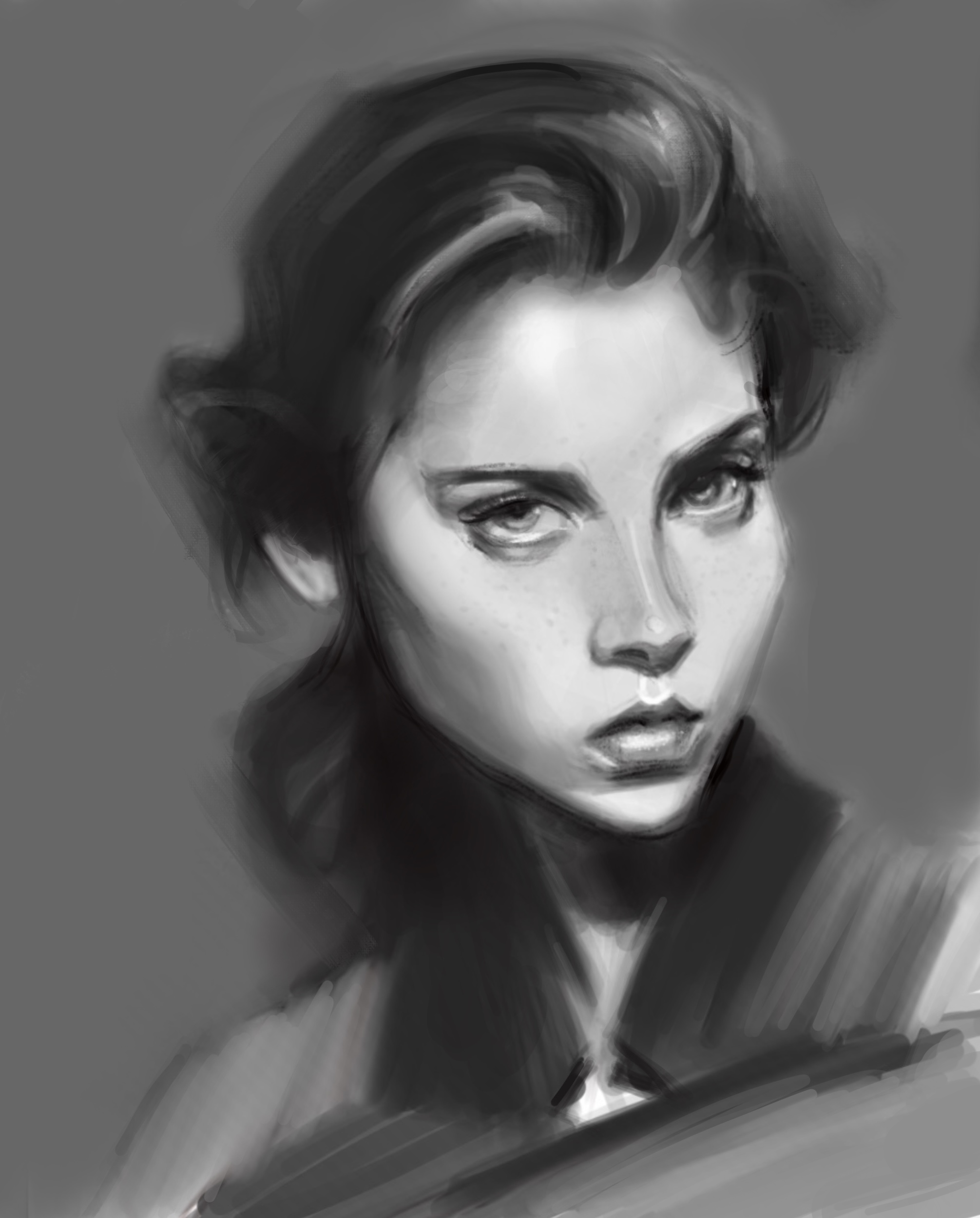
7. Practice Value Painting (Black & White)

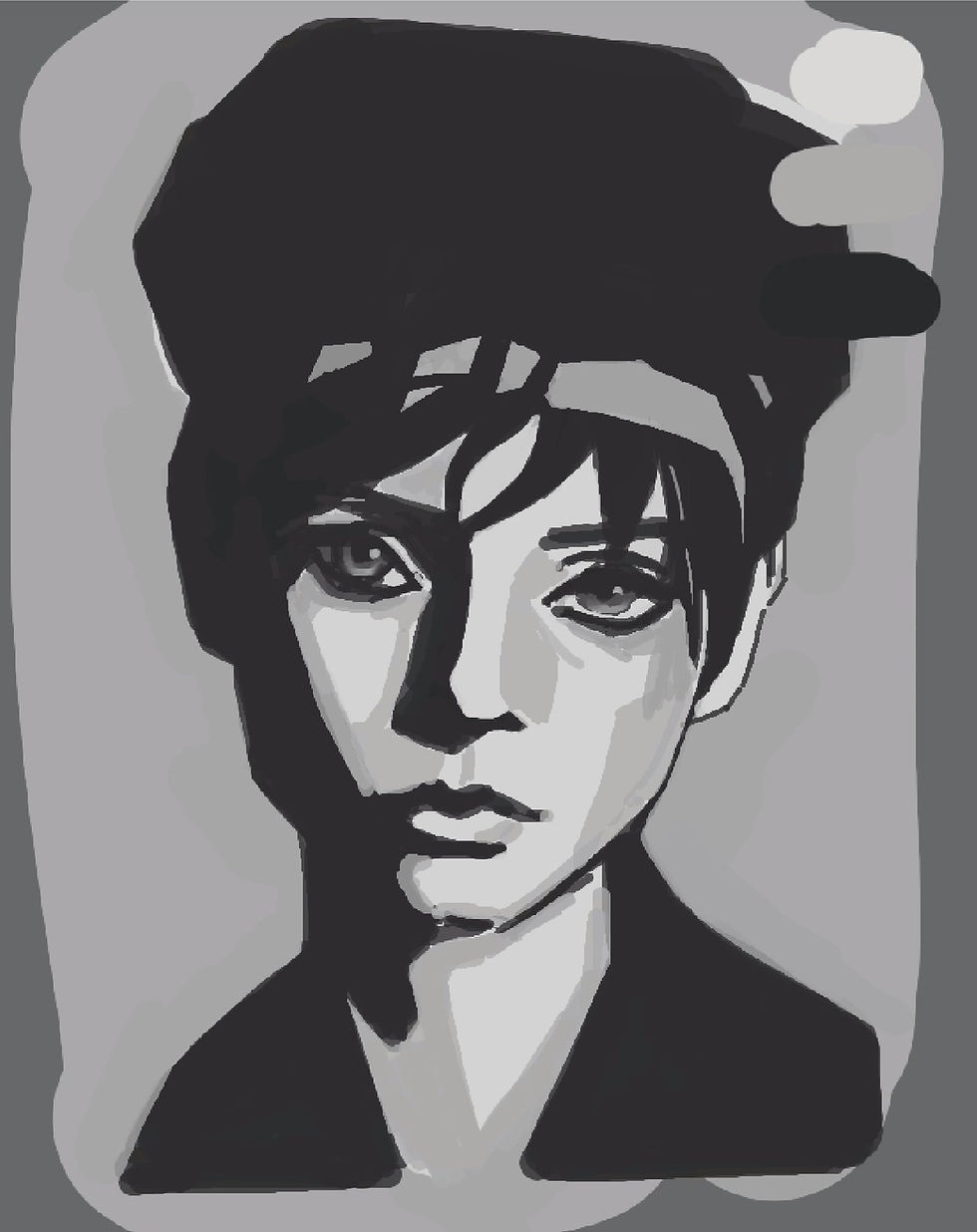
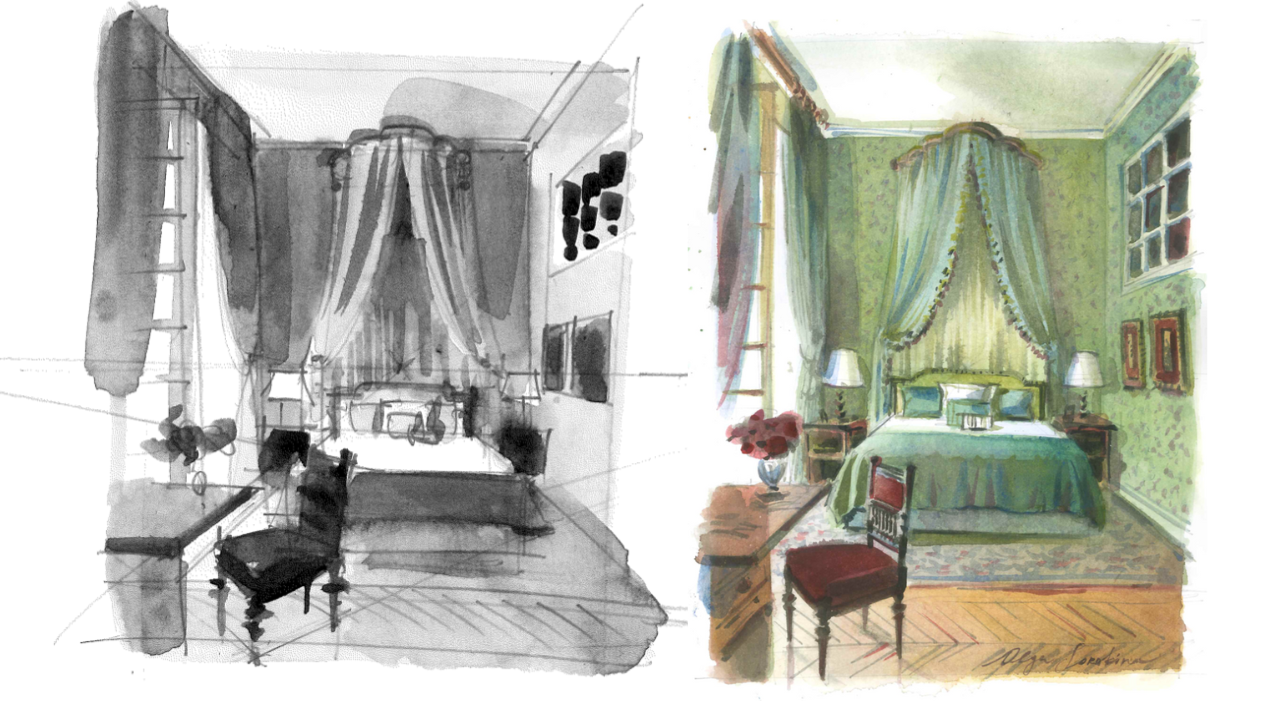
Before worrying about colors, professionals often paint in grayscale.
This technique helps you understand light and shadow.
Value refers to how light or dark something appears.
A strong painting works even without color.
Practice Method
Convert a photo into black and white.
Then try to paint it using only 5 shades of gray.
This exercise improves shading dramatically.
8. Use Reference Images


Many beginners think using references is cheating.
It is not.
Professional artists use references constantly.
For example:
If you want to paint:
- A tiger
- A sari texture
- A temple architecture
Use reference photos.
This improves accuracy.
Tip for Beginners
Create a reference board before starting a painting.
This keeps your ideas consistent.
9. Use Blending Carefully
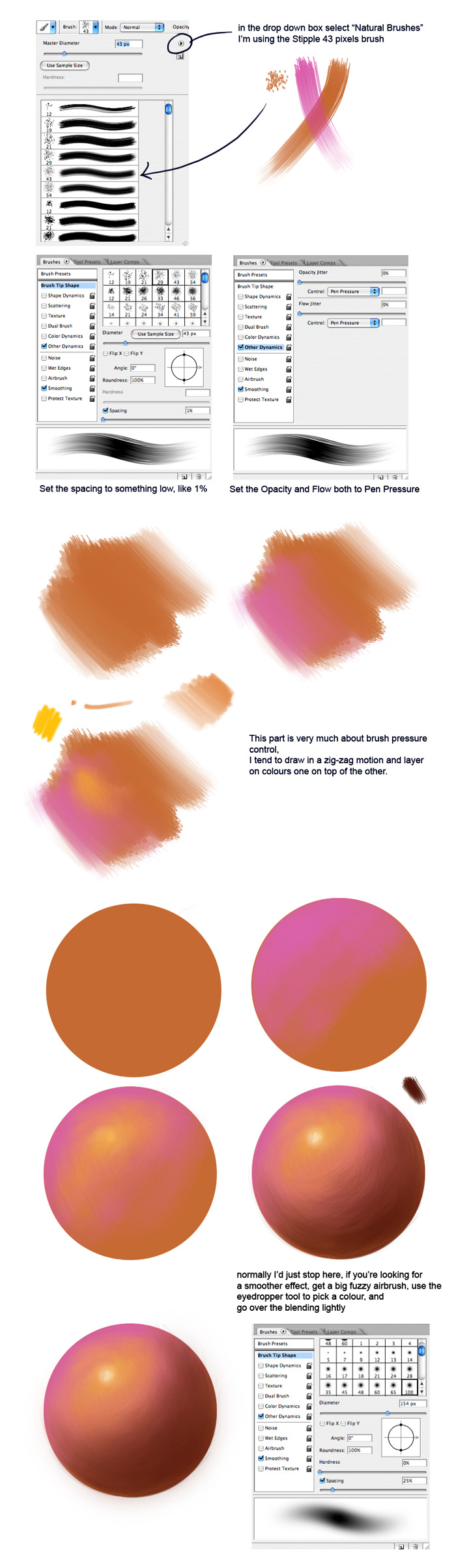


Blending helps create smooth transitions between colors.
But beginners often overblend, which makes paintings look blurry.
Instead of using the smudge tool everywhere, try this method:
- Paint two colors side by side.
- Use a soft brush at low opacity.
- Gradually mix the colors.
This keeps the painting natural.
10. Add Final Details and Highlights

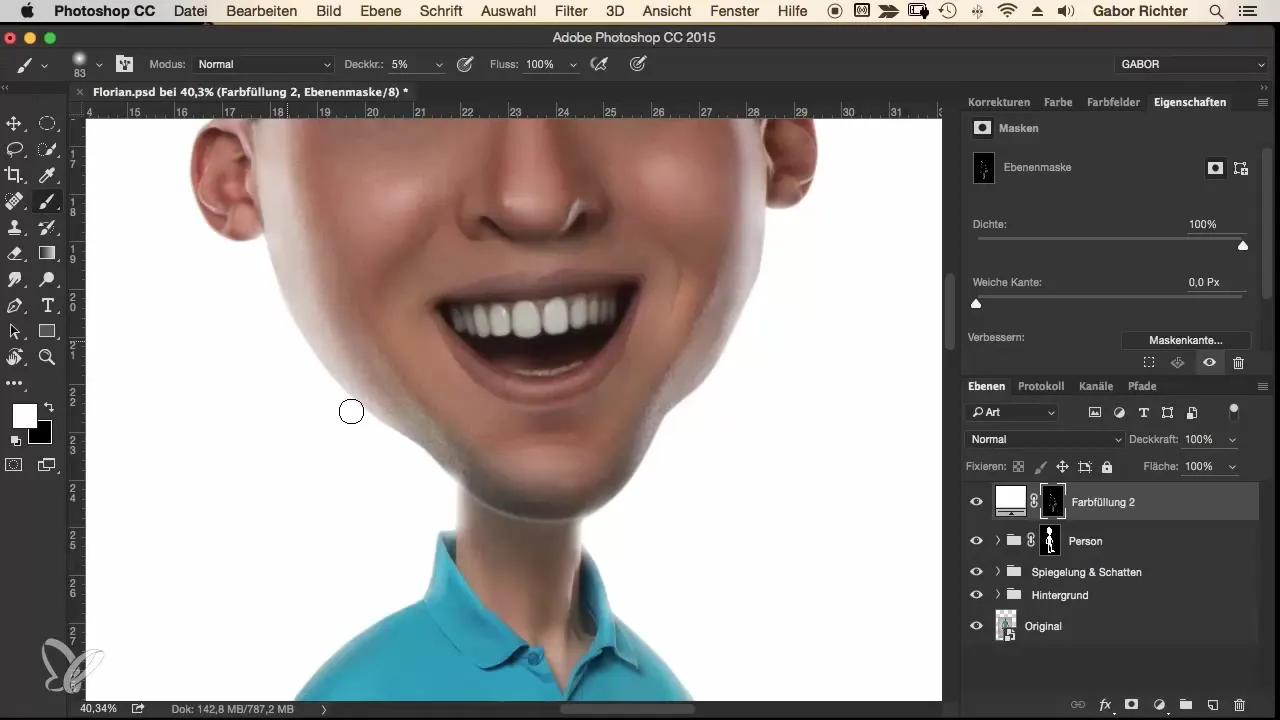


Details should always come at the end.
Many beginners start with details immediately, which slows the entire process.
Final details include:
- Hair strands
- Jewelry highlights
- Fabric folds
- Eye reflections
These small touches make the painting feel alive.
Common Digital Painting Mistakes Beginners Make
Even talented beginners make these mistakes.
1. Starting With Details Too Early
Always block large shapes first.
2. Using Too Many Brushes
Professionals often use just 2–3 brushes.
3. Ignoring Lighting
Without lighting, paintings look flat.
4. Avoiding References
References improve accuracy.
5. Overblending Colors
Too much blending removes texture.
Avoiding these mistakes will accelerate your progress.
Step-by-Step Beginner Workflow
Here is a simple workflow beginners can follow.
Step 1
Create a rough sketch.
Step 2
Block in large color shapes.
Step 3
Define shadows and lighting.
Step 4
Add textures and secondary colors.
Step 5
Refine edges and blend carefully.
Step 6
Add final highlights and details.
This process works for:
- Portraits
- Landscapes
- Character design
- Illustrations
Real Example: A Beginner Artist From India
A student from Kanpur once shared his digital paintings online.
He had good drawing skills but his paintings looked flat.
The issue?
He skipped value studies and lighting.
After practicing grayscale painting for two weeks, his artwork improved dramatically.
This proves something important.
Great art is not about expensive tools.
It is about understanding core digital painting techniques.
Final Thoughts: Master Techniques Before Tools
Many beginners believe better software or expensive tablets will improve their art.
But tools are not the secret.
Understanding digital painting techniques is what makes the difference.
If you practice these 10 techniques consistently, you will notice huge improvement in your artwork.
Start small.
Paint simple subjects.
Practice daily.
And slowly your digital paintings will start looking professional.
Whether you’re a student, hobby artist, or building an art brand like ArtbySona, mastering these techniques will help you create artwork that truly stands out.
Next Step
Open your drawing app today and try one simple exercise:
Paint a basic object using block-in shapes, grayscale values, and controlled lighting.
You will instantly understand why these digital painting techniques are so powerful.
Also Read:
- Best Free Digital Art Brushes for in 2026
- How to Build a Digital Art Portfolio

- Digital Art vs Traditional Art – 2026
- 20 Daily Digital Drawing Prompts
- How to Improve Digital Art Skills Faster
FAQ:
Yes, beginners can start learning digital art with basic tools like drawing tablets and beginner-friendly software. With practice and tutorials, anyone can develop digital art skills and gradually improve their creativity and technique.
Digital art enhances creativity by allowing artists to experiment with different styles, colors, and techniques quickly. Features like layers, undo options, and customizable brushes make it easier to explore ideas and refine artwork without starting over.
Digital art is artwork created using digital technology such as tablets, computers, and drawing software instead of traditional materials like paper and paint. It includes digital painting, illustration, 3D art, and animation created through specialized software.
Digital art is popular because it offers flexibility, faster editing, and easy sharing online. Artists can create, edit, and distribute their work globally using digital tools and platforms, making it easier to reach audiences and collaborate with others.

Sona Dubey is a digital artist with 5+ years of experience in illustration and devotional art. She is the founder of ArtBySona where she shares digital art tutorials, drawing exercises, and beginner-friendly guides to help artists improve their skills.