By Sona Dubey | Founder of ArtbySona
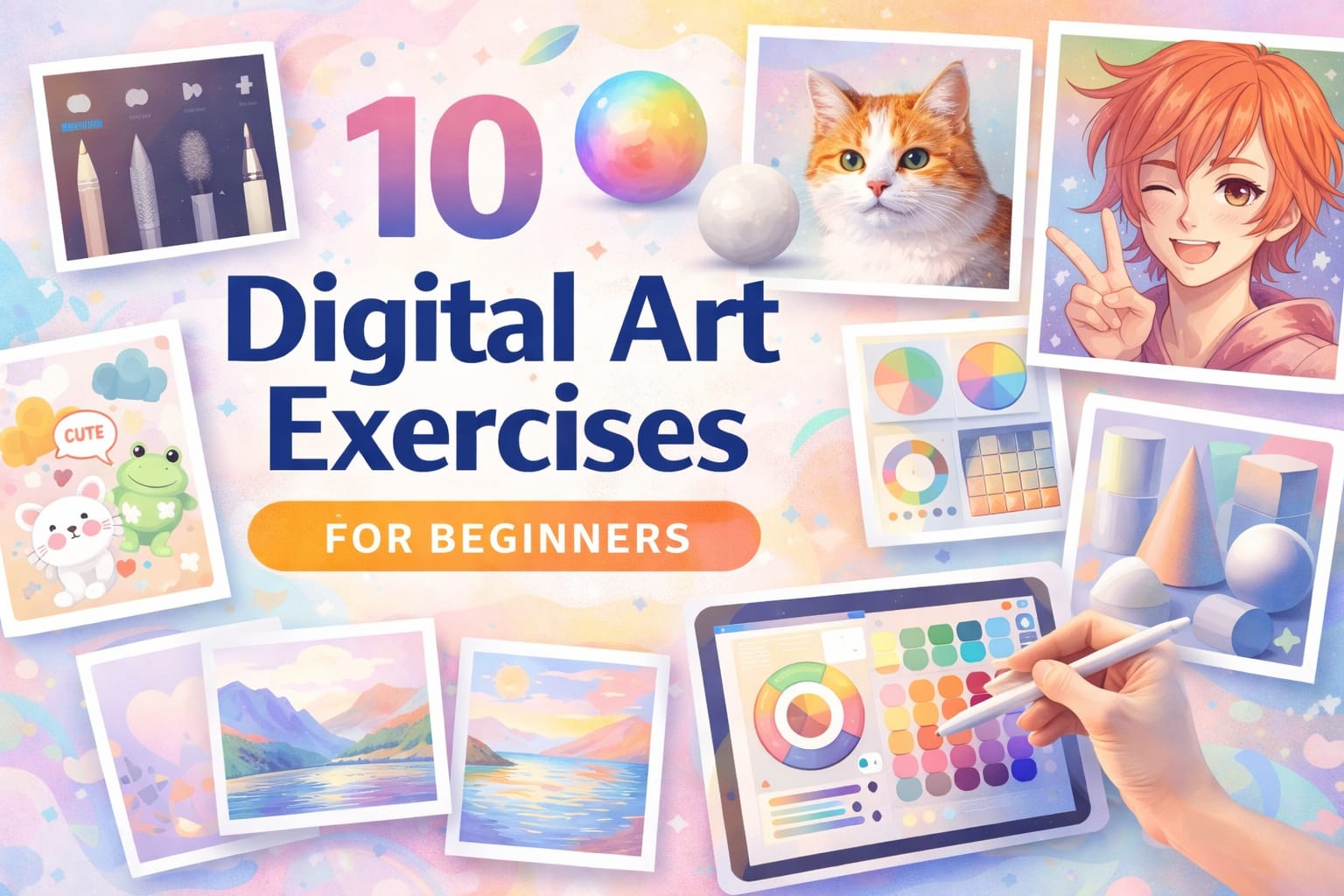
When I started learning digital art, I used to feel stuck.
I watched tutorials every day… but improvement was slow.
Then I realized something important:
👉 Improvement doesn’t come from watching.
👉 It comes from structured practice.
That’s why I created these digital art exercises for beginners — practical drills designed to build strong fundamentals.
If you practice these consistently, you’ll see visible improvement in just a few weeks.
Let’s begin.
1. Basic Shape Control Exercise


Practice:
- Draw 50 circles
- Draw 50 straight lines
- Draw squares without rotating canvas
Why it works:
Improves stylus control and confidence.
🎥 Optional: You can record your own 5-minute warm-up video and embed it in this section to increase engagement.
2. Grayscale Shading Practice
Draw a simple sphere.
Steps:
- Add base gray
- Add shadow
- Add highlight
- Blend smoothly
This builds light understanding — the foundation of digital painting.
3. Color Blending Exercise


Practice:
- Create smooth gradients
- Blend complementary colors
- Adjust opacity
Works beautifully in:
- Adobe Photoshop
- Procreate
- Clip Studio Paint
4. One Object, Five Styles
Draw one apple in:
- Cartoon style
- Realistic style
- Flat style
- Line art only
- Minimal style
This improves creativity and adaptability.
5. Light & Shadow Study
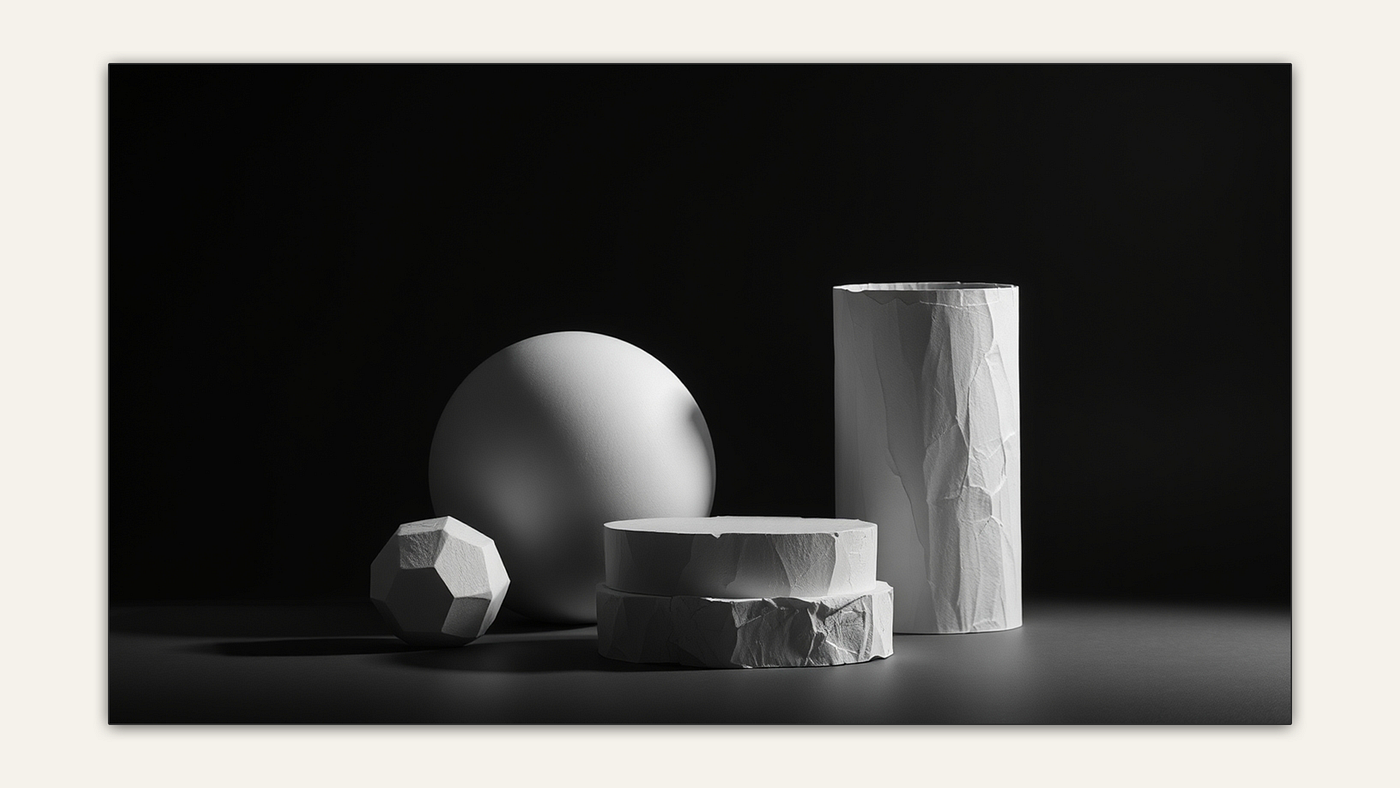
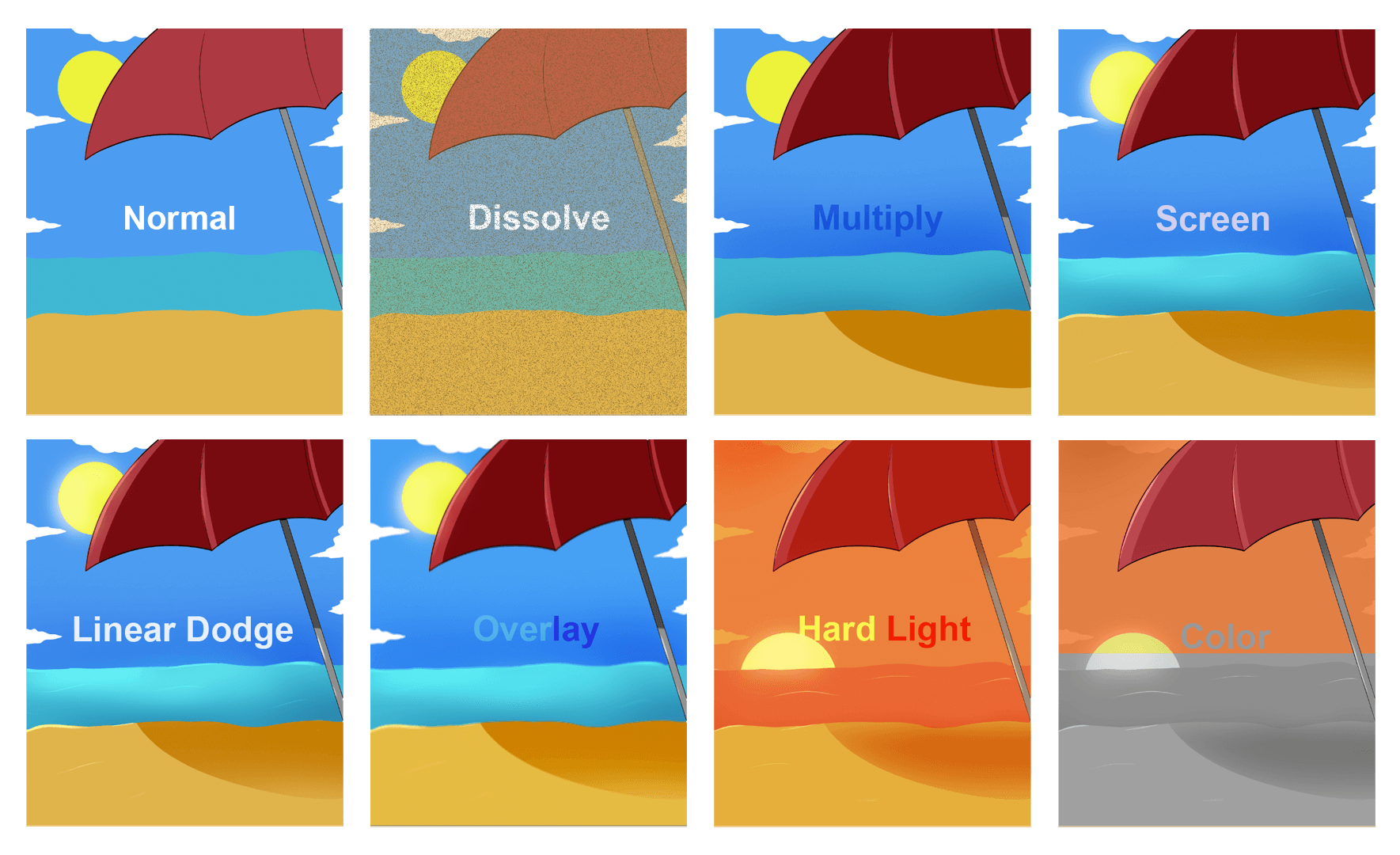

Create:
- Base color layer
- Shadow layer (Multiply)
- Highlight layer (Screen)
This gives depth and realism.
6. Limited Color Palette Challenge
Use only 3 colors in one artwork.
Why?
Because restriction increases creativity.
7. Speed Sketch Challenge
Set 10-minute timer.
Draw:
- Face
- Hand
- Landscape
This reduces fear of mistakes.
One of my ArtbySona learners once told me:
“Ma’am, speed sketching helped me stop overthinking.”
And that’s exactly the goal.
8. Layer Organization Practice
Create artwork using:
- Sketch layer
- Line art layer
- Base color layer
- Shadow layer
- Highlight layer
This builds workflow discipline.
9. Reference Study Exercise
Pick a photo.
Recreate it digitally.
Focus on:
- Light direction
- Proportion
- Texture
Observation improves faster than imagination alone.
10. 30-Day Mini Art Challenge
Create one small artwork daily.
Doesn’t need to be perfect.
Consistency > Perfection.
I’ve seen beginners improve dramatically in 30 days just by staying consistent.
🎓 What My Students Say
Here’s feedback I often hear:
✔ “My shading improved within 2 weeks.”
✔ “Layer practice made my drawings cleaner.”
✔ “The limited color challenge improved my creativity.”
Structured practice works.
📥 Free Downloadable Practice Checklist
You can create a simple downloadable PDF checklist including:
☐ Shape practice
☐ Shading sphere
☐ Color blending
☐ 5-style object
☐ Light study
☐ Limited palette
☐ Speed sketch
☐ Layer discipline
☐ Reference study
☐ 30-day tracker
Offering this as a free resource increases engagement and email collection opportunities.
Let’s Make It Interactive 💬
I’d love to see your progress.
✨ Try at least 3 exercises this week.
✨ Share which one felt most challenging.
✨ Comment below with your experience.
If you feel comfortable, describe your improvement journey.
Your story might inspire another beginner.
Final Words from Sona Dubey
Digital art improvement is not about talent.
It is about daily structured practice.
Start small.
Stay consistent.
Trust the process.
And remember — every professional artist was once a beginner.
— Sona Dubey
Artist | Founder of ArtbySona 🎨
Also Read:
- How to Build a Digital Art Portfolio
- Digital Art vs Traditional Art – 2026
- 20 Daily Digital Drawing Prompts
- How to Improve Digital Art Skills Faster
- 10 Beginner Digital Painting Techniques

Sona Dubey is a digital artist with 5+ years of experience in illustration and devotional art. She is the founder of ArtBySona where she shares digital art tutorials, drawing exercises, and beginner-friendly guides to help artists improve their skills.