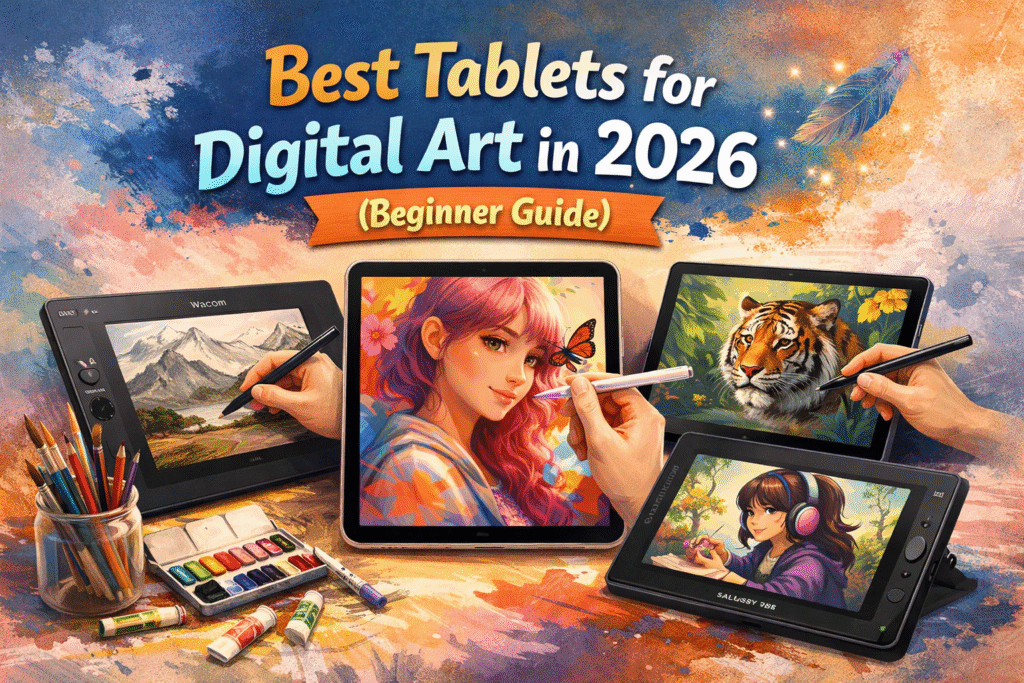
By Sona Dubey | Founder of ArtbySona
The Problem Every Beginner Digital Artist Faces
You finally decide to start digital art.
You open YouTube, search for drawing tutorials, and suddenly everyone is using tablets — iPad, Wacom, Samsung, Huion.
Now the real confusion begins.
- Which tablet should you buy?
- Do you need an expensive iPad?
- Can beginners start with a budget tablet?
Many beginner artists waste money buying the wrong device. I’ve seen students spend ₹60,000 on a tablet they barely use because it was too complex.
If you’re starting your digital art journey in 2026, this guide will help you choose the best tablet for digital art without wasting money.
Let’s simplify everything.
What Makes a Tablet Good for Digital Art?
Before choosing the best tablet for digital art, you need to understand what actually matters.
Many beginners focus only on price. But professional artists look at different features.
Here are the five most important things to check.
1. Pressure Sensitivity
Pressure sensitivity decides how natural your brush strokes feel.
The higher the pressure levels, the better your lines respond to hand pressure.
Most beginner tablets offer:
- 2048 levels – good for beginners
- 4096 levels – better control
- 8192 levels – professional level
If you are a beginner, 4096+ pressure sensitivity is more than enough.
2. Stylus Quality
Your stylus (digital pen) is just as important as the tablet.
A good stylus should:
- Feel like a real pencil
- Work without lag
- Support tilt sensitivity
- Have replaceable nibs
Cheap styluses can make drawing frustrating.
3. Screen vs Screenless Tablets
There are two types of drawing tablets.
Screenless Tablets
You draw on the tablet but see the drawing on your computer screen.
Pros:
- Affordable
- Durable
- Great for beginners
Cons:
- Takes time to get used to
Display Tablets
You draw directly on the screen.
Pros:
- Feels natural
- Better control
- Faster learning
Cons:
- Expensive
4. Software Compatibility
Your tablet should work with common digital art software like:
- Procreate
- Photoshop
- Krita
- Clip Studio Paint
- Adobe Fresco
Beginners often use Krita or Procreate because they are easy to learn.
5. Portability
Students and beginner artists often travel with their devices.
A portable tablet helps you:
- Draw anywhere
- Practice daily
- Stay consistent
Even 15 minutes of drawing daily improves skills quickly.
Best Tablets for Digital Art in 2026
Here are some of the best tablets for digital art beginners in 2026.
These options work well for students, hobby artists, and local art businesses.
1. Apple iPad (10th Generation)
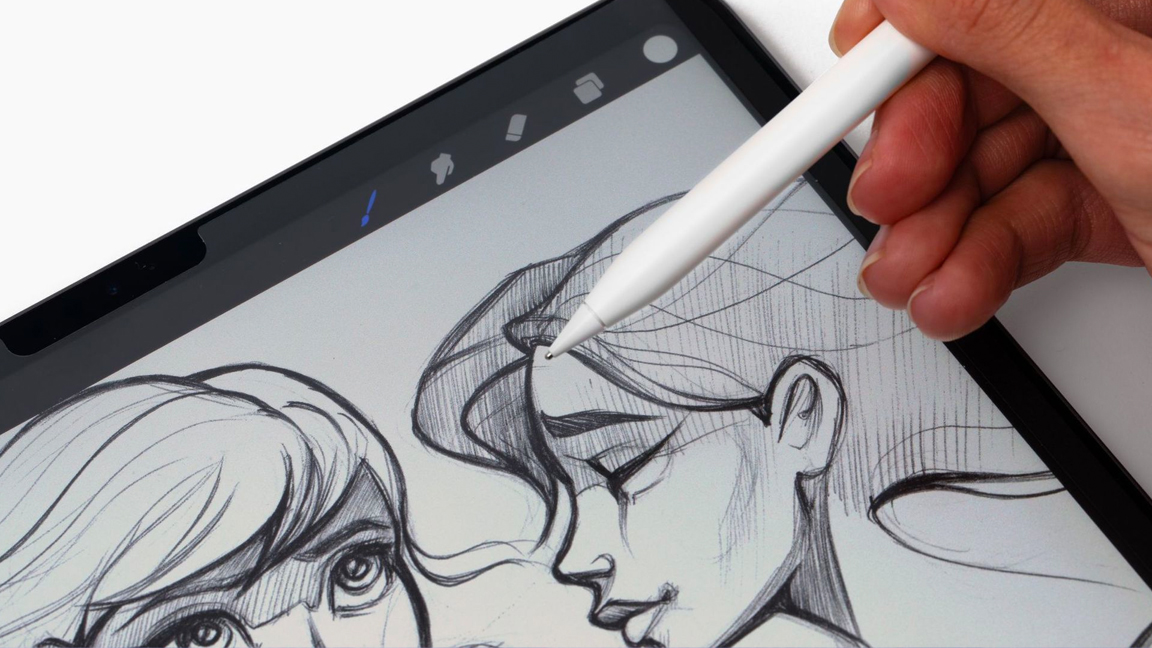
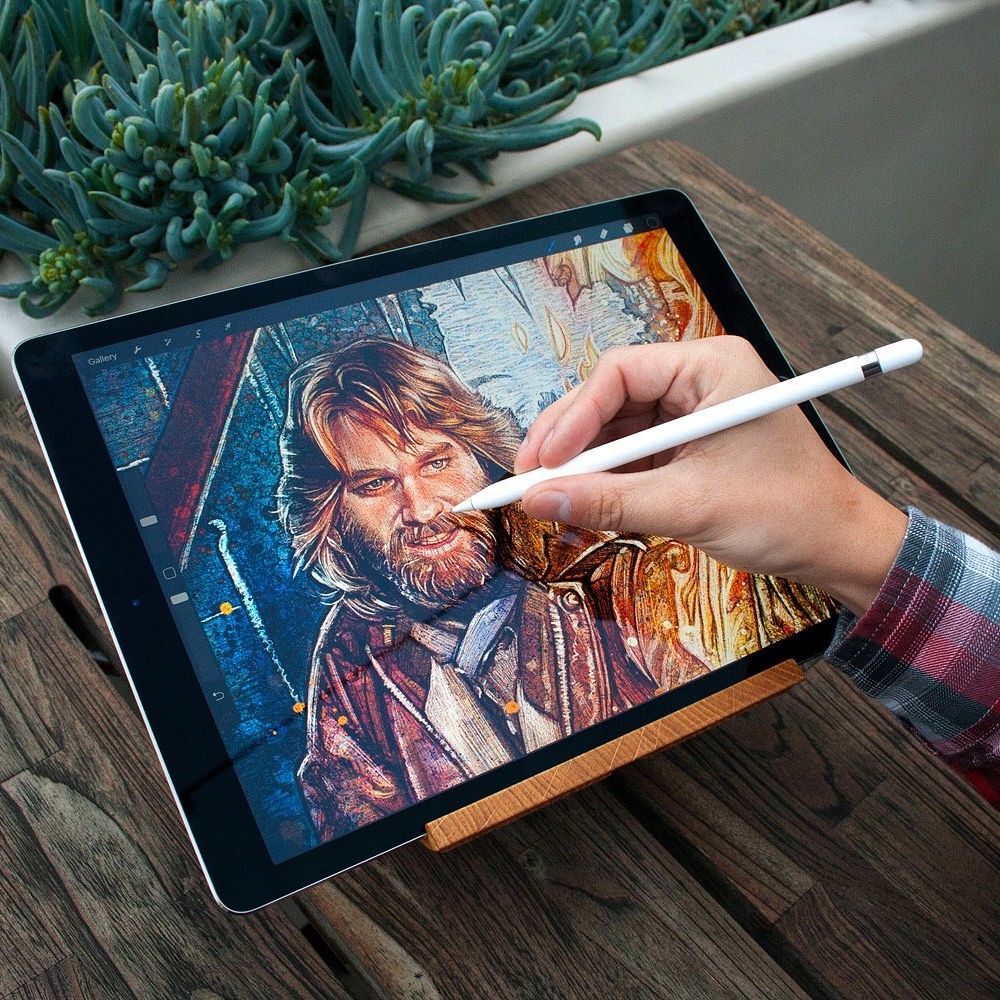
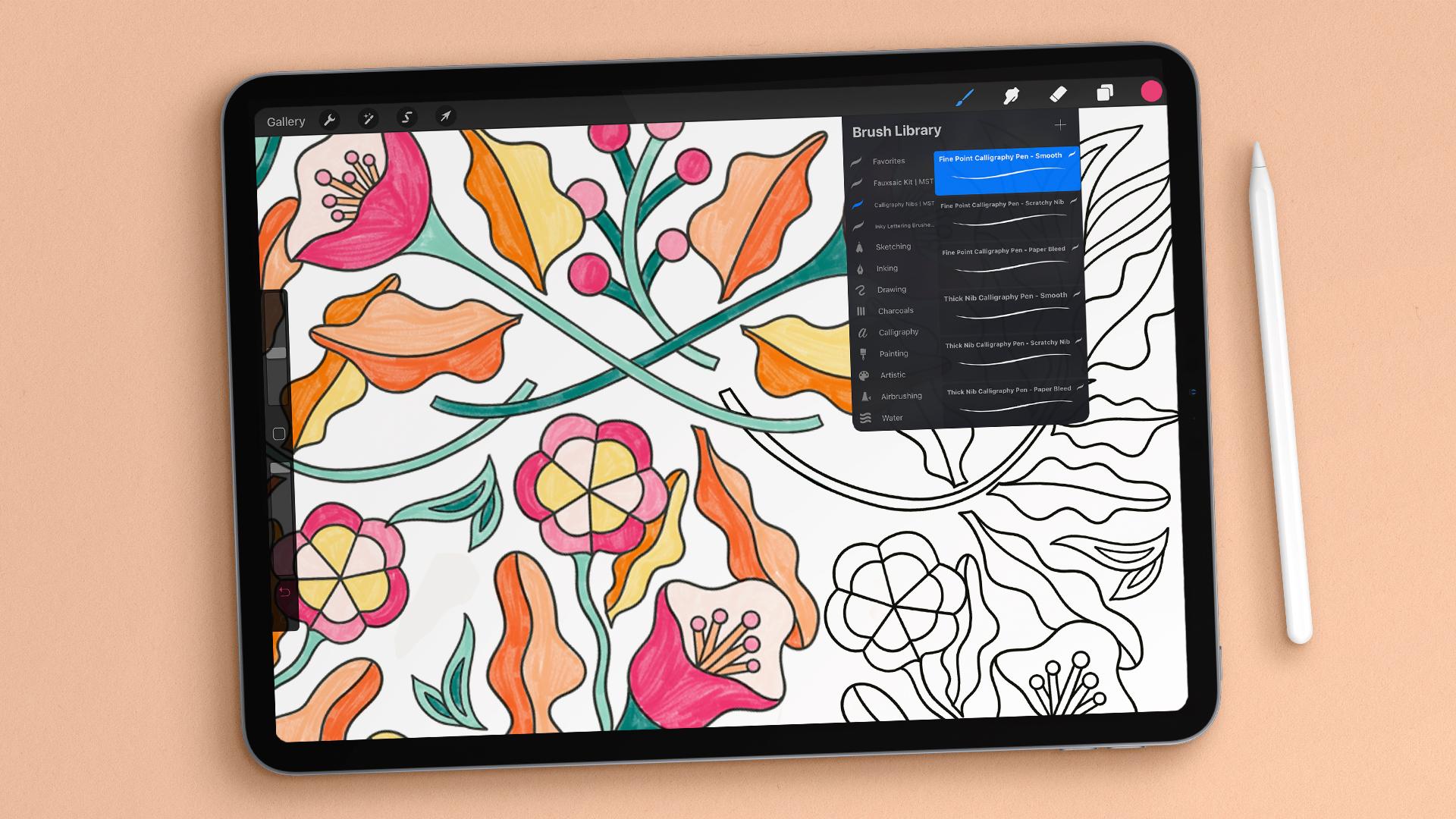
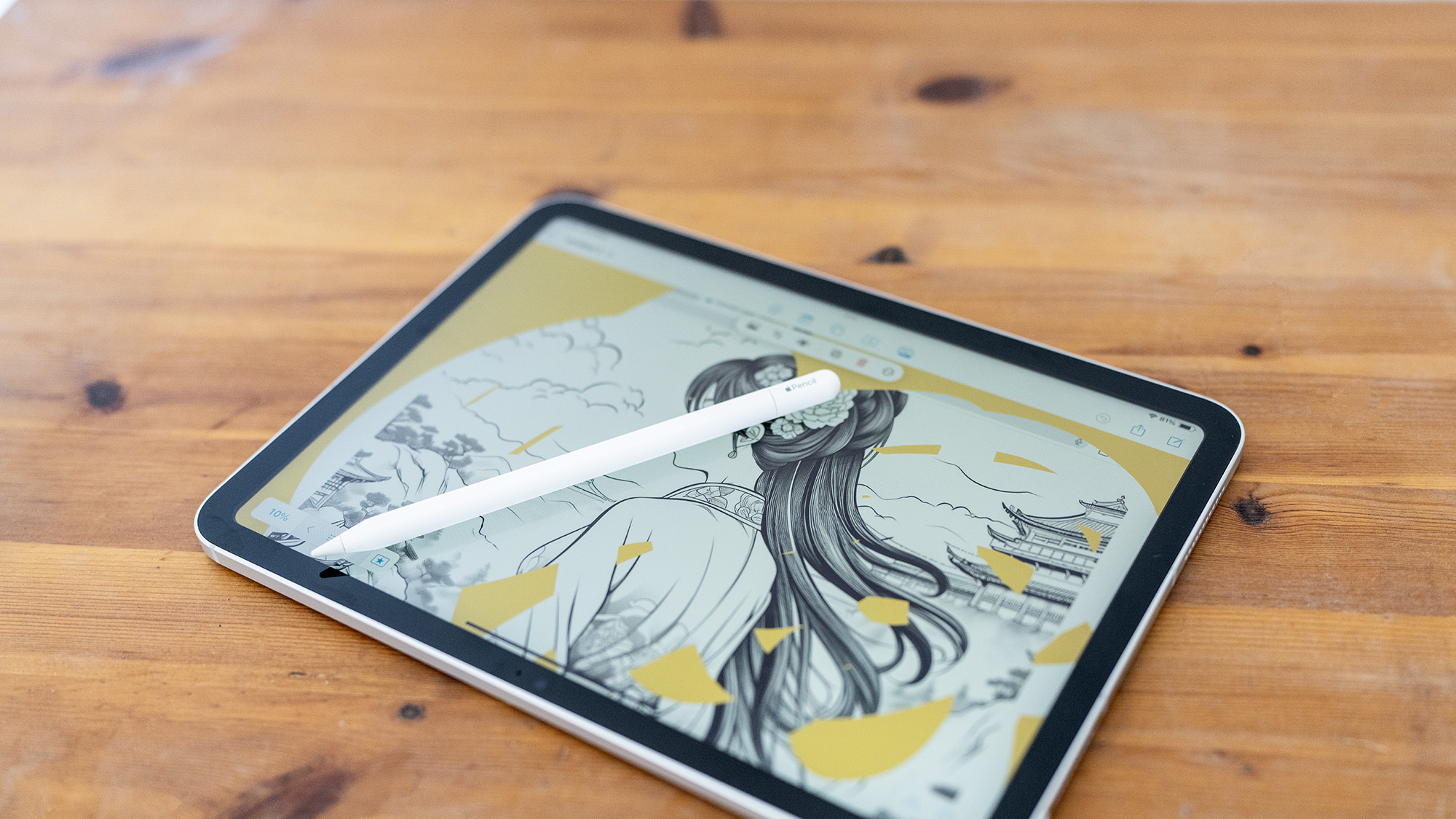
The iPad is one of the most popular tablets for digital artists.
Many professional illustrators use Procreate, which works perfectly on iPad.
Why it’s great
- Smooth Apple Pencil
- Huge art app ecosystem
- Portable and powerful
- Excellent display quality
Best for
- Beginner digital artists
- Students
- Freelance illustrators
Price in India (approx.)
₹40,000 – ₹55,000
2. Samsung Galaxy Tab S9 FE
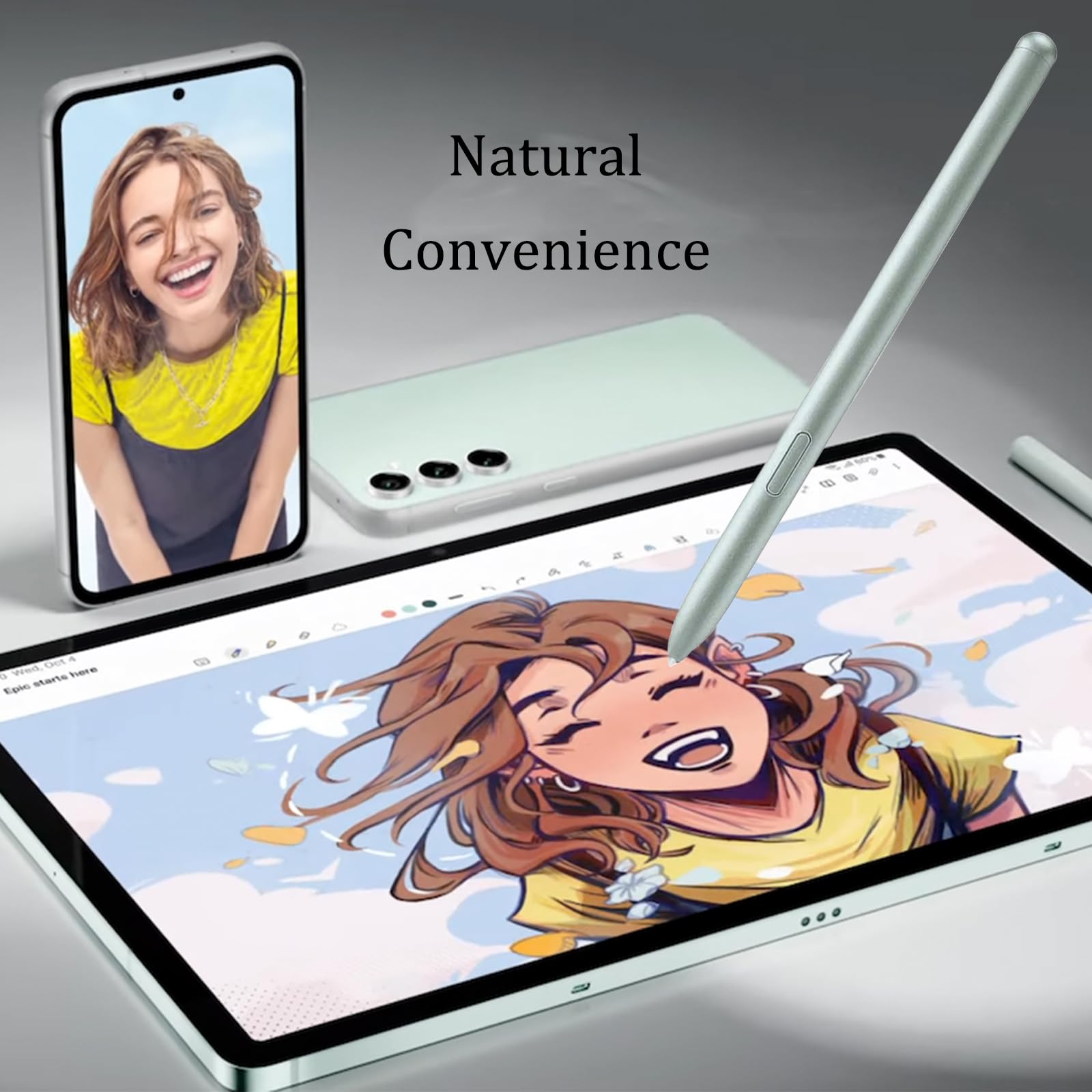
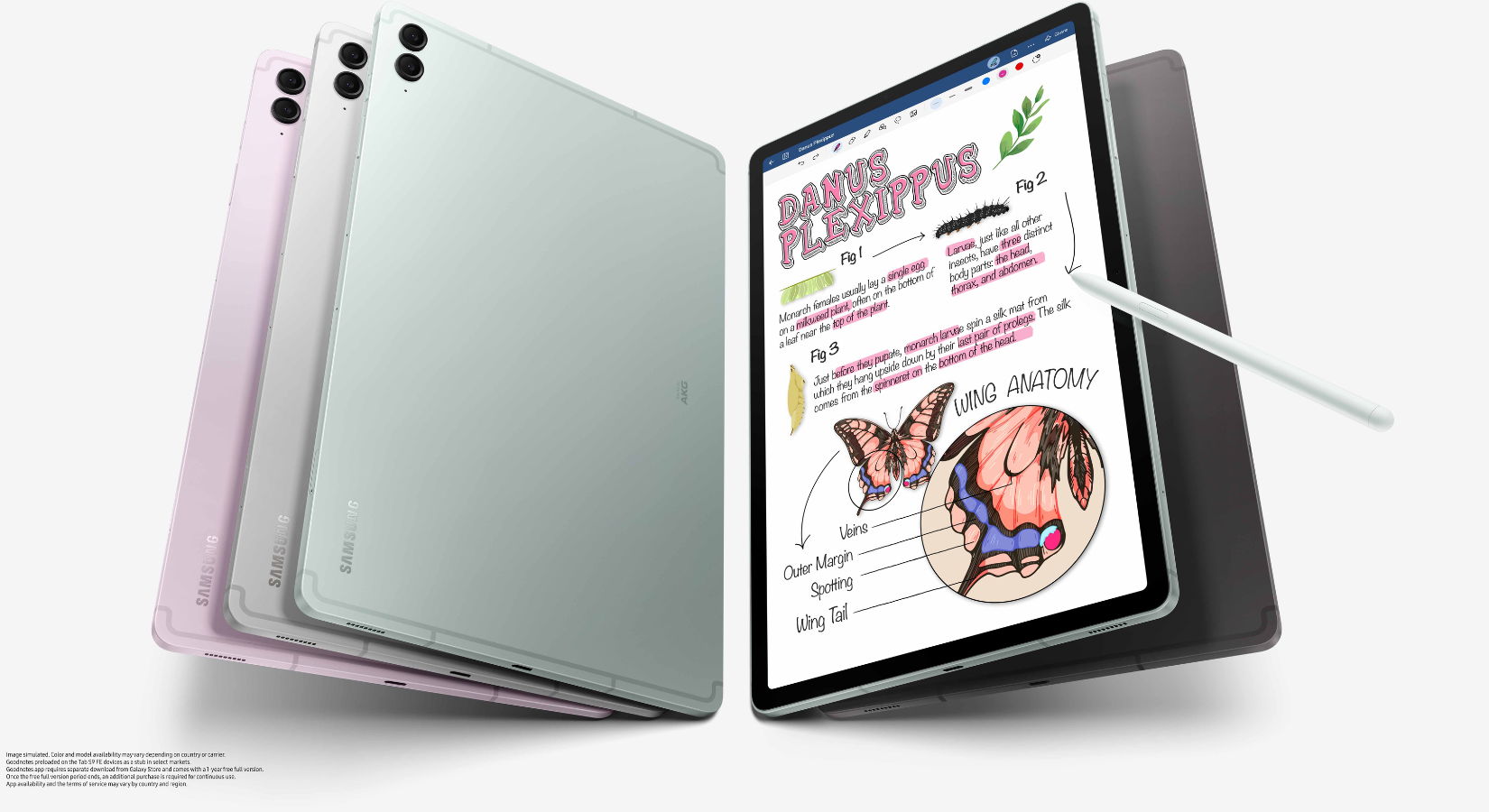
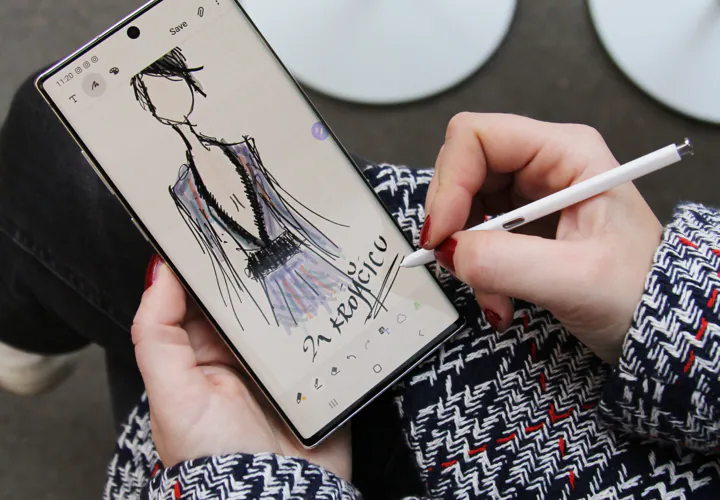

Samsung tablets are becoming very popular among budget digital artists.
The S Pen comes included, which saves money.
Why it’s great
- High quality display
- Responsive stylus
- Affordable compared to iPad
- Good for beginner digital art
Best for
- Students
- Budget artists
- Android users
Price in India
₹35,000 – ₹45,000
3. Wacom One Drawing Tablet
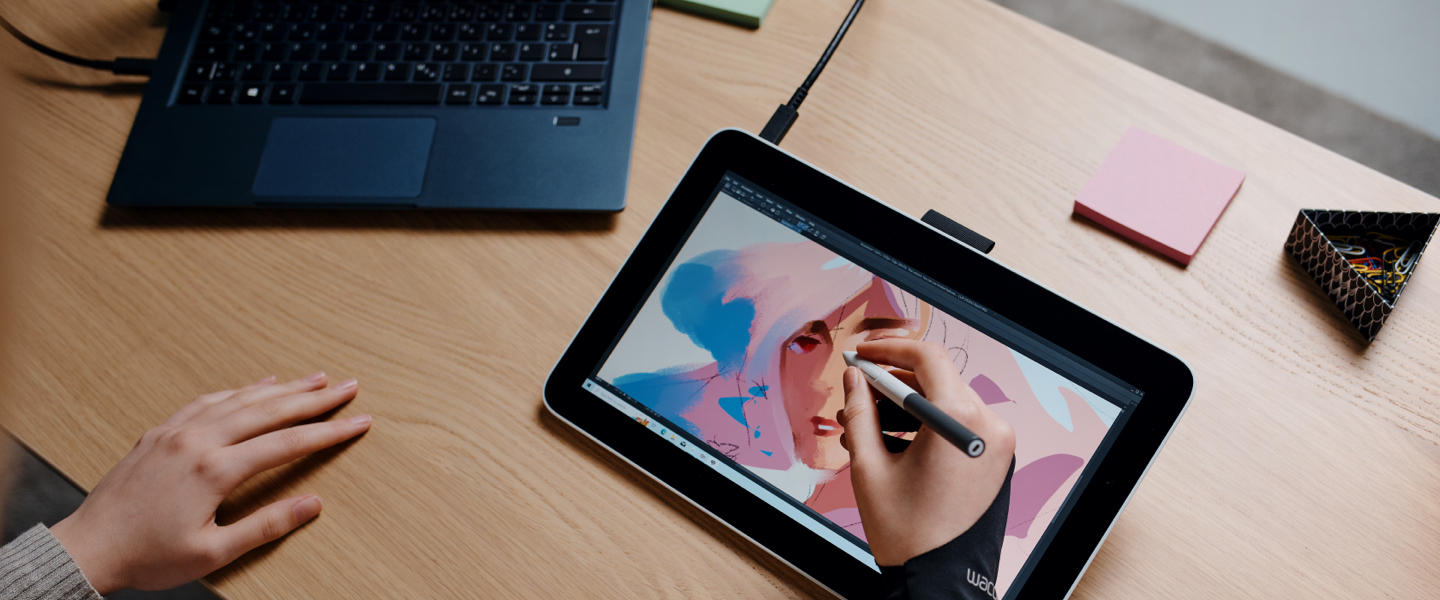
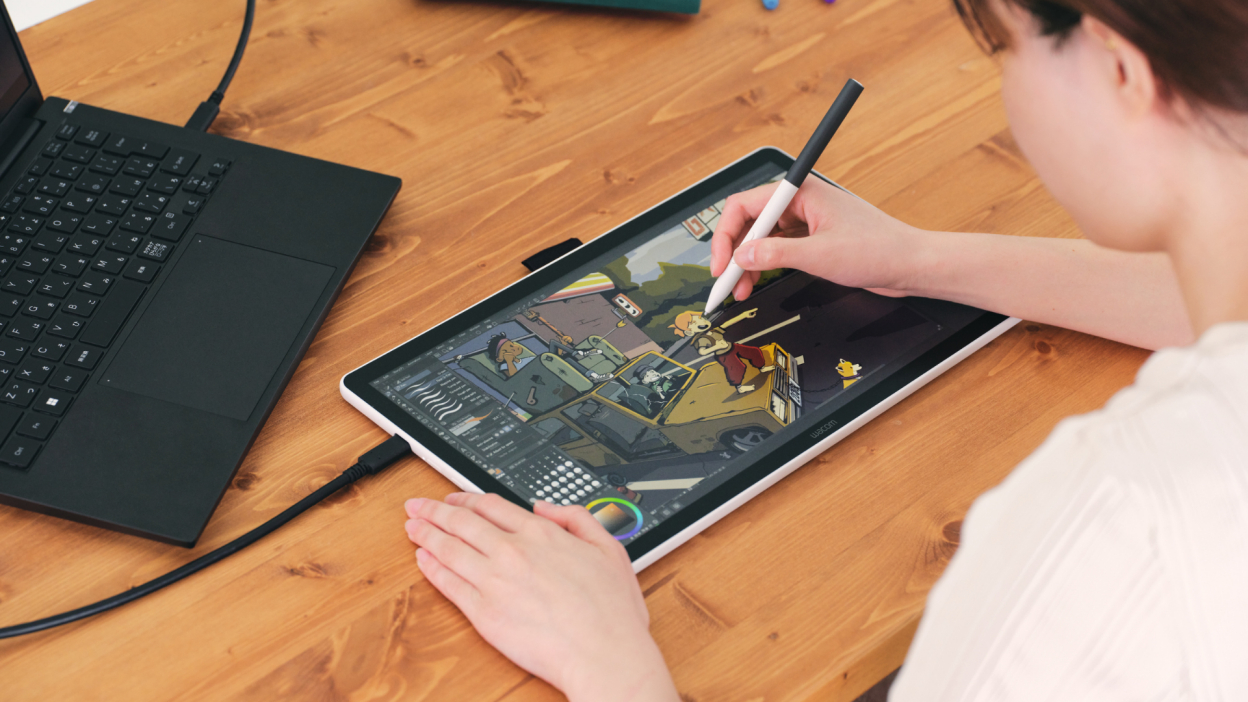
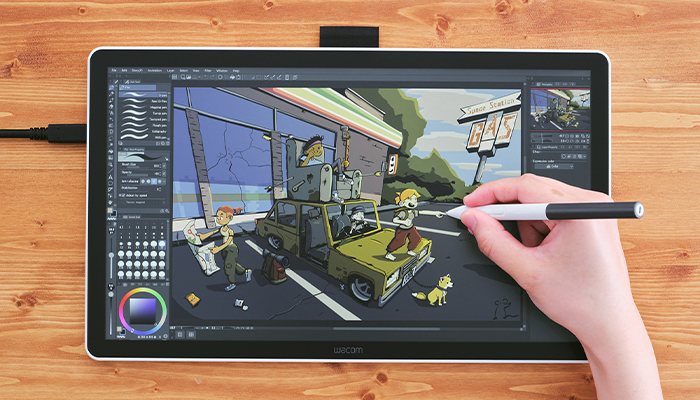
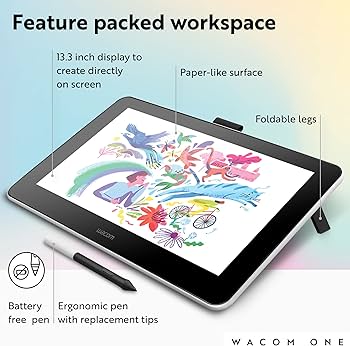
Wacom has been the industry standard for drawing tablets for many years.
The Wacom One is perfect for beginners who want a professional feel.
Why it’s great
- Excellent pen accuracy
- Professional quality
- Trusted by artists worldwide
- Works with PC and Mac
Best for
- Beginner illustrators
- Animation students
- Graphic designers
Price in India
₹30,000 – ₹40,000
4. Huion Kamvas 13
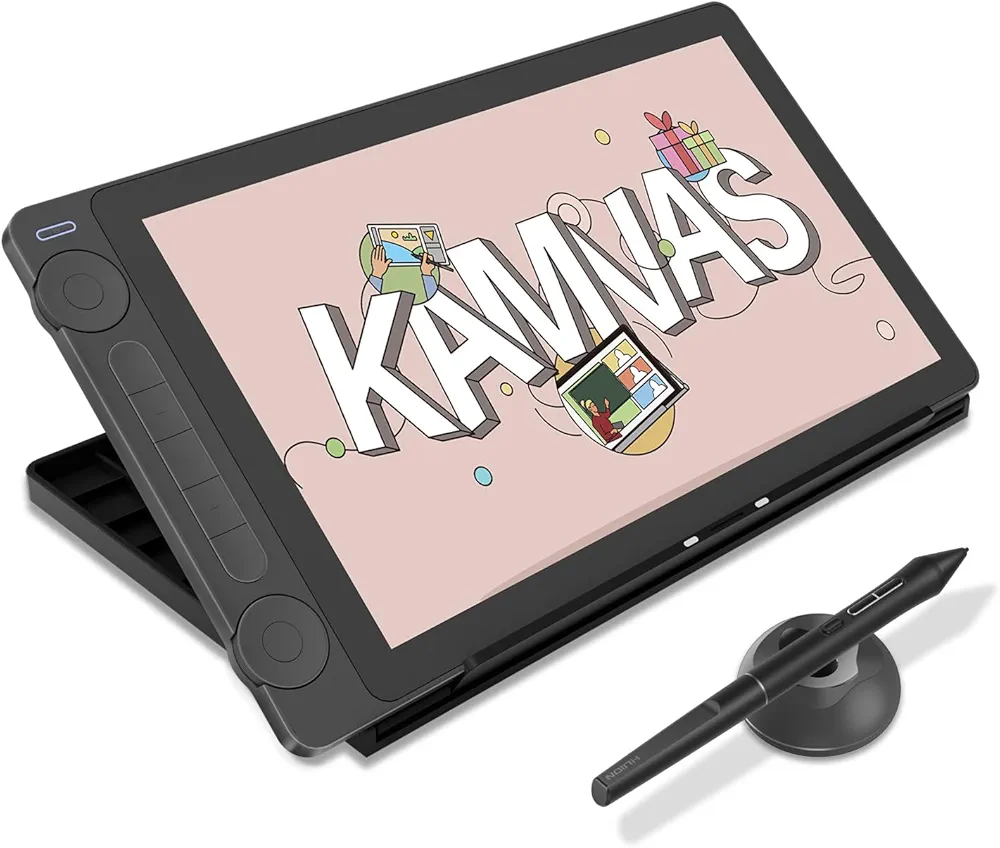
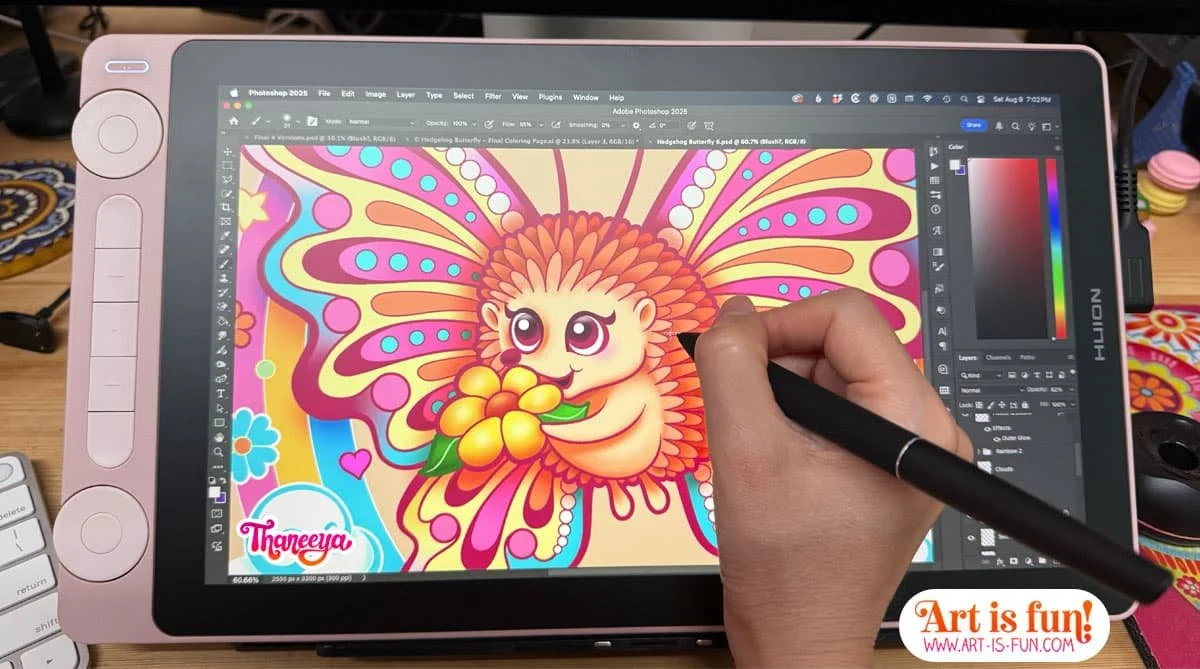
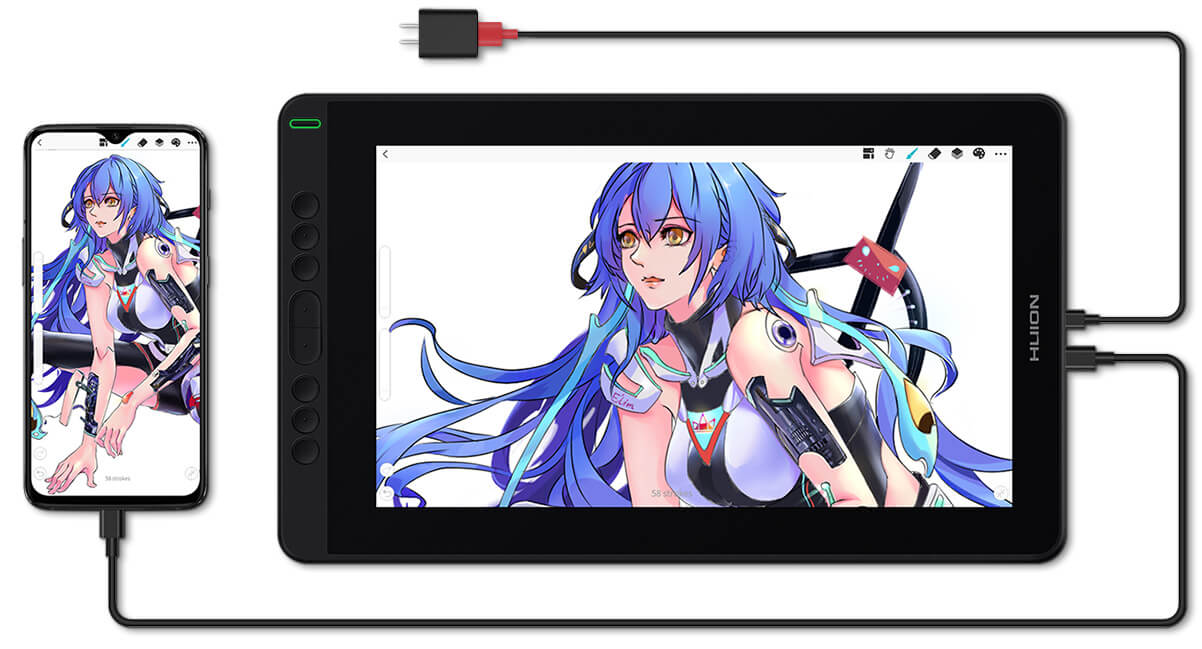
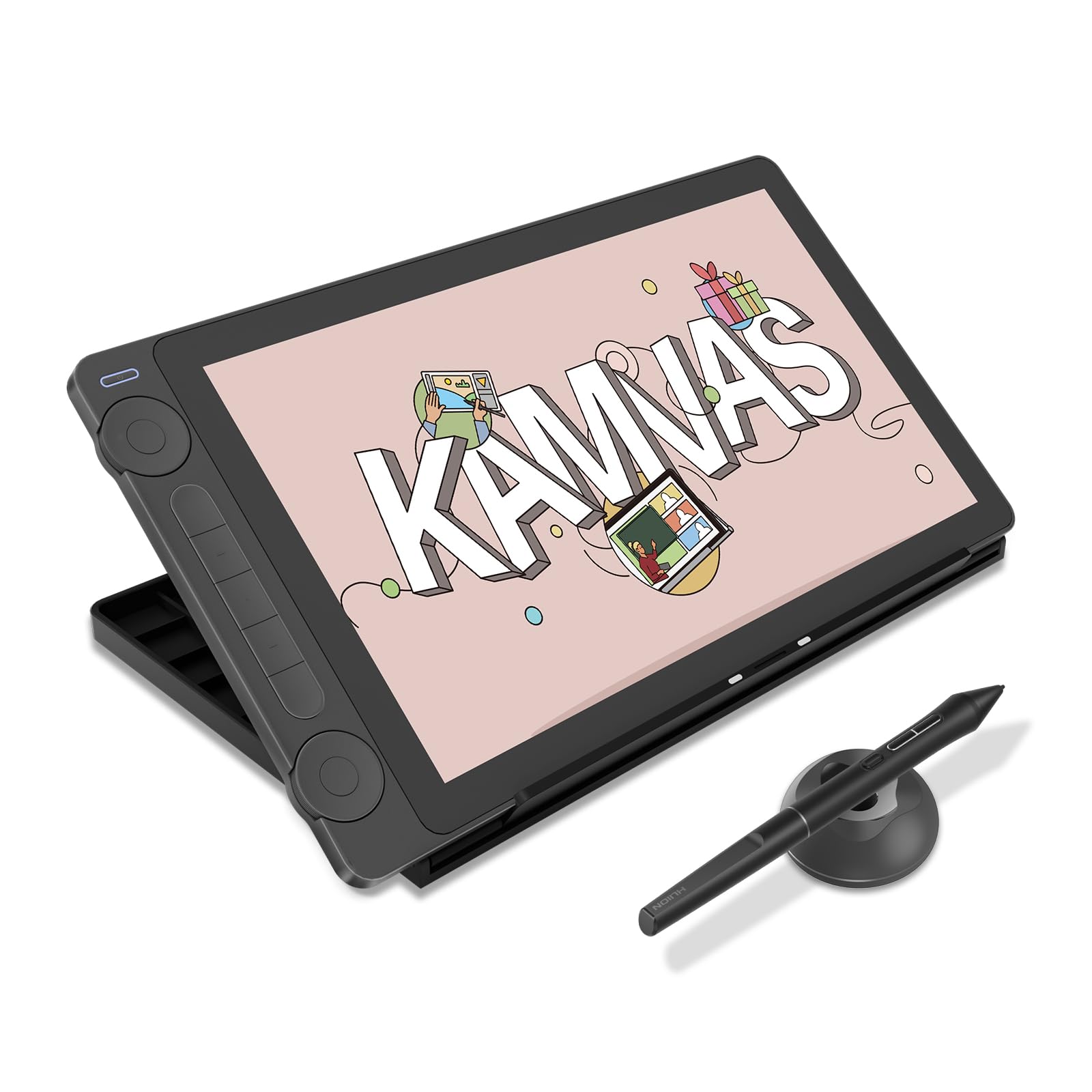
Huion offers professional features at affordable prices.
Many beginner YouTube artists start with Huion tablets.
Why it’s great
- 8192 pressure levels
- Laminated display
- Budget friendly
- Good pen accuracy
Best for
- Beginner digital artists
- Budget illustrators
- YouTube art creators
Price in India
₹22,000 – ₹30,000
Best Budget Tablet for Digital Art (Under ₹10,000)
If you’re just starting, you don’t need an expensive device.
A simple screenless drawing tablet works perfectly.
Examples include:
- Wacom Intuos
- Huion H610 Pro
- XP-Pen Deco Series
These tablets connect to a laptop or PC.
Many professional artists started with these budget devices.
Step-by-Step: How Beginners Should Start Digital Art
Buying the best tablet for digital art is only the first step.
Here is a simple beginner roadmap.
Step 1: Start With Simple Software
Beginners should start with:
- Krita (free)
- Autodesk Sketchbook
- Procreate (iPad)
These apps are simple and beginner friendly.
Step 2: Practice Basic Drawing Skills
Digital art still requires fundamental drawing skills.
Practice:
- shapes
- shading
- line control
- lighting
Even 20 minutes daily makes a big difference.
Step 3: Learn Layers
Layers are the superpower of digital art.
They allow you to:
- edit mistakes
- color separately
- experiment freely
Step 4: Use References
Many beginners think using references is cheating.
But professional artists always use references.
You can use:
- real photos
- objects around you
Common Mistakes Beginner Digital Artists Make
Many beginners struggle not because of talent, but because of these mistakes.
Buying an Expensive Tablet Too Early
A ₹60,000 tablet won’t make you a better artist.
Skills matter more than devices.
Ignoring Drawing Fundamentals
Digital tools cannot replace basic drawing knowledge.
You still need to learn:
- anatomy
- perspective
- shading
Watching Tutorials but Not Practicing
Watching art tutorials feels productive.
But improvement happens only when you draw daily.
Trying to Copy Professional Artists
Instead of copying complex artworks, start with:
- fruits
- cups
- basic characters
- simple sketches
Real Example: A Student Artist From India
One of my students from Kanpur started digital art using a ₹5,000 screenless tablet.
At first, drawing felt difficult.
But after three months of daily practice, her work improved drastically.
Today she sells custom digital portraits on Instagram.
This shows that tools matter less than consistent practice.
Which Tablet Should Beginners Actually Buy?
If you’re confused, here is a simple recommendation.
Low Budget
Start with a screenless tablet (₹4k–₹8k).
Medium Budget
Buy Huion Kamvas 13 or Samsung Tab S9 FE.
High Budget
Choose iPad + Apple Pencil.
Final Thoughts
Choosing the best tablet for digital art is important, but it’s not the most important thing.
What matters more is:
- practicing daily
- learning drawing fundamentals
- staying consistent
Many beginner artists delay starting because they think they need the perfect equipment.
But the truth is simple.
The best tablet for digital art is the one you start drawing on today.
- Best Free Digital Art Brushes for in 2026
- How to Build a Digital Art Portfolio
- Digital Art vs Traditional Art – 2026
- 20 Daily Digital Drawing Prompts
- How to Improve Digital Art Skills Faster

Sona Dubey is a digital artist with 5+ years of experience in illustration and devotional art. She is the founder of ArtBySona where she shares digital art tutorials, drawing exercises, and beginner-friendly guides to help artists improve their skills.