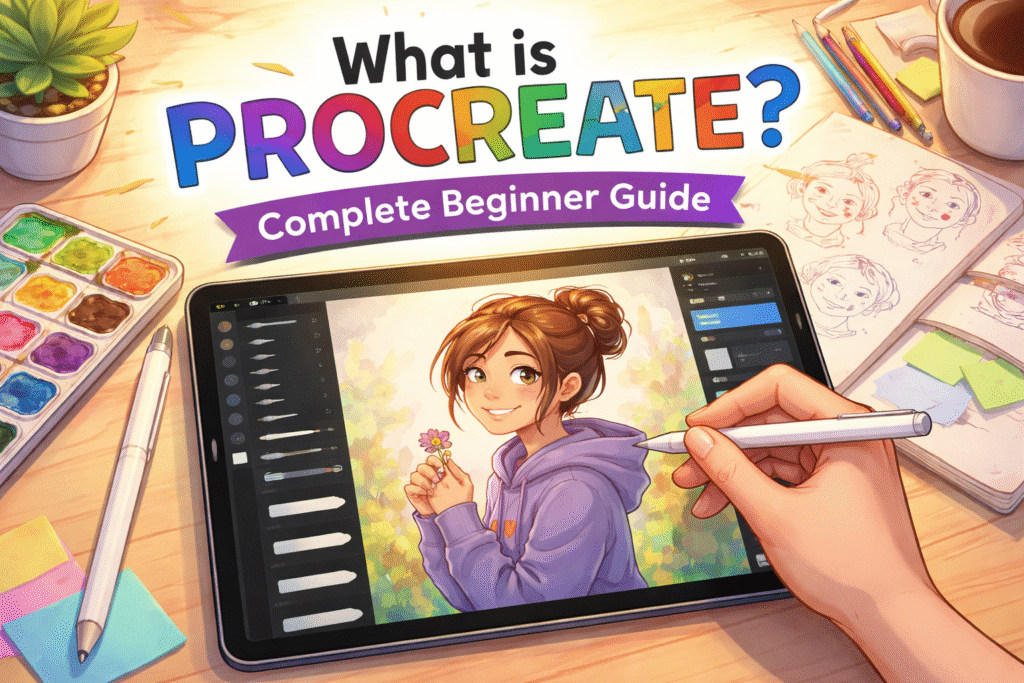
By ArtbySona | Artist: Sona Dubey
Why Many Beginners Feel Confused When Starting Digital Art
A student buys an iPad and downloads the Procreate app.
They open the canvas, see dozens of brushes, layers, settings, and tools… and suddenly feel lost.
Where should you start?
Which brush should you use?
Why do professional artists create amazing artwork so quickly?
This confusion is common.
Many beginners download Procreate because they see stunning digital artwork on Instagram or YouTube, but they don’t know how to actually use the app.
Even professional artists like Sona Dubey from ArtbySona started from the same place — learning the tools step by step.
The good news is that Procreate is actually one of the easiest digital drawing apps for beginners once you understand the basics.
This beginner guide will show you what Procreate is, how it works, and how to start creating digital art step by step.
Table of Content
- Why Many Beginners Feel Confused When Starting Digital Art
- What is Procreate?
- Why Procreate is Perfect for Beginners
- Essential Tools in Procreate for Beginners
- Step-by-Step: How to Use Procreate for Beginners
- Common Mistakes Beginners Make in Procreate
- Simple Procreate Practice Routine for Beginners
- How Artists Like Sona Dubey Use Procreate
- Final Thoughts: Is Procreate Worth Learning?
What is Procreate?
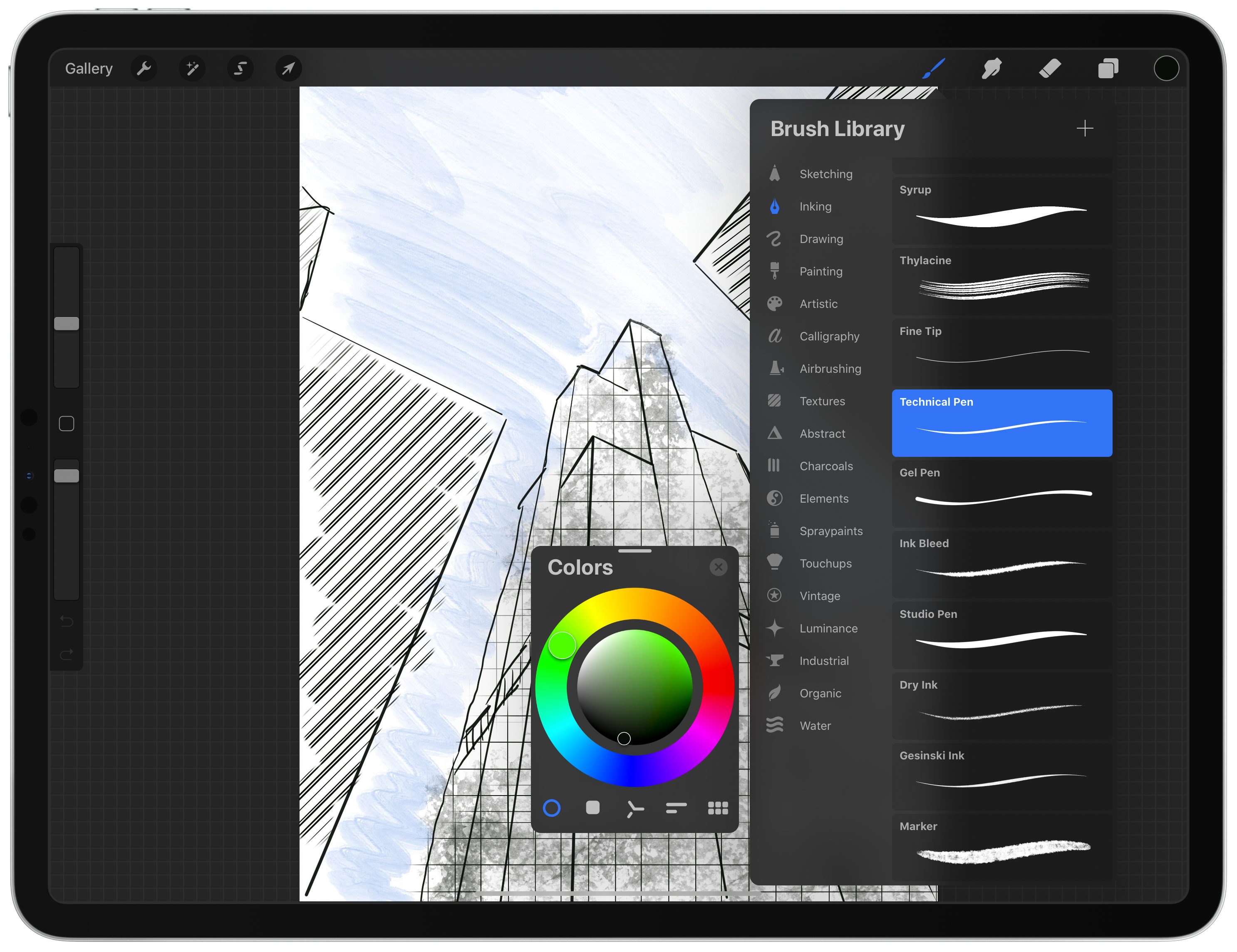
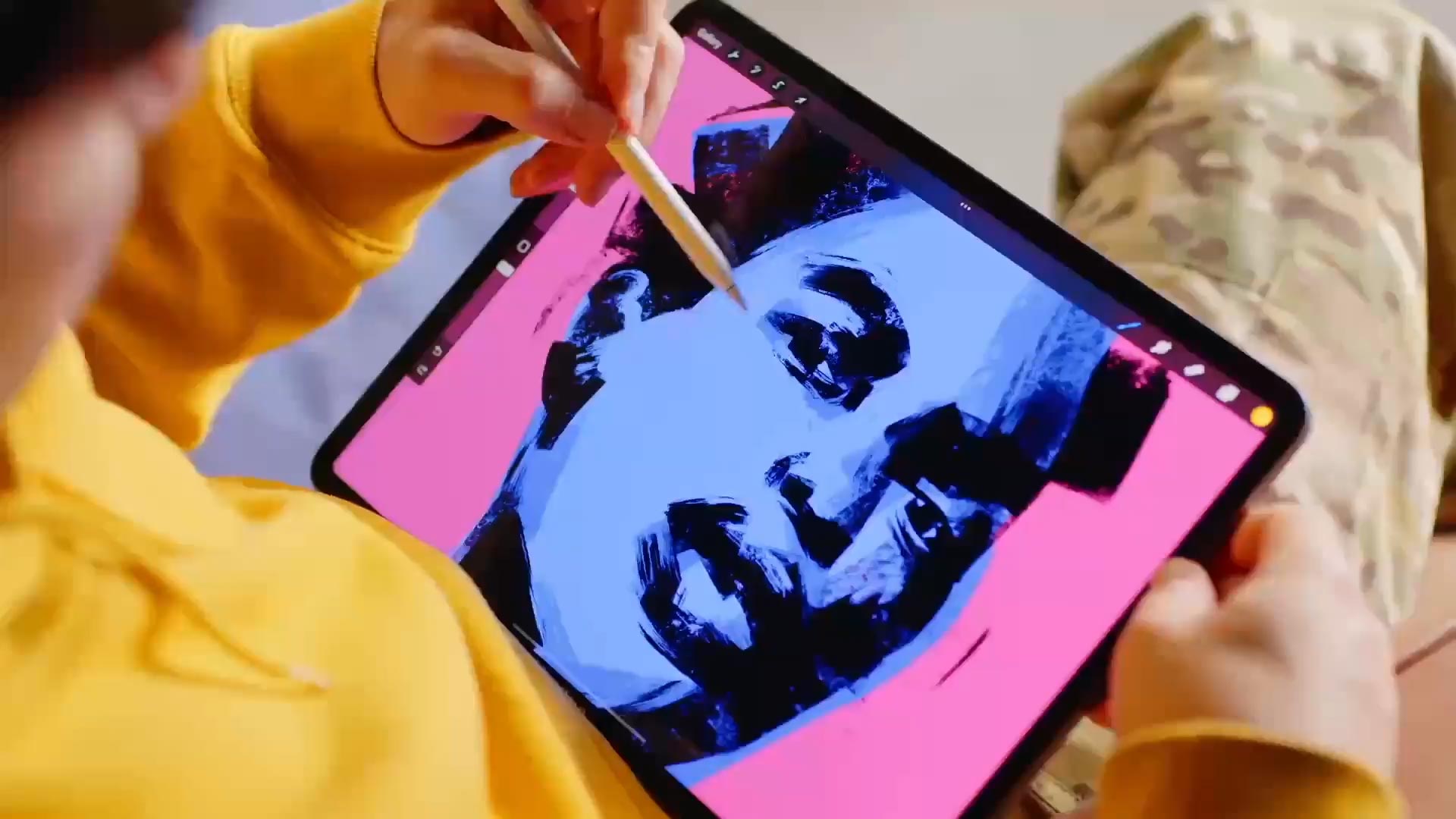
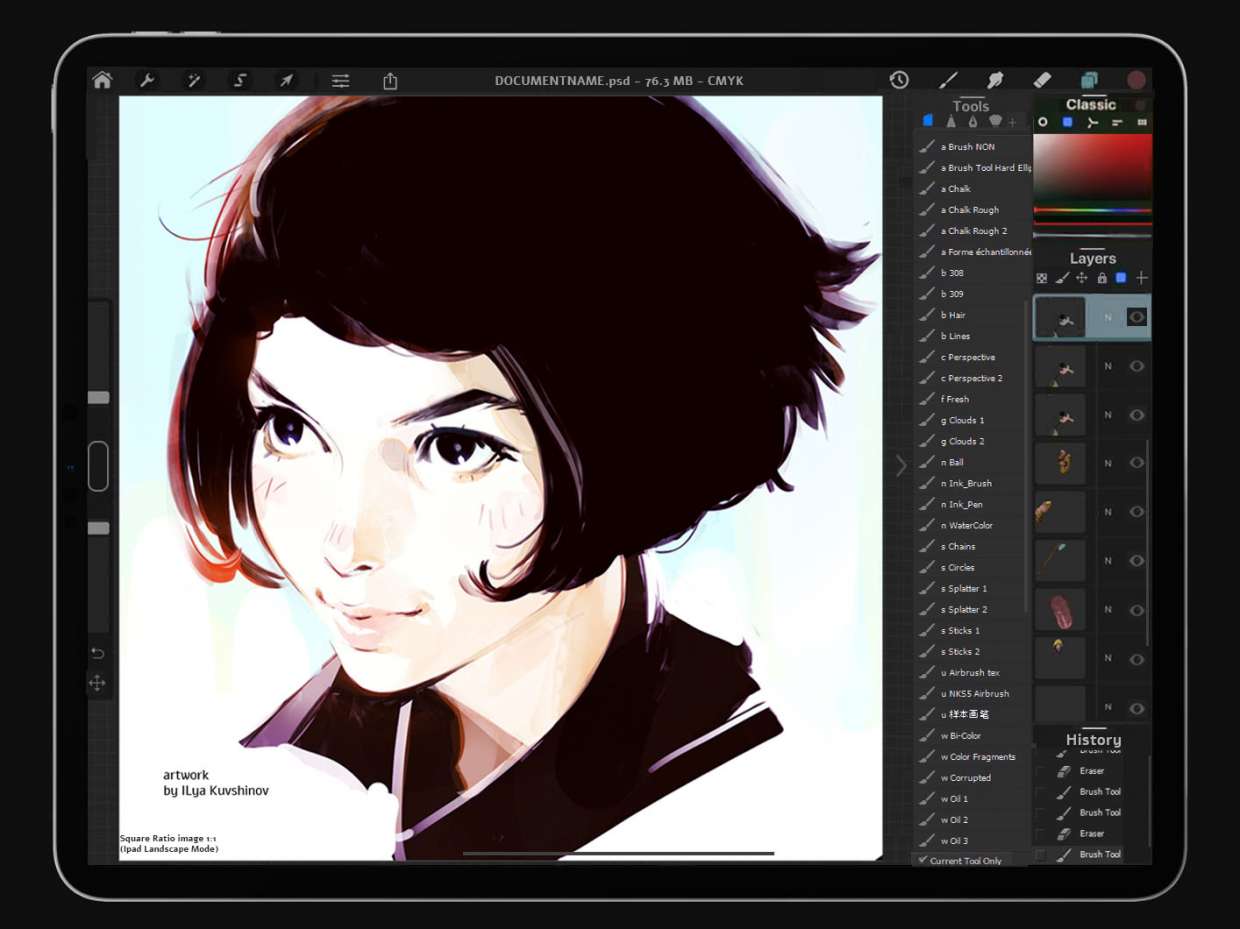
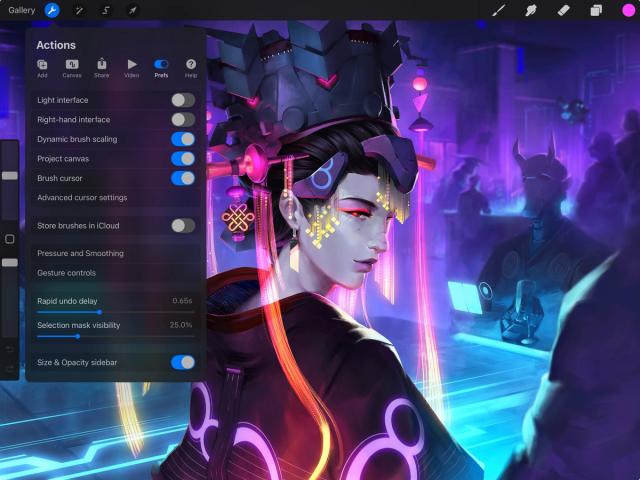
Procreate is a powerful digital illustration app designed for the iPad.
It allows artists to create:
- digital paintings
- sketches
- illustrations
- concept art
- lettering
- animations
The app is widely used by professional illustrators, designers, and beginner artists.
Unlike complex software like Photoshop, Procreate is designed with simple gestures and easy tools, which makes it ideal for beginners.
Many artists in India also prefer Procreate because it allows them to create professional artwork using only:
- an iPad
- an Apple Pencil
- the Procreate app
This makes digital art accessible even for students and freelance artists.
SEO alt text example:alt="procreate app interface for beginners drawing on ipad"
Why Procreate is Perfect for Beginners
Many digital art programs can feel overwhelming.
Procreate stands out because it combines powerful tools with a simple interface.
Here are a few reasons beginners love Procreate.
Easy to Learn
The interface is clean and simple.
You can start drawing within minutes.
Powerful Brushes
Procreate includes hundreds of brushes such as:
- sketch brushes
- painting brushes
- ink brushes
- texture brushes
Artists can even create custom brushes.
Affordable
Unlike subscription software, Procreate requires a one-time purchase, which makes it budget friendly for students.
Professional Results
Even beginner artists can create high-quality artwork suitable for social media, prints, or client work.
Essential Tools in Procreate for Beginners
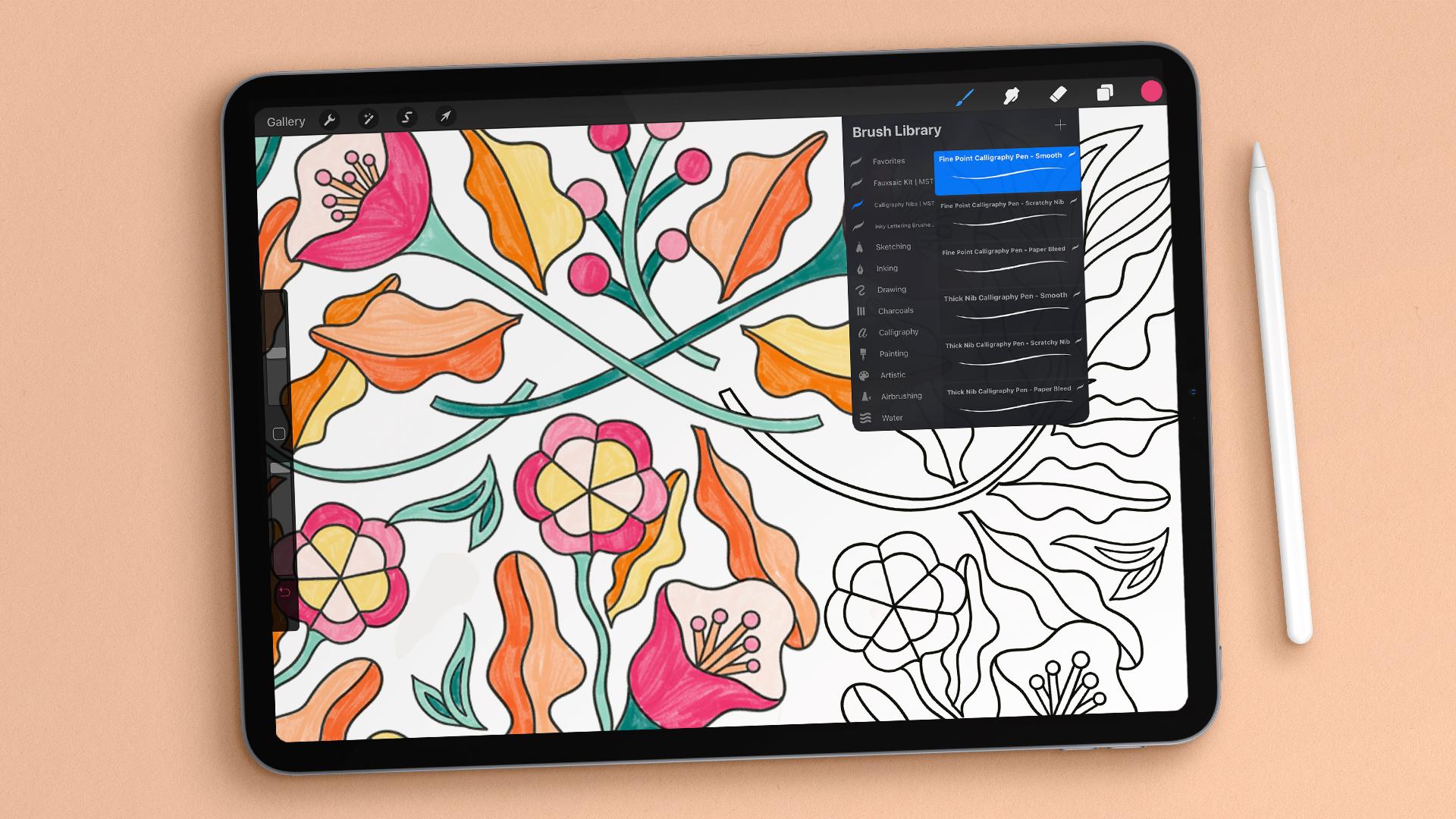
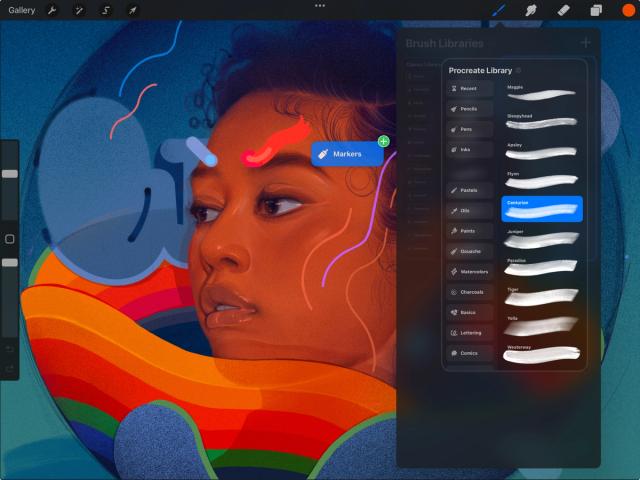
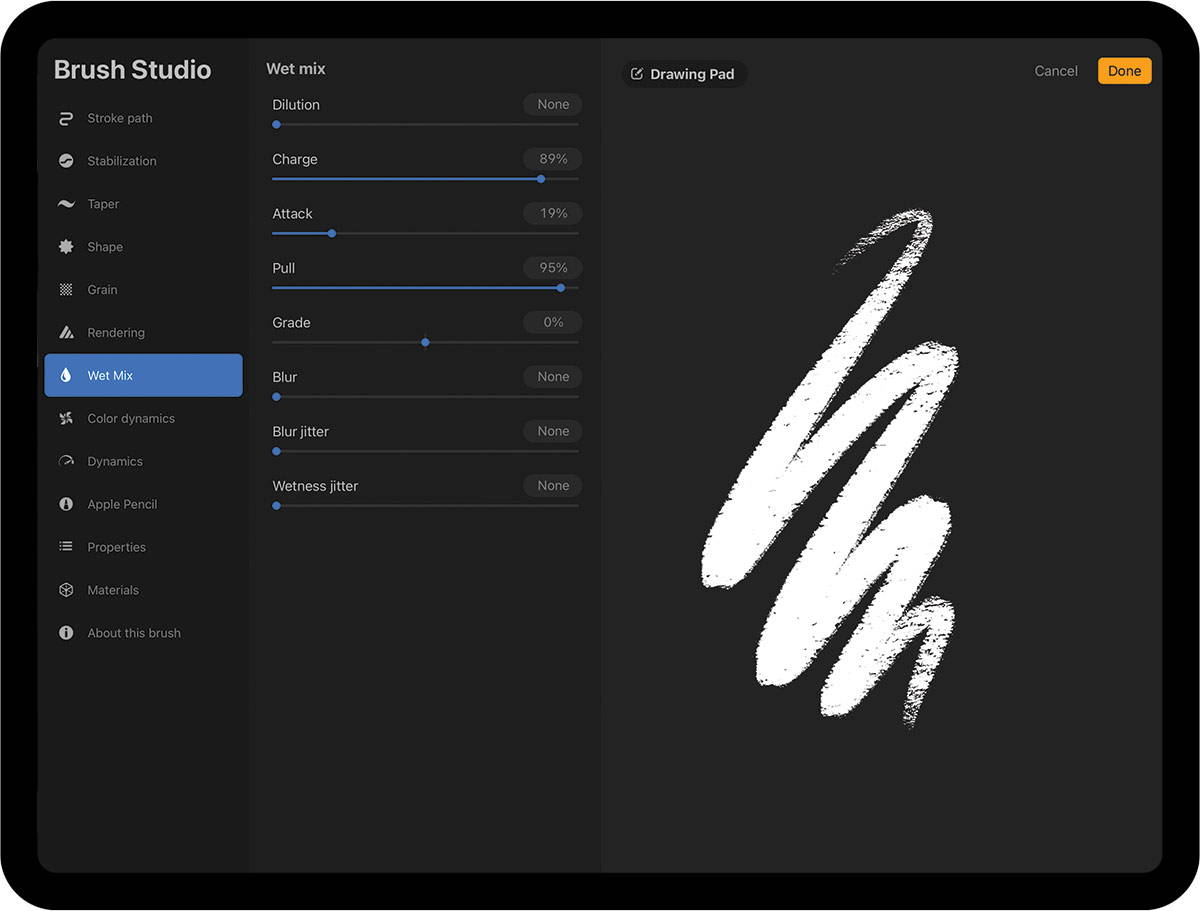
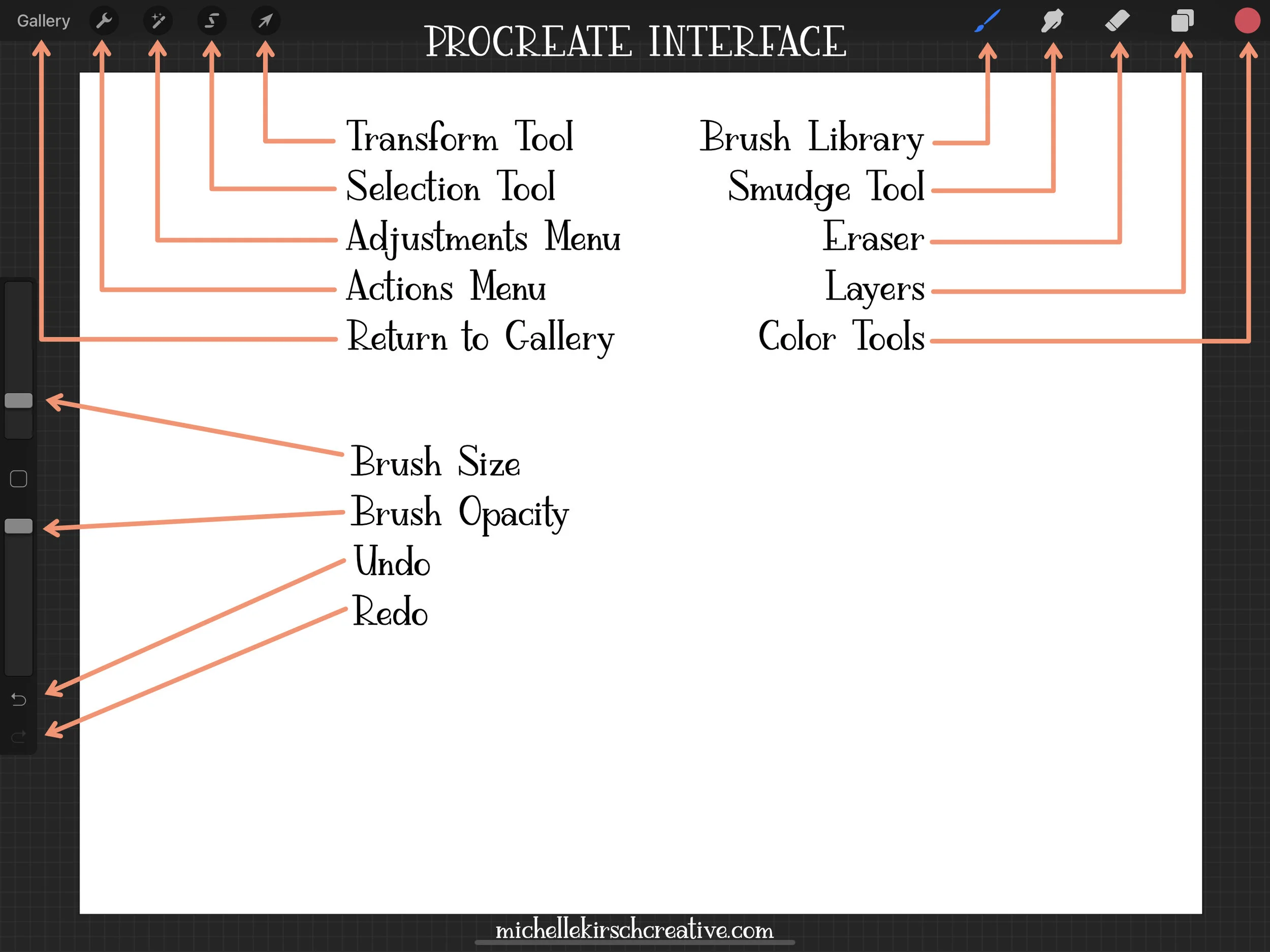
Before creating your first artwork, it’s important to understand the main tools.
Brush Tool
The brush tool is used for drawing and painting.
Popular beginner brushes include:
- HB Pencil
- Studio Pen
- Soft Brush
These brushes are perfect for sketches and shading.
Eraser Tool
The eraser removes mistakes or unwanted lines.
You can even use textured erasers for creative effects.
Layers Panel
Layers allow you to separate different parts of your artwork.
For example:
Layer 1 – Sketch
Layer 2 – Line art
Layer 3 – Colors
This helps you edit without damaging other parts of the drawing.
Color Picker
This tool helps you select colors quickly.
You can also save favorite color palettes for future artwork.
Step-by-Step: How to Use Procreate for Beginners
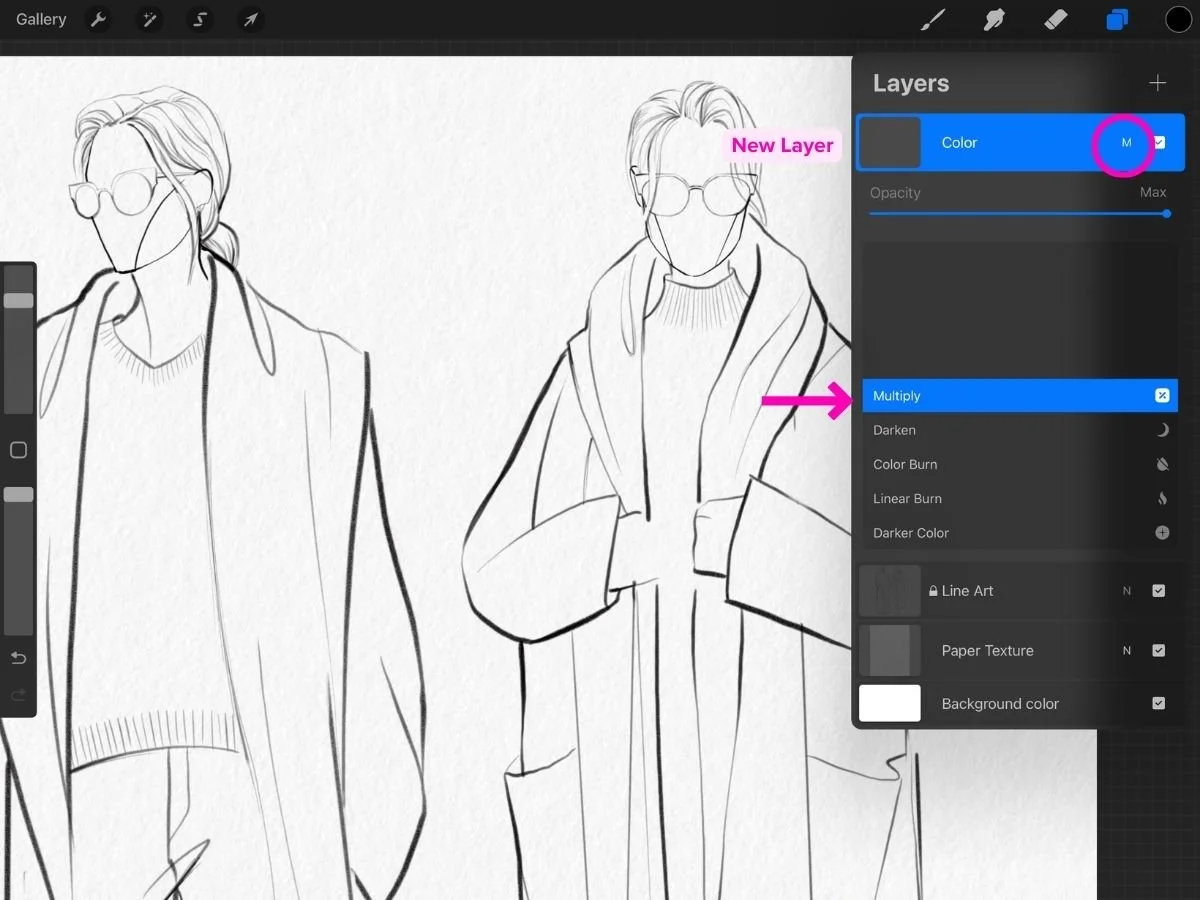
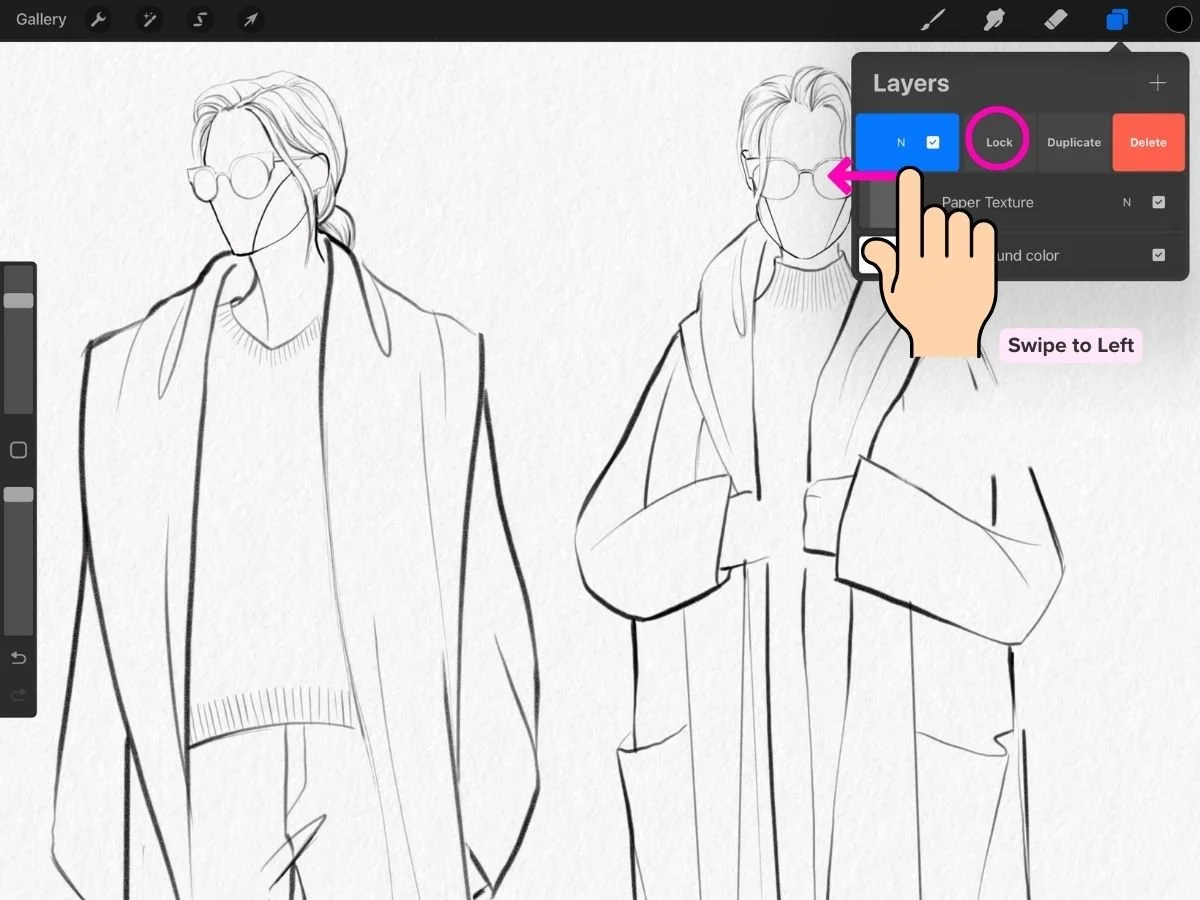
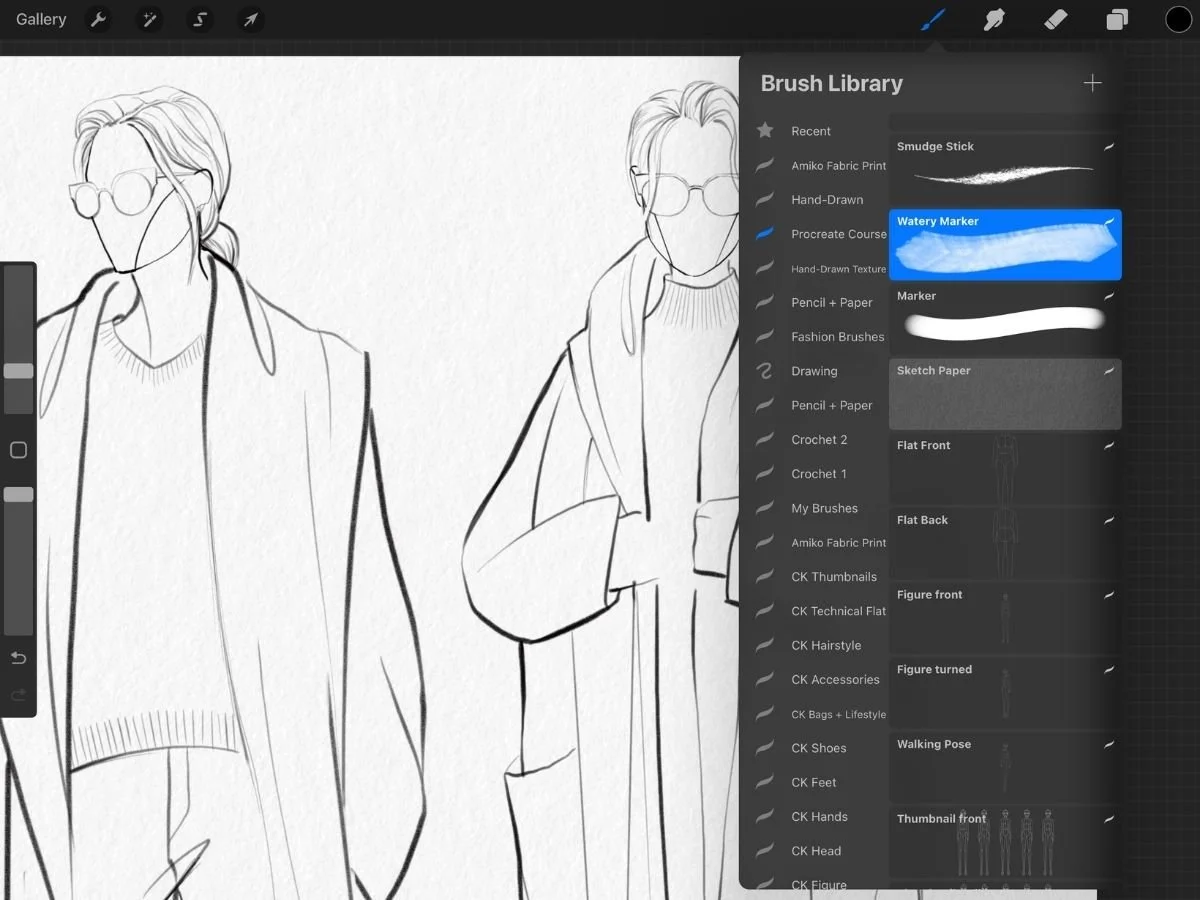
If you’re new to digital art, follow this simple process.
Step 1: Create a Canvas
Open Procreate.
Tap the + icon and create a new canvas.
For beginners, a canvas size like 2048 × 2048 pixels works well.
Step 2: Start with a Rough Sketch
Select a pencil brush and draw a loose sketch.
Don’t worry about perfection.
Focus on shapes and composition.
Step 3: Clean Line Art
Create a new layer above the sketch.
Use a smooth brush like Studio Pen to create clean outlines.
Step 4: Add Base Colors
Create another layer below the line art.
Fill in basic colors for your illustration.
Step 5: Add Shadows and Highlights
Use soft brushes to add lighting and depth.
This step makes your artwork look more realistic.
Common Mistakes Beginners Make in Procreate
Even though Procreate is beginner friendly, many artists make small mistakes while learning.
1. Using Too Many Brushes
Beginners try dozens of brushes.
This creates inconsistent artwork.
Solution:
Stick to 3–4 brushes until you master them.
2. Ignoring Layers
Drawing everything on one layer makes editing difficult.
Solution:
Use separate layers for sketch, line art, and colors.
3. Overusing Zoom
Drawing at very high zoom levels can make artwork look strange when zoomed out.
Solution:
Work mostly between 50%–100% zoom.
4. Skipping the Sketch
Many beginners jump straight into coloring.
This often leads to bad proportions.
Solution:
Always start with a rough sketch.
Simple Procreate Practice Routine for Beginners
If you want to improve quickly, practice regularly.
Here is a simple daily routine used by many artists.
Daily Practice (30 minutes)
10 minutes – sketch simple objects
10 minutes – practice shading
10 minutes – create a small illustration
Consistency matters more than perfection.
Even one small drawing every day will improve your skills.
How Artists Like Sona Dubey Use Procreate
Many artists start with traditional drawing and later move to digital tools.
Artist Sona Dubey from ArtbySona uses digital art tools to create creative illustrations and share art online.
Procreate helps artists:
- create artwork faster
- experiment with colors easily
- edit mistakes without starting over
For beginners, this means less frustration and more creativity.
Final Thoughts: Is Procreate Worth Learning?
If you want to start digital art, Procreate is one of the best tools available.
It is beginner friendly, affordable, and powerful enough for professional work.
But remember something important.
The app itself does not create great art.
Your practice does.
Start small.
Draw simple sketches.
Practice every day.
Over time, your digital art skills will improve naturally.
And if you keep learning and experimenting, tools like Procreate can help you turn creativity into beautiful artwork or even freelance opportunities.
Also Read:
- Best Free Digital Art Brushes for in 2026
- How to Build a Digital Art Portfolio
- Digital Art vs Traditional Art – 2026
- 20 Daily Digital Drawing Prompts
- How to Improve Digital Art Skills Faster

Sona Dubey is a digital artist with 5+ years of experience in illustration and devotional art. She is the founder of ArtBySona where she shares digital art tutorials, drawing exercises, and beginner-friendly guides to help artists improve their skills.