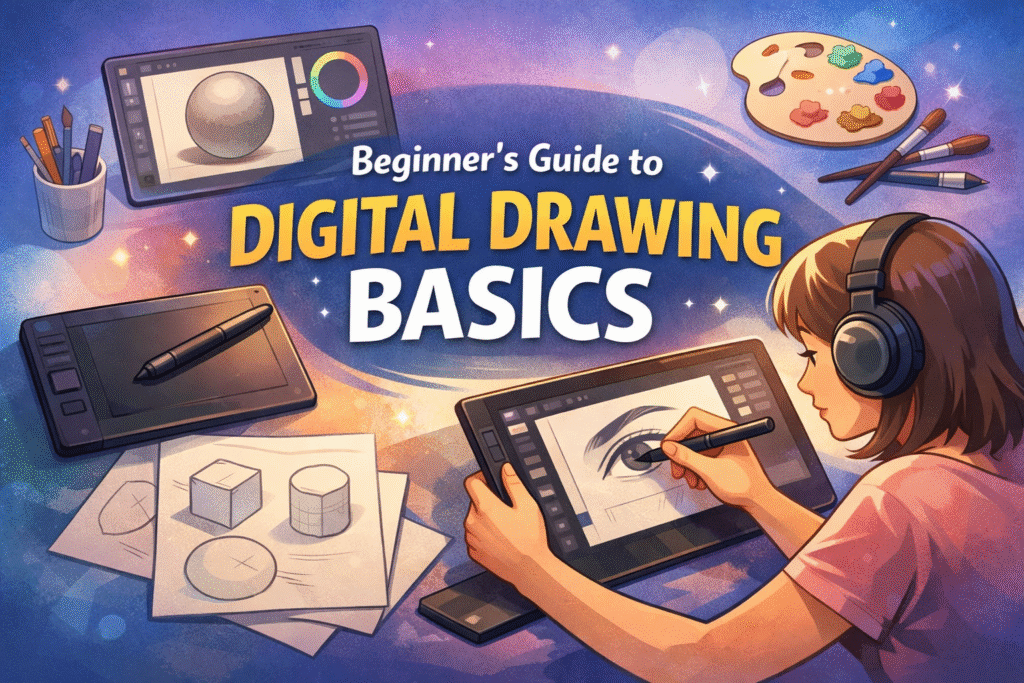
By ArtbySona | Featuring Artist Sona Dubey
Introduction
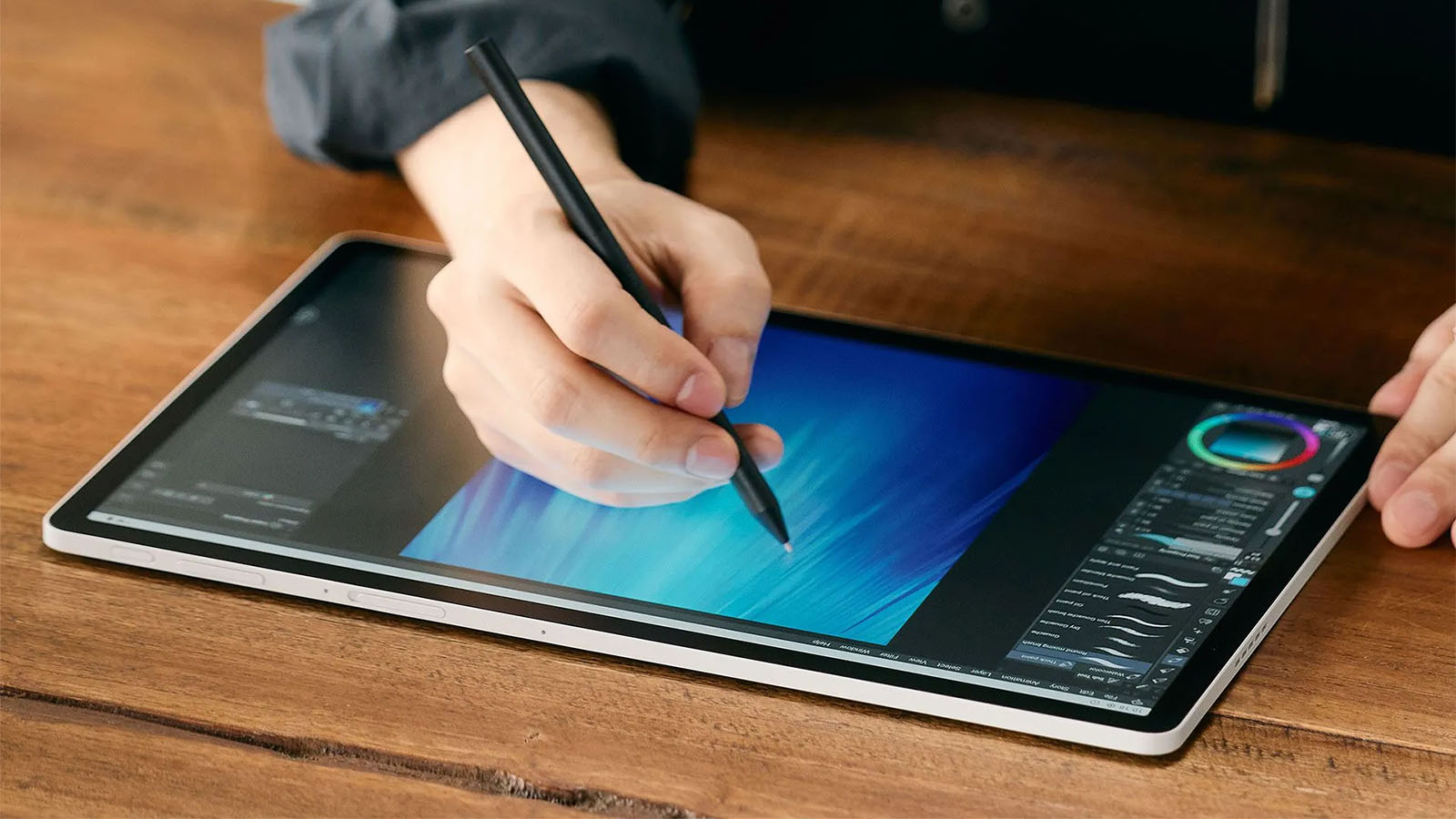
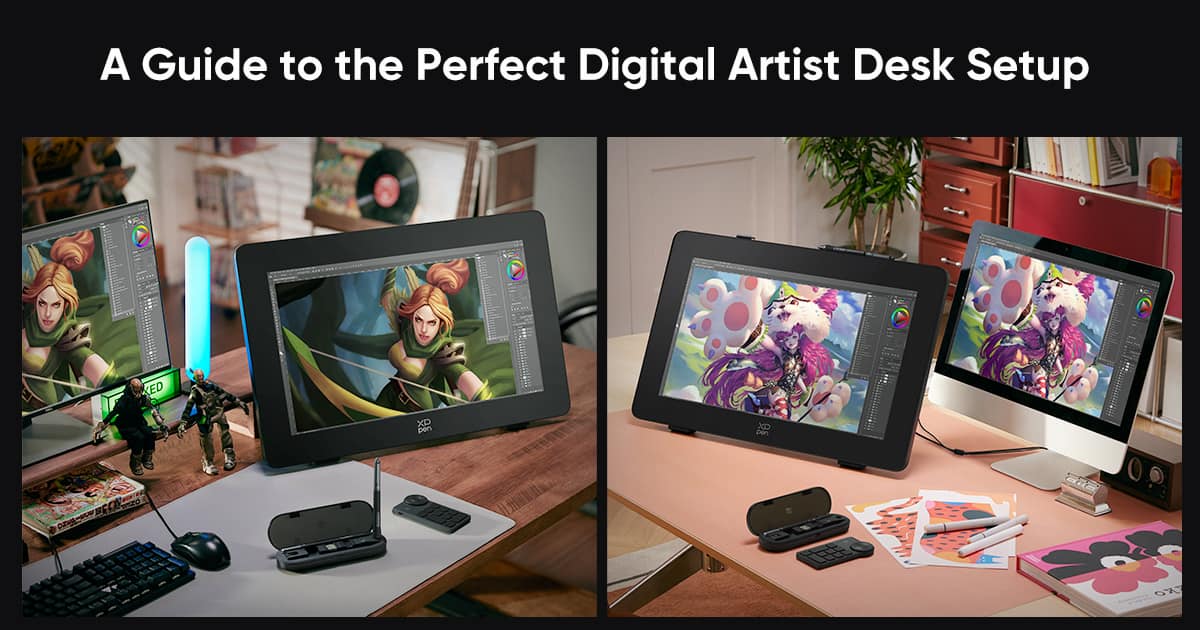

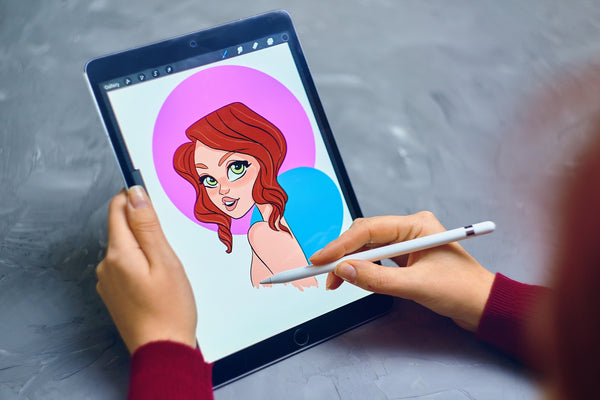
Many beginners want to start digital drawing but feel confused about where to begin.
You open a drawing app, see dozens of brushes, layers, tools, and settings… and suddenly it feels overwhelming.
A lot of new artists think they need expensive tablets or advanced software before they can start. But that’s not true.
Many successful digital artists started with simple tools and basic practice.
For example, Indian digital artist Sona Dubey, creator of ArtBySona, began by focusing on fundamentals like sketching shapes, practicing lines, and learning basic digital tools.
The truth is simple: once you understand the basics of digital drawing, everything becomes much easier.
This beginner-friendly guide explains the core fundamentals of digital drawing step by step, so you can confidently start your digital art journey.
Table of Contents
- What is Digital Drawing
- Tools You Need to Start Digital Drawing
- Basic Digital Drawing Concepts
- Step-by-Step Process to Start Digital Drawing
- Essential Tips for Beginners
- Common Mistakes Beginners Make
- Daily Practice Routine
- Conclusion
- FAQ
What is Digital Drawing?
Digital drawing is the process of creating artwork using digital devices such as tablets, drawing pads, or computers with drawing software.
Instead of traditional paper and pencil, artists use:
- Drawing tablets
- Stylus pens
- Digital drawing applications
Popular digital drawing software includes:
- Procreate
- Photoshop
- Krita
- Clip Studio Paint
One major advantage of digital drawing is flexibility.
You can:
- Undo mistakes instantly
- Experiment with unlimited colors
- Work with multiple layers
- Improve faster through practice
For beginners, this flexibility makes learning much easier.
Tools You Need to Start Digital Drawing
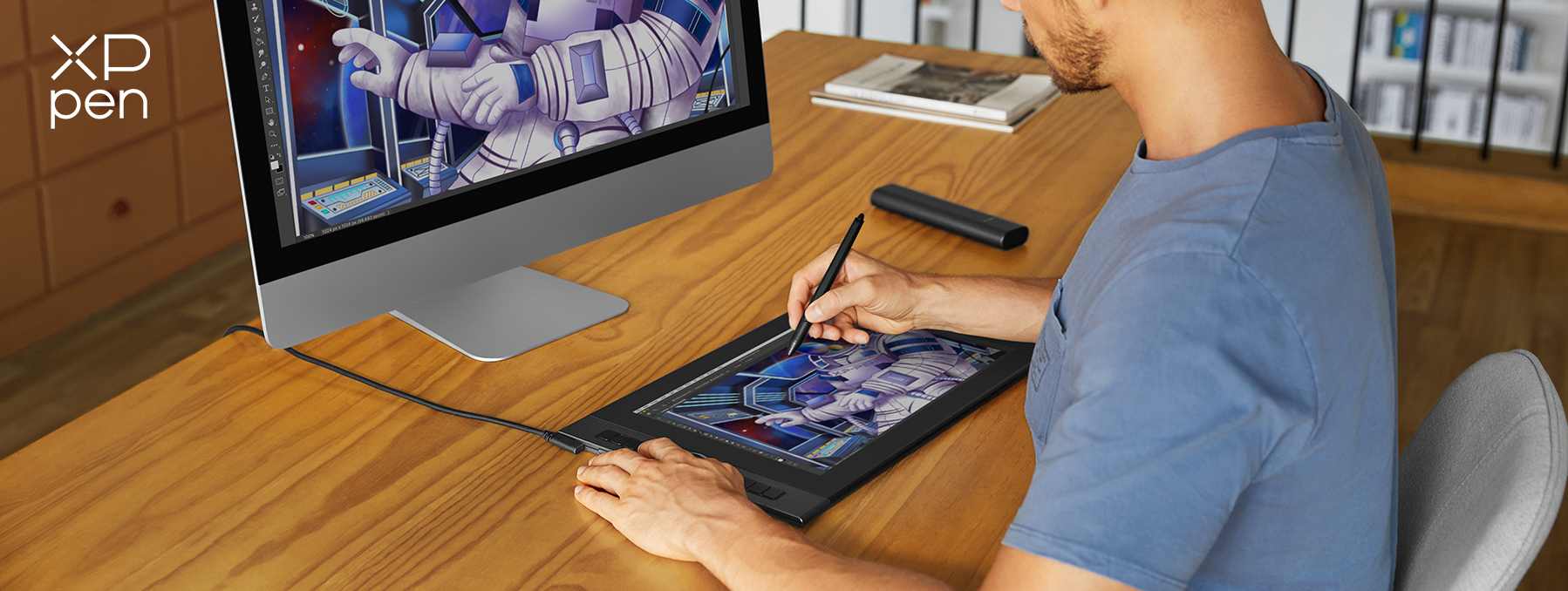
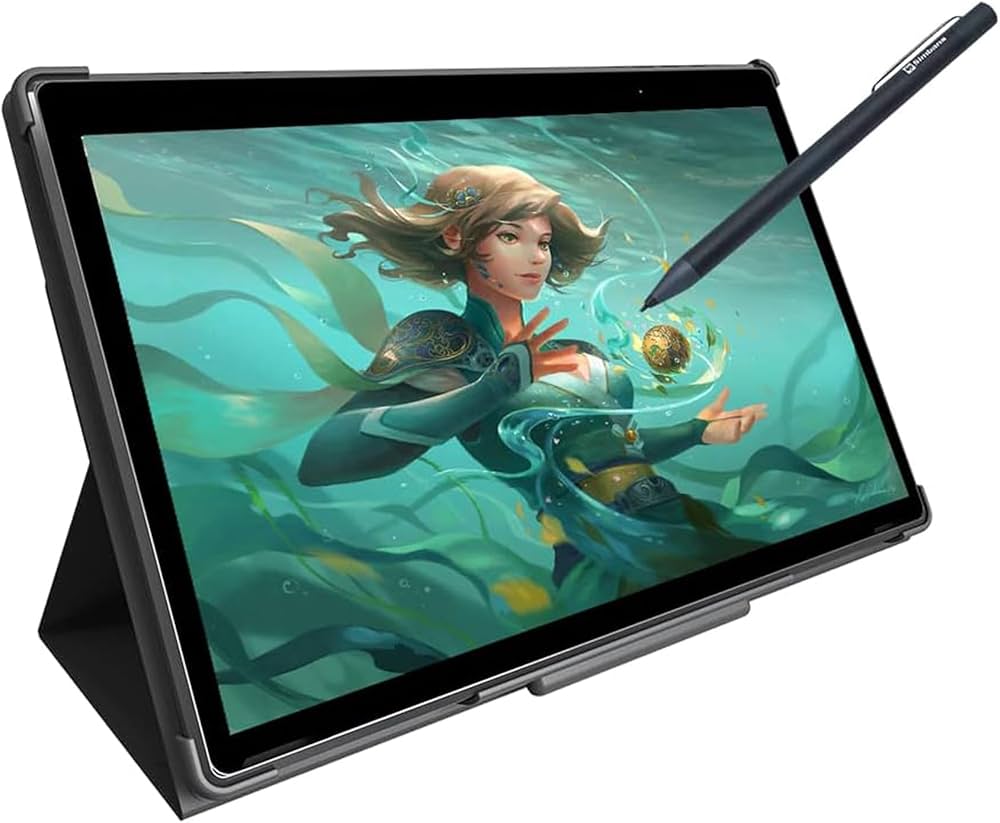
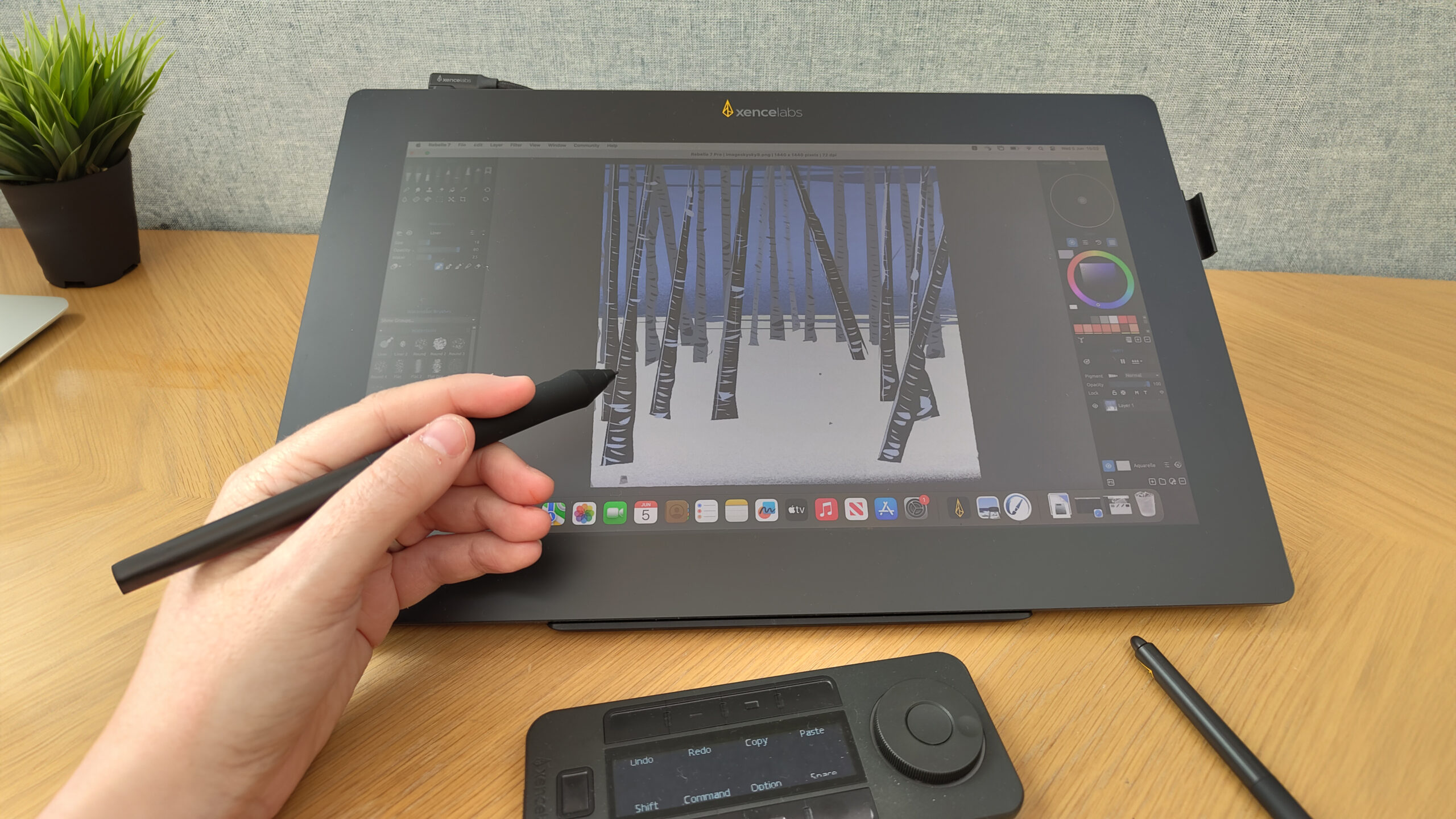
Many beginners believe they need expensive equipment. In reality, you can start with basic tools.
Drawing Device
You can create digital drawings using:
- Drawing tablet (Wacom / Huion)
- iPad with Apple Pencil
- Android tablet with stylus
- Laptop with drawing tablet
Many beginner artists in India start with budget tablets under ₹5000.
Drawing Software
Choose beginner-friendly drawing apps:
- Krita (Free)
- Autodesk Sketchbook (Free)
- Procreate
- Photoshop
Free software like Krita is powerful enough for beginners.
Stylus Pen
A stylus pen gives better control compared to a mouse.
Pressure-sensitive stylus pens help create:
- thin strokes
- thick lines
- smooth shading
Basic Digital Drawing Concepts
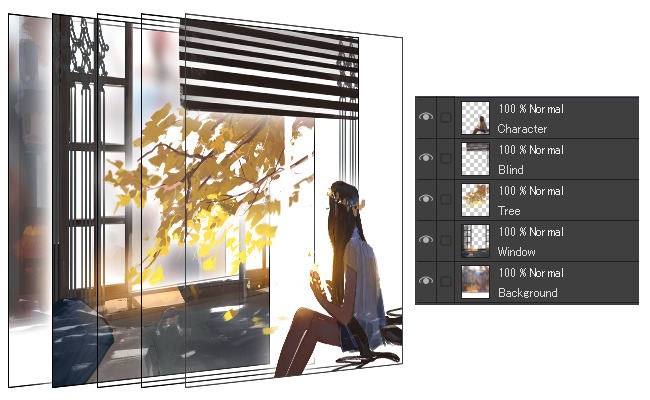
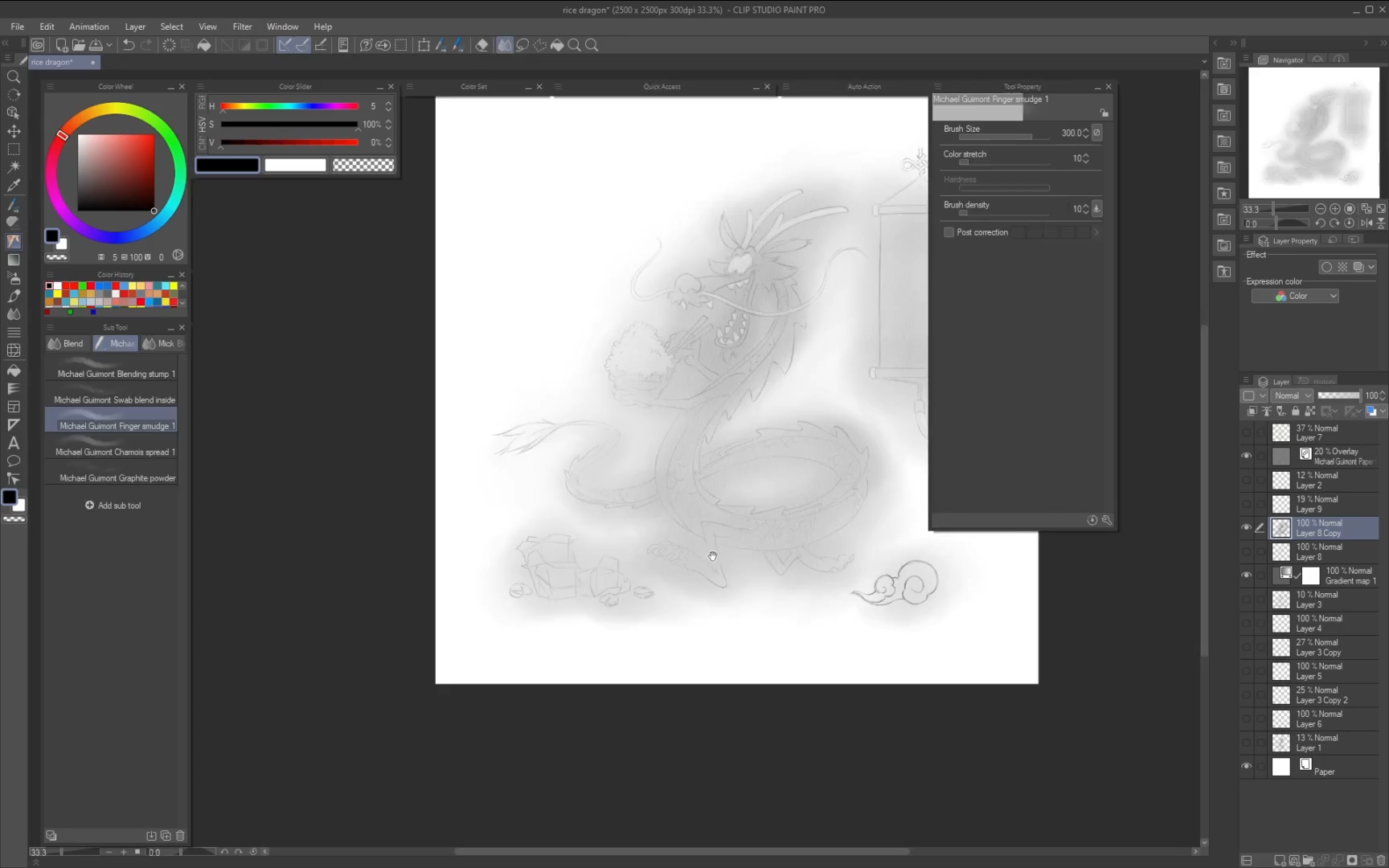
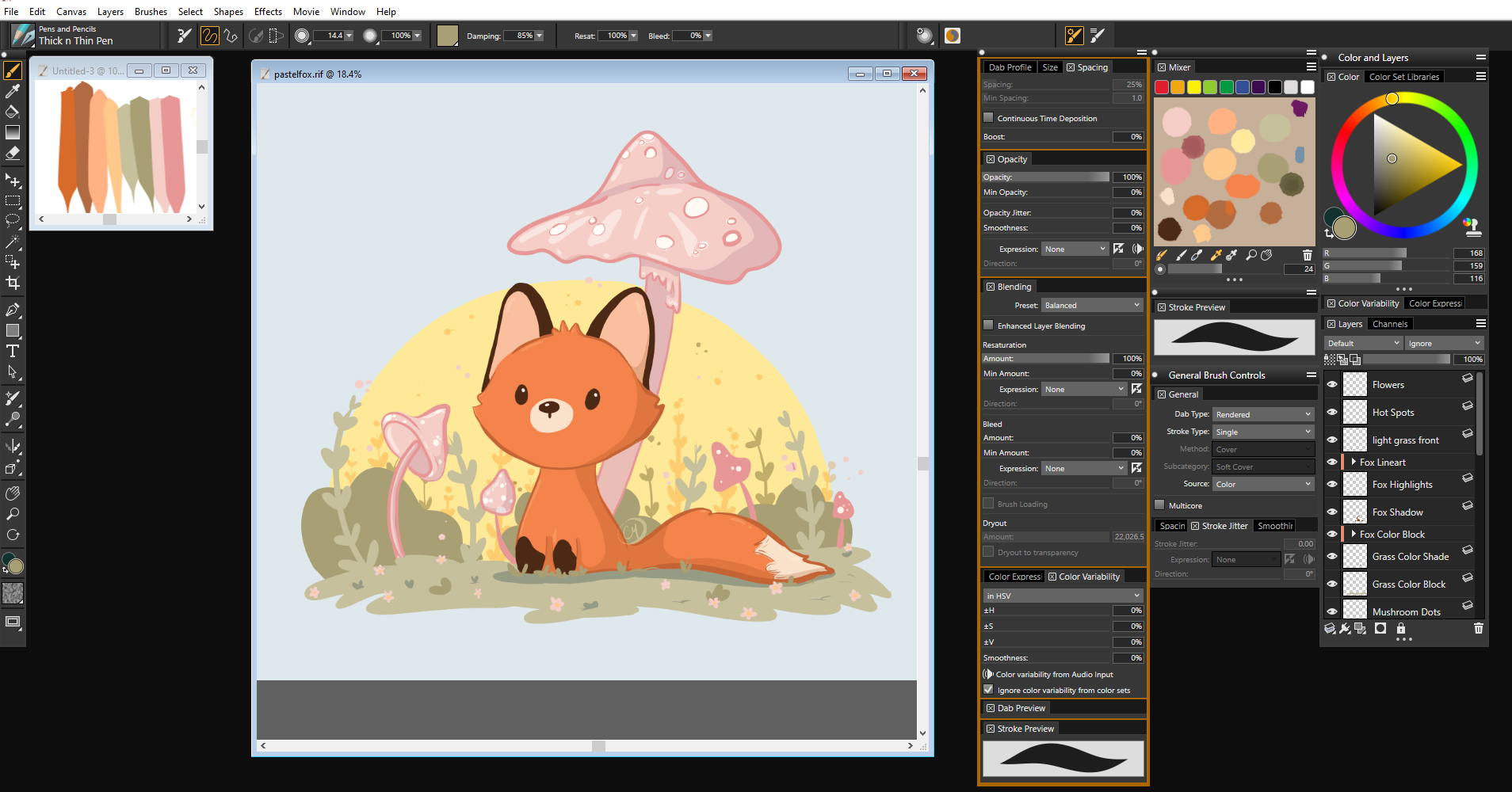
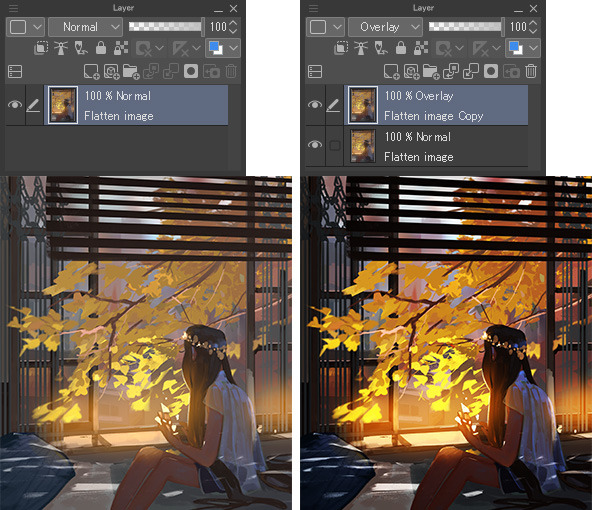
Before creating complex artwork, beginners should understand a few key concepts.
Layers
Layers allow artists to separate different parts of the drawing.
Example:
- Layer 1 → Sketch
- Layer 2 → Line art
- Layer 3 → Colors
This makes editing much easier.
Brush Tool
Brushes simulate real tools such as:
- Pencil
- Ink pen
- Watercolor
Beginners should start with simple pencil brushes.
Canvas
Canvas is the digital drawing area.
A good beginner canvas size is:
3000 × 3000 pixels
This gives enough resolution for practice.
Step-by-Step Process to Start Digital Drawing

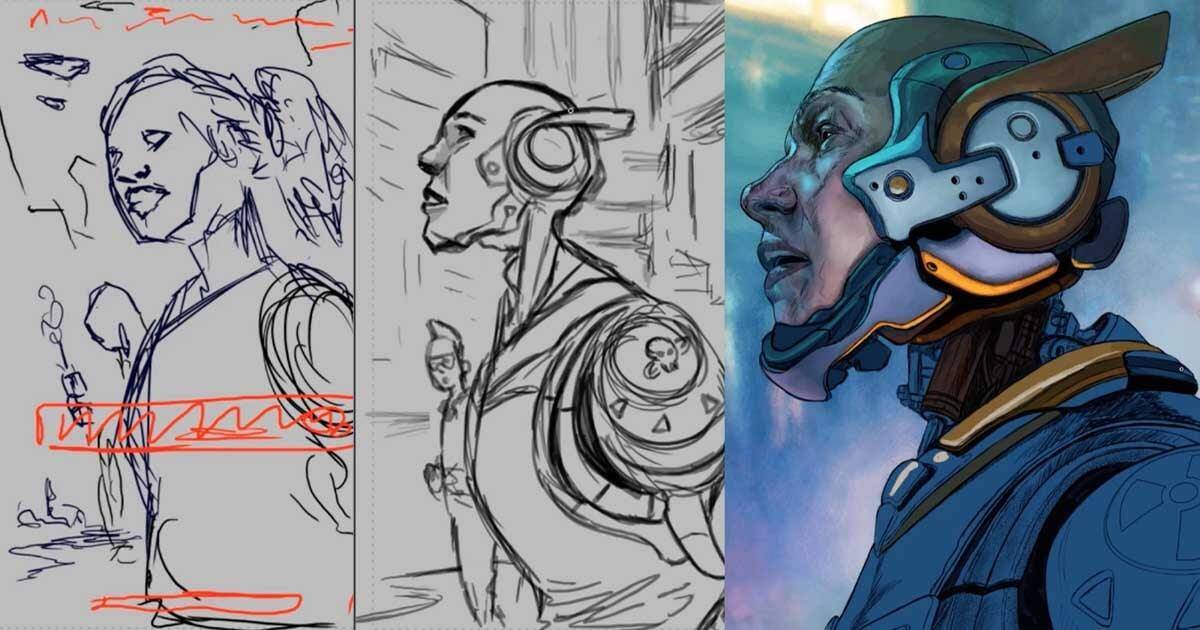
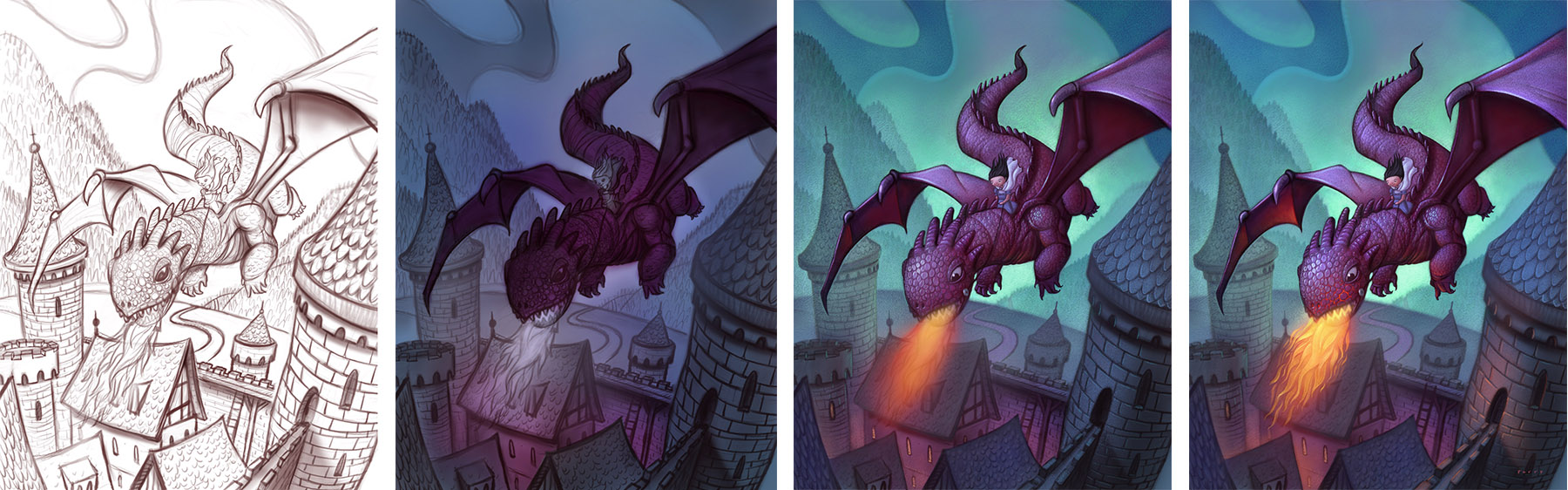
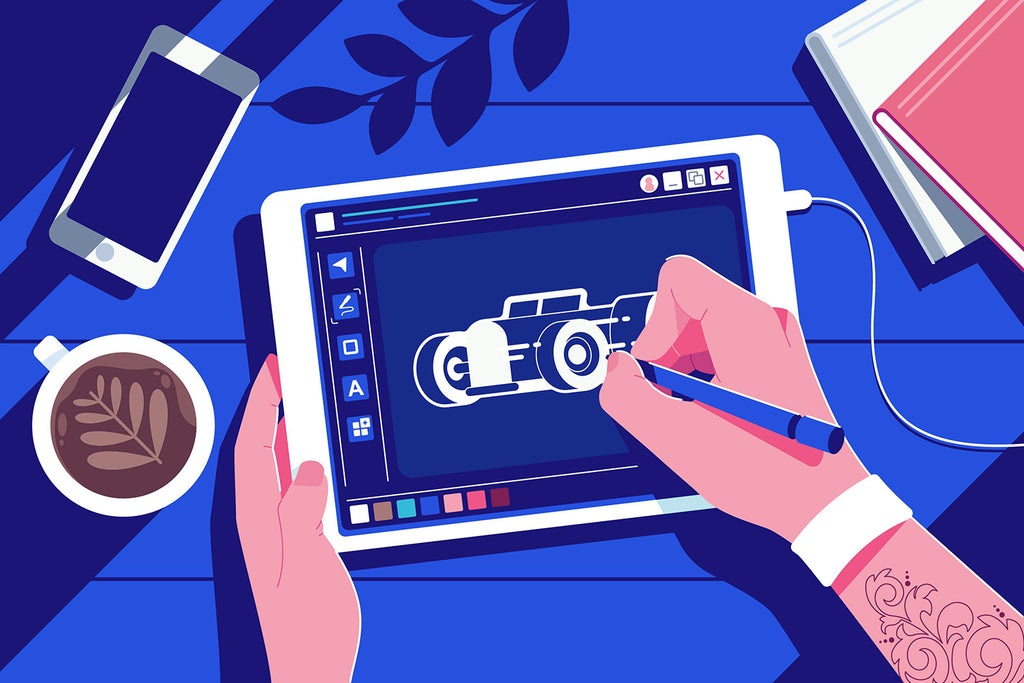
Following a simple workflow helps beginners learn faster.
Step 1: Start with Basic Shapes
Every drawing begins with simple shapes.
Practice drawing:
- circles
- squares
- cylinders
- triangles
These shapes form the foundation of complex drawings.
Step 2: Create a Rough Sketch
Use a light pencil brush to sketch your idea.
Focus on structure rather than perfection.
Step 3: Create Line Art
Lower the sketch opacity and draw clean lines above it.
This stage is known as line art.
Step 4: Add Colors
Create a new layer and fill basic colors.
Focus on simple flat colors first.
Step 5: Add Shadows and Highlights
Shadows create depth and realism.
Highlights add brightness and dimension.
Essential Digital Drawing Tips for Beginners
Here are simple tips that help beginners improve faster.
Practice Simple Objects
Start drawing everyday objects like:
- fruits
- mugs
- plants
- books
These improve observation skills.
Use References
Professional artists rarely draw from memory.
Using reference images helps improve accuracy.
Stay Consistent
Practicing 20 minutes daily is more effective than drawing once a week.
Consistency builds skills faster.
Study Other Artists
Observe how artists use:
- lighting
- composition
- color palettes
This helps you understand professional techniques.
Common Digital Drawing Mistakes Beginners Make
Many beginners slow their progress because of avoidable mistakes.
Using Too Many Brushes
New artists often try dozens of brushes.
But most professionals use only a few brushes.
Ignoring Fundamentals
Jumping directly into coloring without learning basics such as:
- anatomy
- perspective
- shading
can make artwork look flat.
Zooming Too Much
Constant zooming hides mistakes.
Zoom out frequently to view the whole artwork.
Comparing Yourself to Professionals
Social media can create unrealistic expectations.
Remember: every skilled artist started as a beginner.
How to Practice Digital Drawing Daily
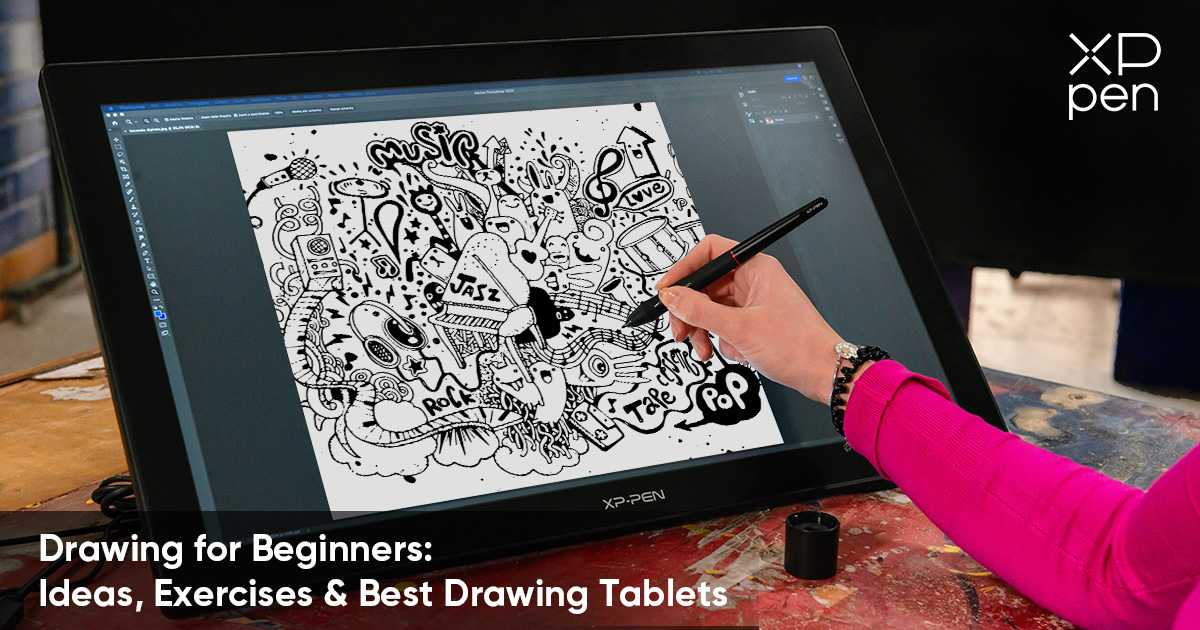
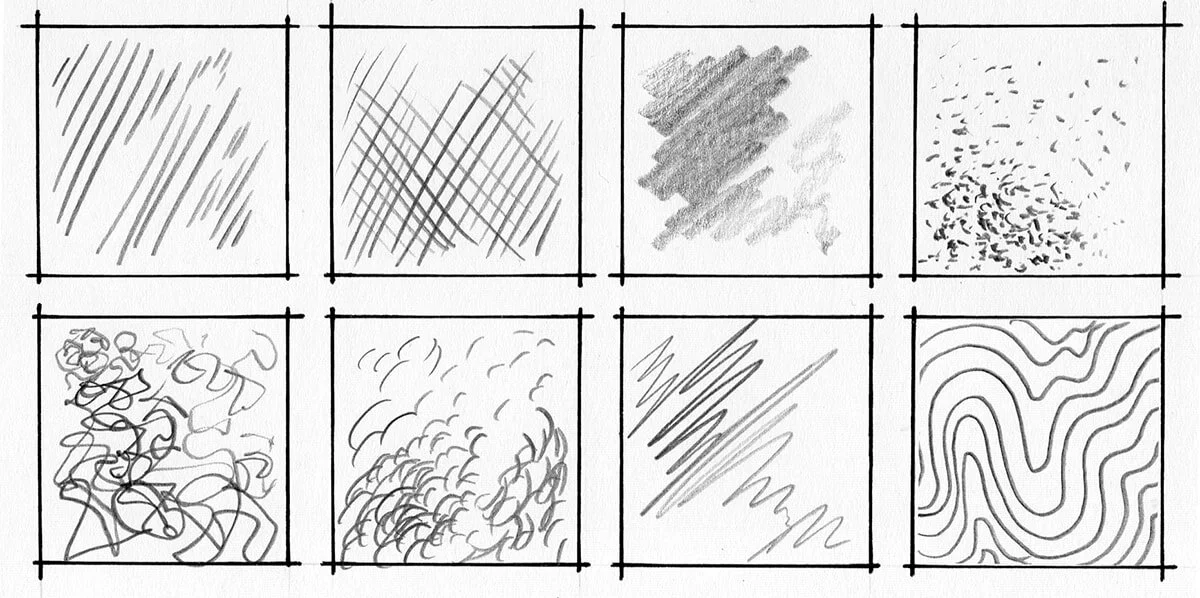
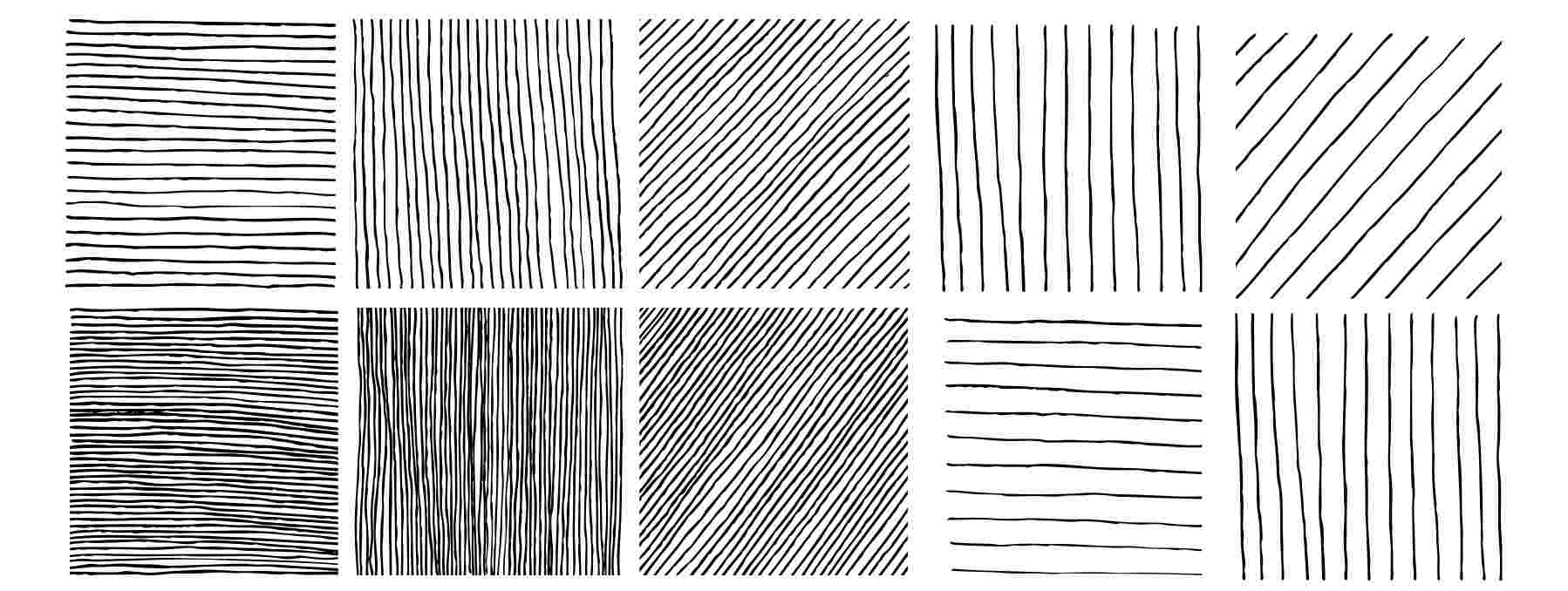
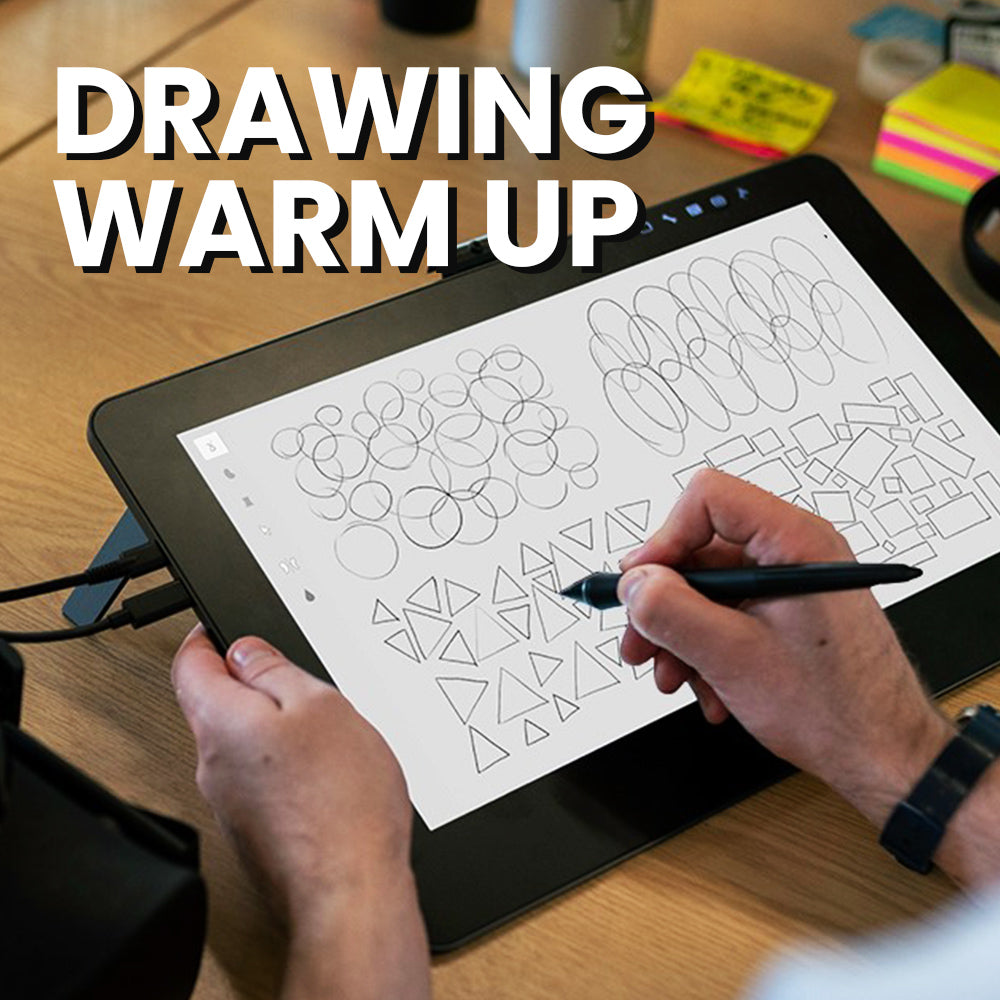
Improvement comes from consistent practice.
Here is a simple daily routine.
10 Minute Warm-Up
Practice lines, circles, and shapes.
This improves hand control.
15 Minute Sketch Practice
Draw simple objects or characters.
Focus on structure.
15 Minute Study
Analyze artwork from skilled artists.
Observe shading and lighting techniques.
Weekly Challenge
Choose a theme for each week:
- portraits
- animals
- landscapes
This keeps practice interesting.
If you want to learn more about Digital Drawing Exercises, then visit 10 Digital Art Exercises for Beginners
Conclusion
Digital drawing may seem difficult at first, but once you understand the basics, learning becomes much easier.
You don’t need expensive tools to begin.
All you need is:
- basic drawing knowledge
- simple tools
- consistent practice
Many artists—including creators like Sona Dubey from ArtBySona—developed their skills through steady learning and daily practice.
Start small.
Open your drawing app today and draw one simple sketch.
Your improvement begins with the first line you draw.
FAQ
Is digital drawing easier than traditional drawing?
Digital drawing allows easier corrections through undo and layers, but the fundamental drawing skills remain the same.
What is the best software for beginners?
Free software like Krita and Sketchbook are excellent choices for beginners.
Do beginners need a drawing tablet?
No. Beginners can start with tablets, stylus devices, or mobile drawing apps.
How long does it take to learn digital drawing?
With regular practice, beginners usually see noticeable improvement within 3–6 months.
Can beginners earn money from digital art?
Yes. Many artists earn through commissions, digital illustrations, prints, and freelance projects.
Also Read:
- Best Free Digital Art Brushes for in 2026
- How to Build a Digital Art Portfolio
- Digital Art vs Traditional Art – 2026
- 20 Daily Digital Drawing Prompts
- How to Improve Digital Art Skills Faster

Sona Dubey is a digital artist with 5+ years of experience in illustration and devotional art. She is the founder of ArtBySona where she shares digital art tutorials, drawing exercises, and beginner-friendly guides to help artists improve their skills.