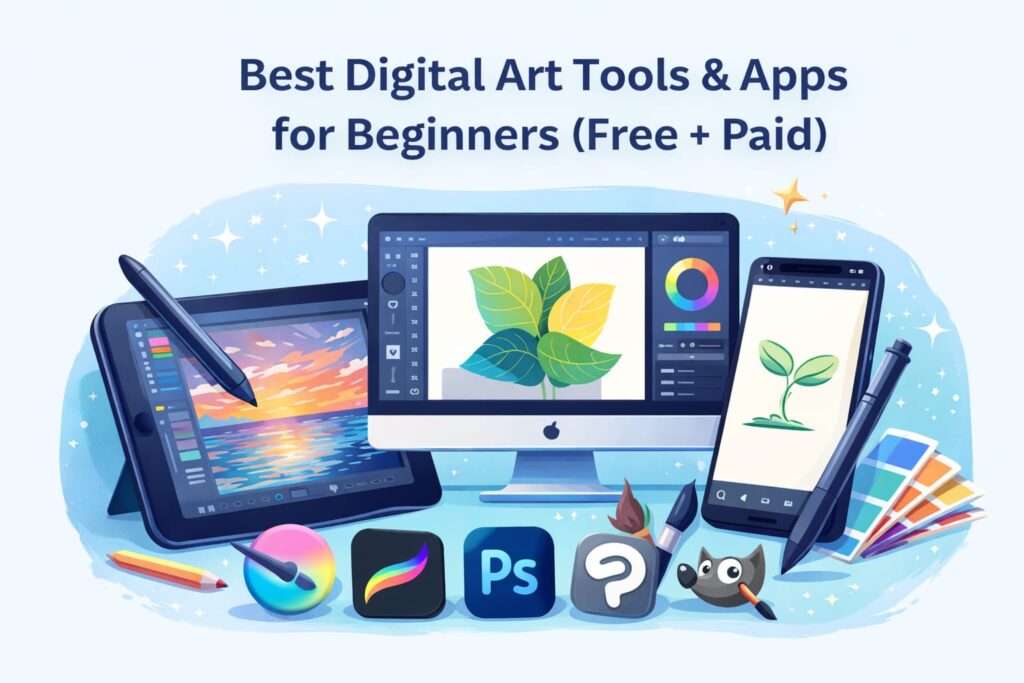
Introduction to Digital Art Tools for Beginners
Digital art has opened new creative possibilities for artists who want to explore drawing, painting, and illustration using technology. For beginners, understanding digital art tools is the first and most important step toward building confidence and developing artistic skills. At ArtbySona, the focus is on helping new artists begin their digital art journey. This journey starts with clarity and creativity. It also involves providing the right resources.
Digital art tools include software, mobile apps, and hardware. These enable artists to create artwork digitally. This method substitutes traditional paper and paint usage. These tools are designed to make drawing easier, more flexible, and more accessible for beginners. Whether you are sketching for fun, or you plan to grow as a digital artist, select beginner-friendly tools. These tools can make the learning process smoother. They also make it more enjoyable.
For many beginners, digital art feels overwhelming at first because of the wide variety of tools available. However, the goal is not to use advanced or expensive software immediately. The right digital art tools for beginners focus on simplicity, ease of use, and creative freedom. Starting with basic tools helps artists understand digital brushes, layers, colors, and workflows without unnecessary confusion.
As an artist, Sona Dubey believes that digital art should feel approachable and inspiring, not complicated. With the right tools, beginners can experiment freely, make mistakes, and grow creatively at their own pace. This guide by ArtbySona is here to help beginners understand digital art tools. The aim is to provide clarity and support options that encourage learning rather than limit creativity.
By the end of this guide, you will understand what digital art tools are. You will know why they matter. You will also learn how they can support your artistic growth from the very beginning.
Why Choosing the Right Digital Art Tool Matters
Choosing the right digital art tool plays a major role in how beginners learn and grow as artists. For someone just starting out, the tools used can either encourage creativity or create unnecessary frustration. At ArtbySona, the goal is to guide beginners toward tools that support learning rather than overwhelm them.
Beginner-friendly digital art tools are designed to be easy to understand and simple to use. When artists start with tools that match their skill level, they can focus more on creativity. They don’t have to struggle with complex features. This helps build confidence and keeps beginners motivated to continue practicing digital art regularly.
The right digital art tools also help beginners understand important fundamentals such as brush control, color selection, and layer management. These basics form the foundation of digital art. Using tools that are too advanced too early can slow down learning and reduce enjoyment. Artist Sona Dubey emphasizes starting with tools that allow experimentation and gradual skill development.
Another important reason to choose the right digital art tool is consistency. Beginners are more likely to practice daily when the tool feels comfortable and accessible. Whether it is a mobile app or computer software, ease of use encourages long-term learning and creative growth.
At ArtbySona, beginners are encouraged to see digital tools as creative companions rather than technical barriers. The right tool supports artistic expression, allows mistakes without fear, and helps artists discover their unique style over time. Selecting the right digital art tool is not about perfection but about creating an environment where creativity can grow naturally.
Types of Digital Art Tools Explained
Understanding the different types of digital art tools helps beginners choose the right starting point for their creative journey. Digital art tools are not limited to just software. They include a combination of programs, apps, and hardware. These elements work together to support digital creativity. At ArtbySona, beginners are encouraged to first understand these categories before selecting any tool.
Digital art tools fall into three main types. These include drawing and painting software, mobile apps for digital art, and hardware tools like tablets and stylus pens. Each type serves a different purpose and suits different learning styles and creative goals.
For beginners, knowing these categories makes the process of learning digital art more organized and less confusing. Some artists prefer creating on a computer, while others enjoy the flexibility of mobile devices. Hardware tools, on the other hand, improve control and comfort while drawing digitally.
Artist Sona Dubey believes that there is no single “perfect” digital art tool for everyone. The best choice depends on an artist’s preferred working style. It also depends on how much time they can practice. Additionally, it depends on the kind of art they wish to create. Understanding the types of tools available allows beginners to make informed and confident decisions.
This section of the ArtbySona guide presents each type of digital art tool in a straightforward and beginner-friendly manner. New artists are guided to explore their options without feeling pressured. In the next sections, each tool category will be explained in detail to help beginners choose what suits them best.
Drawing & Painting Software
Drawing and painting software plays a central role in digital art. It is crucial for beginners who are learning the basics of digital creation. These software programs are designed to simulate traditional drawing and painting while offering the flexibility of digital tools. At ArtbySona, beginners are encouraged to start with software that feels simple, intuitive, and supportive of creative exploration.
Drawing and painting software allows artists to create sketches, illustrations, and detailed artwork using digital brushes, colors, and layers. One of the biggest advantages of using software is the ability to undo mistakes. It allows artists to experiment freely and refine artwork without fear. This feature is especially helpful for beginners who are still building confidence.
For new artists, beginner-friendly software focuses on ease of use rather than complex professional features. Simple brush settings, basic layer options, and a clean interface help beginners understand how digital art works without feeling overwhelmed. Artist Sona Dubey recommends starting with software that encourages practice and creativity instead of perfection.
Another important benefit of drawing and painting software is versatility. Beginners can explore different art styles such as sketching, digital painting, line art, and coloring within one platform. This flexibility helps artists discover their interests and strengths over time.
At ArtbySona, digital art is viewed as a journey of learning and expression. Choosing the right drawing and painting software helps beginners develop fundamental skills while enjoying the creative process. With regular practice and the right tools, beginners can gradually grow into confident digital artists.
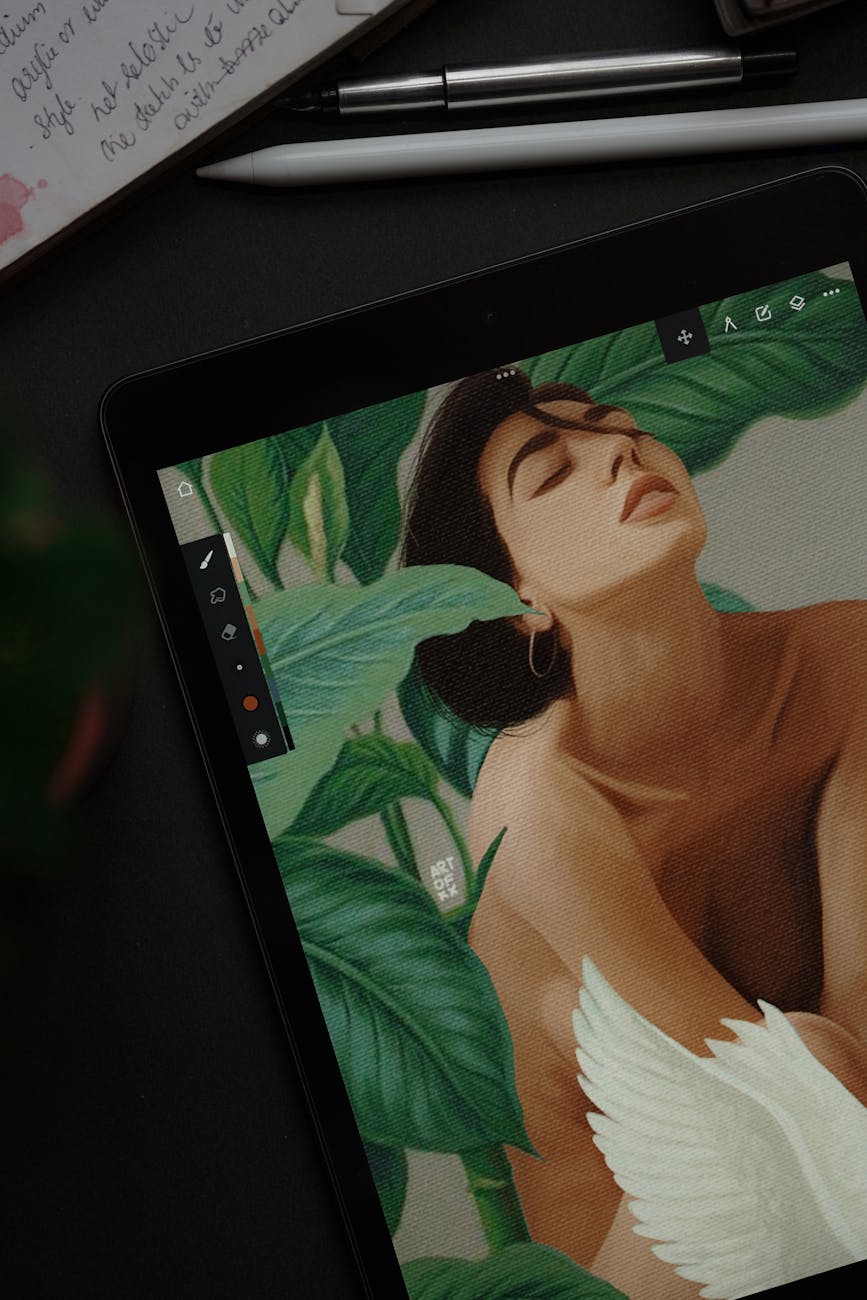
Mobile Apps for Digital Art
Mobile apps for digital art have made creativity more accessible than ever, especially for beginners. These apps allow artists to draw, sketch, and paint directly on smartphones or tablets without needing a computer setup. At ArtbySona, mobile digital art is encouraged for its ease and flexibility. It allows beginners to practice anytime and anywhere.
For beginners, mobile apps are often less intimidating than full desktop software. They provide simple interfaces and easy brush controls. These apps also have ready-to-use tools that help new artists focus on creativity instead of technical settings. Artist Sona Dubey believes that mobile apps are ideal for beginners. They serve as a great starting point for those who want to build daily drawing habits.
One of the biggest advantages of mobile digital art apps is portability. Beginners can practice during free time, explore ideas quickly, and experiment with styles without setting up equipment. This flexibility helps artists stay consistent, which is essential for improving digital art skills.
Mobile apps also help beginners understand basic digital art concepts such as layers, brush pressure, color selection, and canvas sizing. Learning these fundamentals on mobile devices makes it easier to transition to more advanced software in the future.
At ArtbySona, digital art is about growth and exploration. Mobile apps support this journey by providing a comfortable and beginner-friendly space to create art. With regular practice and the right mindset, beginners can build strong foundations in digital art using mobile apps alone. Here’s the list of some best digital art tools for Mobiles:
- ibis Paint X
Free version available
Great for beginners - Autodesk SketchBook
Clean interface
Beginner-friendly - Infinite Painter
Powerful brushes
Smooth performance - Procreate
Paid
Professional-level
Best for iPad users
Hardware Tools (Tablets & Stylus)
Hardware tools such as tablets and stylus pens are crucial for enhancing the digital art experience. They become especially important as beginners advance in their learning journey. Digital art can be started without expensive equipment. However, the right hardware tools make drawing more comfortable. They make it feel more natural and increase precision. At ArtbySona, beginners are guided to understand hardware tools before investing in them.
Drawing tablets and stylus pens are designed to mimic the feel of traditional drawing. A stylus allows artists to control lines, pressure, and movement more accurately than using a mouse or finger. This helps beginners improve hand control and develop better drawing habits over time. Artist Sona Dubey suggests that hardware tools should support creativity, not create pressure to upgrade too early.
There are different types of tablets available for beginners. These include basic pen tablets and tablets with screens. There are also tablet devices that support digital art apps. Beginners can start with simple and affordable options that connect to a computer or mobile device. As skills improve, artists can gradually explore more advanced hardware if needed.
Using hardware tools also helps beginners understand important digital art concepts such as pressure sensitivity, brush dynamics, and stroke variation. These features allow artists to create more expressive and natural-looking artwork while maintaining creative control.
At ArtbySona, the focus is on choosing hardware tools that match the artist’s comfort level and learning stage. Beginners do not need the most advanced equipment to create meaningful digital art. With practice and patience, artists can greatly benefit from using tablets and stylus pens. These tools become valuable companions in their digital art journey.
Best Free Digital Art Tools for Beginners
Free digital art tools are an excellent starting point for beginners who want to explore digital creativity without financial pressure. These tools allow new artists to learn the basics, practice regularly, and build confidence before investing in paid software. At ArtbySona, beginners are encouraged to start with free tools that support learning and experimentation.
Free digital art tools often provide essential features such as basic brushes, layers, color palettes, and simple editing options. While they do not offer advanced professional features, they are more than sufficient for understanding digital art fundamentals. Artist Sona Dubey believes that creativity grows through practice, not through expensive tools.
One of the biggest advantages of free digital art tools is accessibility. Beginners can try different tools, explore various art styles, and discover what works best for them without any commitment. This flexibility helps artists make informed decisions when they are ready to move to paid tools.
Using free tools also helps beginners build discipline and consistency. When tools are easy to access, artists are more to practice daily. Practicing daily helps them develop essential skills, such as sketching, shading, and coloring. These habits play a key role in long-term artistic growth.
At ArtbySona, free digital art tools are viewed as learning companions that help beginners grow step by step. With patience, curiosity, and regular practice, beginners can create impressive digital artwork using free tools alone.
Free Tools for PC & Laptop
Free digital art tools for PC and laptop are perfect for beginners. They offer the benefit of creating artwork on a larger screen. This allows for more control. These tools allow artists to understand core digital art concepts while working comfortably with a mouse, stylus, or drawing tablet. At ArtbySona, beginners are guided to start with free desktop tools that support learning without overwhelming technical features.
Using free PC and laptop tools helps beginners practice sketching, digital painting, and basic illustration techniques. These tools usually offer essential features such as customizable brushes, layer support, color adjustment options, and canvas settings. Artist Sona Dubey encourages beginners to focus on mastering these fundamentals before moving to advanced software.
Another advantage of free desktop tools is stability and precision. Working on a larger screen allows beginners to observe details clearly and improve accuracy in line work and shading. This setup is especially helpful for artists who want to explore detailed illustrations or digital paintings.
Free tools for PC and laptop also support long practice sessions, making them suitable for structured learning and creative exploration. Beginners can experiment freely, save multiple versions of their work, and gradually build a personal digital art workflow.
At ArtbySona, free desktop tools are seen as a strong foundation for digital art learning. With regular practice and curiosity, beginners can create high-quality digital artwork without spending money on software. Here’s the list of some best digital art tools for laptop & PC:
- Krita
100% free
Best for digital painting
Beginner-friendly - GIMP
Free Photoshop alternative
Good for illustration - MediBang Paint
Lightweight
Great for manga & beginners
Best Drawing Tablets for Beginners
- Wacom Intuos
Industry trusted
Great pressure control - XP-Pen Deco
Budget-friendly
Good for beginners - Huion Inspiroy
Affordable
Smooth drawing experience
Best Paid Digital Art Tools Worth Investing In
Paid digital art tools offer advanced features. They provide better performance and long-term creative support for artists. These tools are ideal for those who want to grow beyond the basics. While free tools are excellent for learning, paid tools can help beginners refine skills and explore more complex artistic techniques. At ArtbySona, paid tools are seen as optional upgrades rather than necessities.
Paid digital art tools often provide smoother brush performance, better customization, advanced layer options, and improved workflow efficiency. These features help artists work more comfortably and experiment with detailed artwork. Artist Sona Dubey suggests considering paid tools only after understanding personal art needs and preferences.
Investing in the right paid tool can support consistent practice and long-term creative growth. Beginners should view paid tools as supportive resources, not shortcuts to skill.
Affordable Paid Tools for Beginners
Affordable paid digital art tools offer a great opportunity for beginners. These tools provide more features without requiring a high financial commitment. These tools usually offer user-friendly interfaces with additional creative options compared to free versions. At ArtbySona, beginners are encouraged to choose affordable tools that enhance learning without pressure.
Such tools often include better brush libraries, smoother performance, and flexible export options. They help beginners explore styles like digital painting, illustration, and coloring more confidently. Sona Dubey states that affordable tools are perfect for artists who are consistent with practice. These artists are ready to take the next step.
The key is to choose tools that feel comfortable and match personal creative goals, rather than following trends.
Professional Tools for Skill Growth
Professional digital art tools are designed for artists who want to work at a higher level of detail and control. These tools are powerful and feature-rich, making them suitable for long-term artistic development. At ArtbySona, professional tools are recommended only after building a strong foundation.
These tools support complex artwork, advanced brush control, color management, and large canvas sizes. While beginners do not need professional tools immediately, understanding their purpose helps artists plan future growth. Artist Sona Dubey emphasizes that skill matters more than software, and professional tools work best when combined with experience.
Free vs Paid Digital Art Tools: Which Should Beginners Choose?
Choosing between free and paid digital art tools depends on learning stage, goals, and comfort level. Free tools are perfect for beginners who want to explore digital art without investment. Paid tools offer additional features that support efficiency and refinement.
At ArtbySona, beginners should start with free tools. They should move to paid options only when they feel confident. Consistency is also important. Sona Dubey believes that growth comes from practice, not from the price of tools. Both free and paid tools can support creativity when used with dedication.
How to Choose the Best Digital Art Tool for Your Needs
Choosing the best digital art tool requires understanding personal preferences and creative goals. Beginners should consider factors such as ease of use, device compatibility, learning curve, and available features. At ArtbySona, the focus is on comfort and creativity rather than complexity.
Artist Sona Dubey advises beginners to choose tools that encourage regular practice. A tool that feels enjoyable and intuitive will always support better growth than one that feels overwhelming.
Common Mistakes Beginners Make While Choosing Art Tools
Many beginners make the mistake of choosing tools based on popularity rather than personal needs. Buying advanced tools too early, switching tools frequently, or focusing only on features can slow progress. At ArtbySona, beginners are guided to keep things simple.
Another common mistake is believing that better tools guarantee better art. Sona Dubey reminds artists that skills improve through patience, observation, and consistent effort—not tools alone.
Tips from Artist Sona Dubey for Starting Digital Art
Artist Sona Dubey encourages beginners to start small and stay consistent. Practicing regularly, experimenting freely, and allowing mistakes are essential parts of the digital art journey. At ArtbySona, beginners are reminded that every artist grows at their own pace.
Using beginner-friendly tools, observing progress, and enjoying the creative process are key to long-term improvement. Digital art should feel inspiring, not stressful.
How These Tools Help Build Creativity & Artistic Confidence
Digital art tools help artists explore ideas without fear of mistakes. Features like undo, layers, and flexible brushes allow beginners to experiment confidently. At ArtbySona, tools are viewed as creative partners that support learning and self-expression.
As beginners practice regularly, tools help build confidence by showing visible improvement over time. Sona Dubey believes that confidence grows naturally when creativity is nurtured in a supportive environment.
Frequently Asked Questions About Digital Art Tools
1.Are free digital art tools good for beginners?
Yes, free tools are excellent for learning basics and building confidence.
2.Do beginners need a drawing tablet?
No, beginners can start without a tablet and add one later if needed.
3.When should I move to paid tools?
When you feel consistent with practice and understand your needs.
4.Can mobile apps help me learn digital art?
Yes, mobile apps are great for practice and creative exploration.
Final Thoughts: Start Your Digital Art Journey with ArtbySona
Starting digital art does not require expensive tools or advanced software. What matters most is curiosity, patience, and regular practice. At ArtbySona, beginners are encouraged to focus on learning, creativity, and personal growth.
Artist Sona Dubey believes that every artist’s journey is unique. With the right mindset, beginners can build strong foundations. Using tools that feel comfortable, they enjoy the process of becoming digital artists.
Also Read:
- Best Free Digital Art Brushes in 2026
- How to Build a Digital Art Portfolio
- Digital Art vs Traditional Art – 2026
- 20 Daily Digital Drawing Prompts
- How to Improve Digital Art Skills Faster

Sona Dubey is a digital artist with 5+ years of experience in illustration and devotional art. She is the founder of ArtBySona where she shares digital art tutorials, drawing exercises, and beginner-friendly guides to help artists improve their skills.